
International Men’s Day 2026 is on Thursday, November 19.

Four ideas you can run
Pick one or combine them.1. Peer appreciation wall
Invite employees to recognise colleagues who mentor, support and show up for others. Their posts appear on the Empuls feed for everyone to see. Caption to pasteHappy International Men’s Day! Who’s a man who has made a difference to you? A mentor, a colleague, a father or a friend. Share a short story below and tag him if he’s here.
- Post the caption on the social feed on Thursday, November 19.
- Use @group to bring in whole teams, departments or locations.
- Use Spotlight to feature the most meaningful posts.
2. 24-hour spot awards
Let managers or leaders recognise standout people on the day, with or without points. You decide the budget and the cap.Men’s Day 2026 value badges
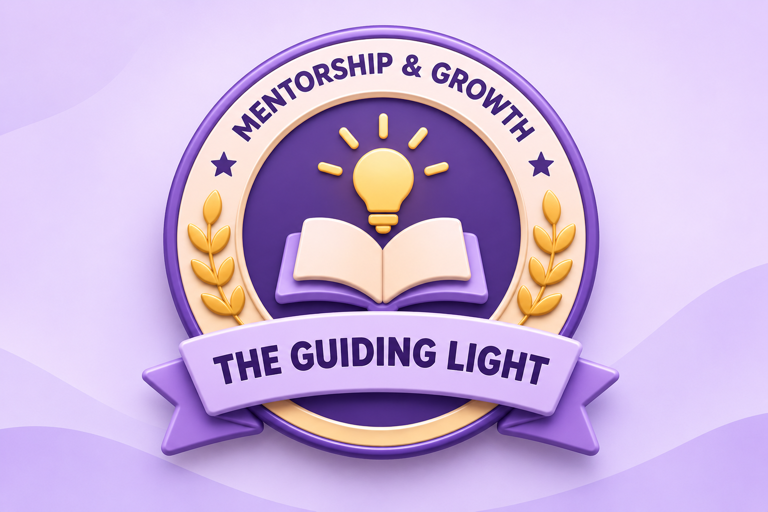
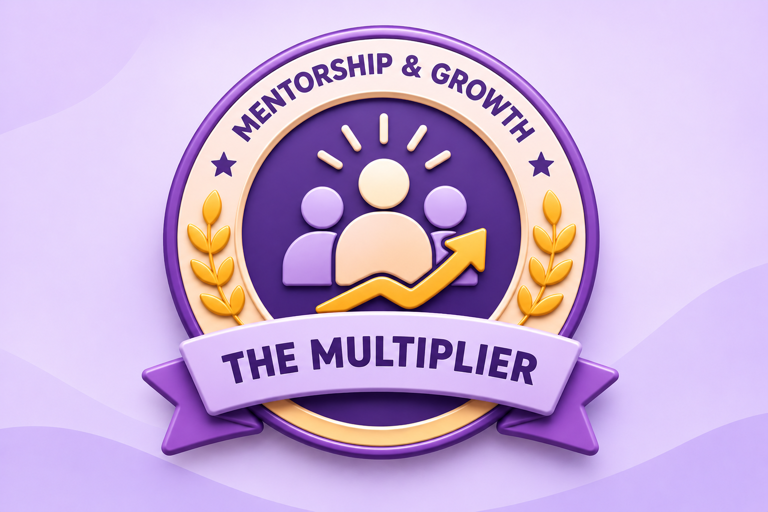
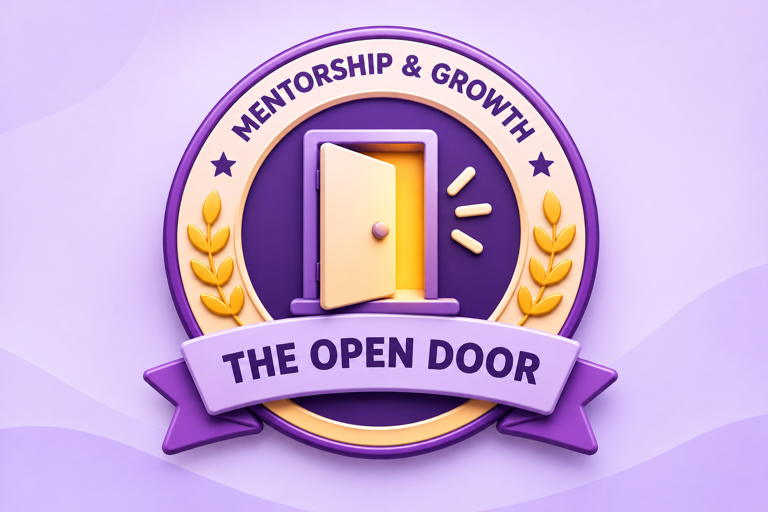
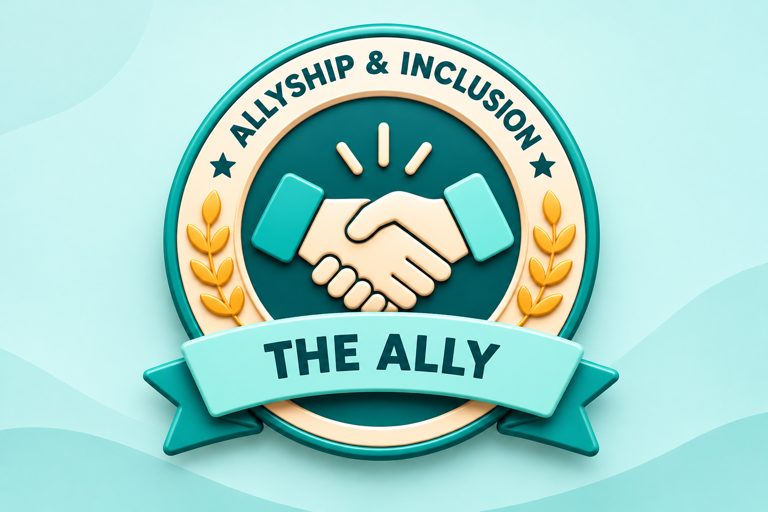
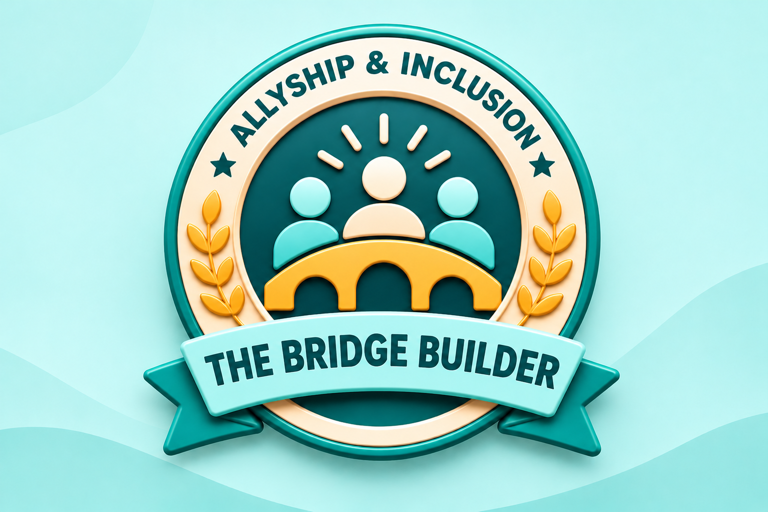
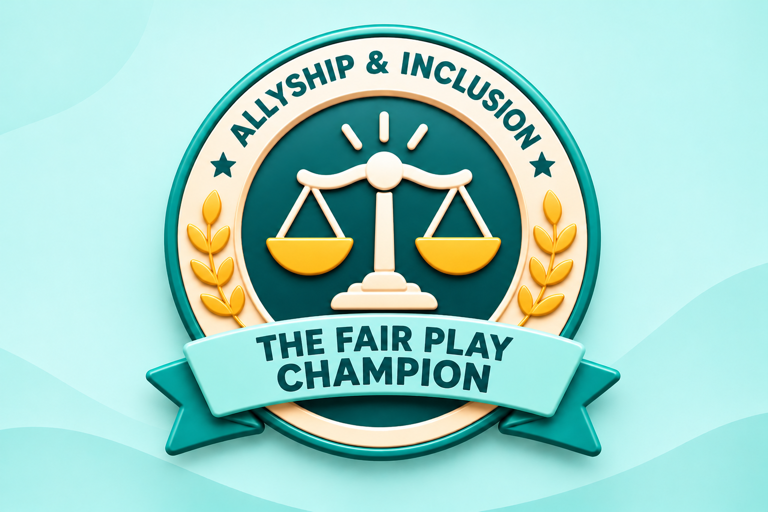
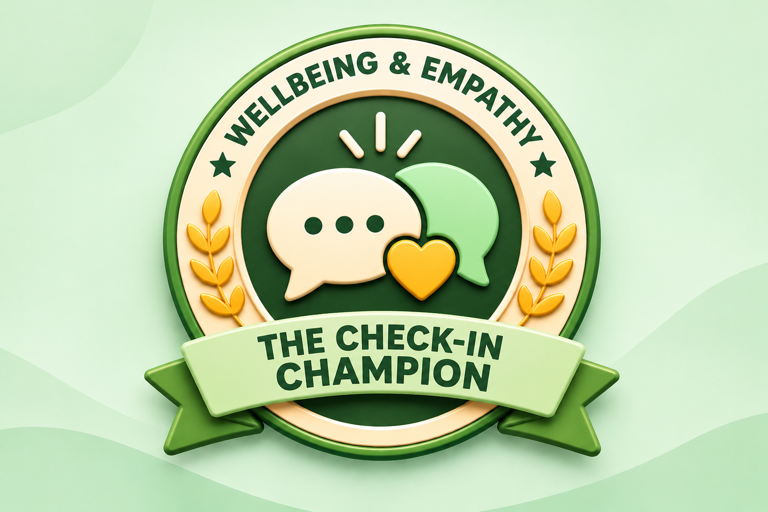
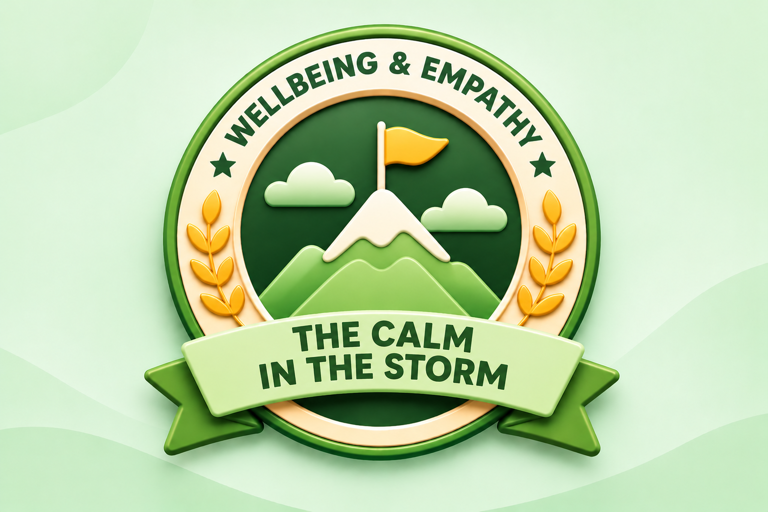
Pick the badges that fit your culture and use them for your spot awards or core values. Use the description on the award or e-card.| Theme | Badge | Title | Description |
|---|---|---|---|
| Mentorship & Growth | 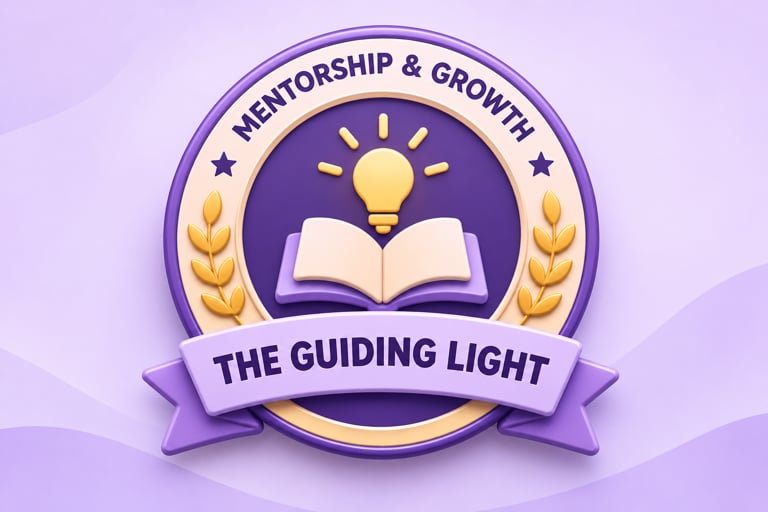 | The Guiding Light | For making time to teach, coach and help others grow |
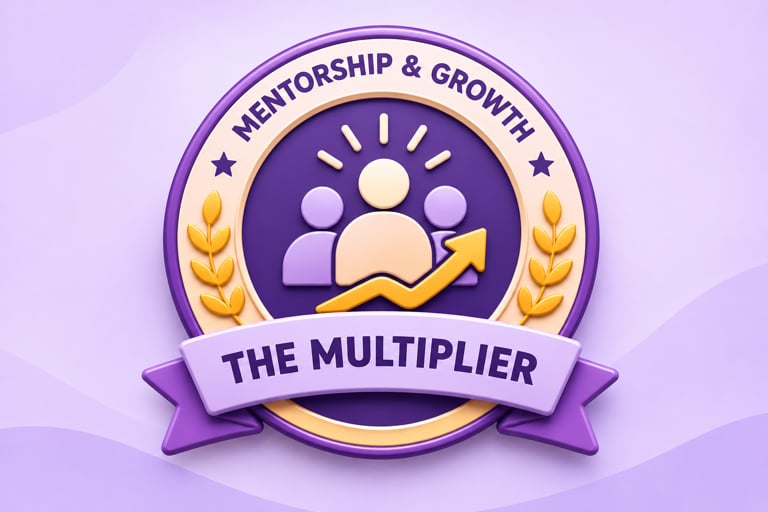 | The Multiplier | For making everyone around them better at what they do | |
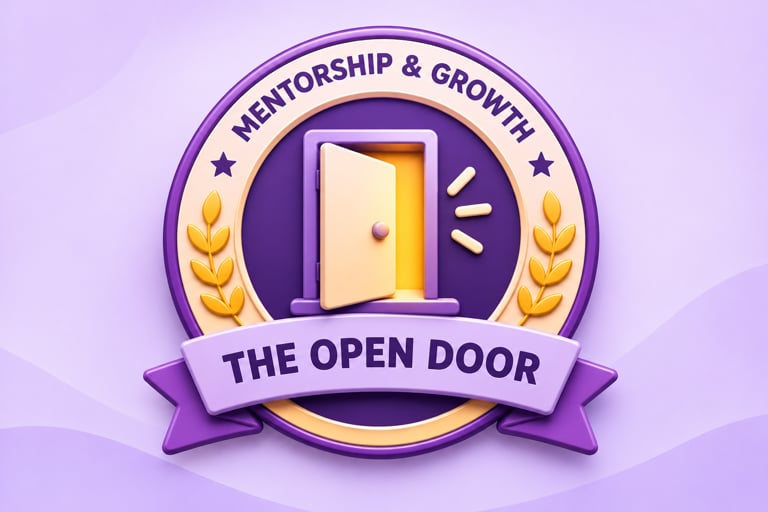 | The Open Door | For being approachable, with time to listen and advise | |
| Allyship & Inclusion | 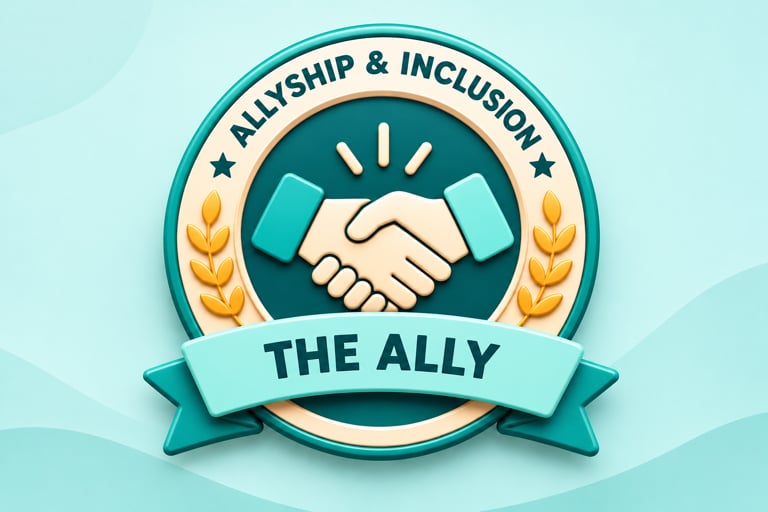 | The Ally | For standing up for colleagues and making space for every voice |
 | The Bridge Builder | For connecting people and teams across differences | |
 | The Fair Play Champion | For leading with fairness, respect and integrity | |
| Wellbeing & Empathy |  | The Check-In Champion | For asking “how are you, really?” and meaning it |
 | The Calm in the Storm | For steady, supportive leadership under pressure | |
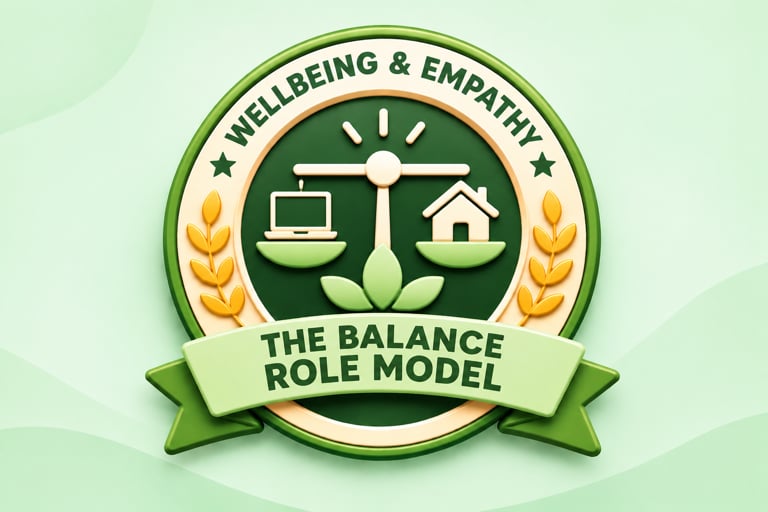 | The Balance Role Model | For showing that taking breaks, family time and self-care is healthy | |
| Reliability & Teamwork | 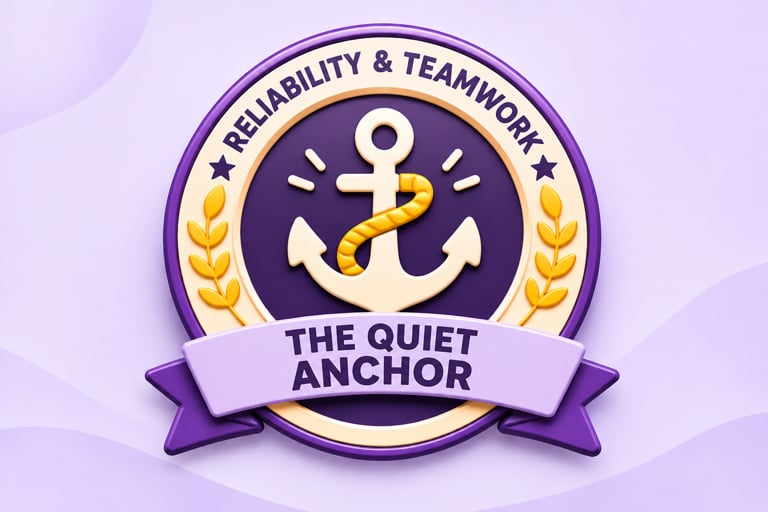 | The Quiet Anchor | For dependable, behind-the-scenes work the team relies on |
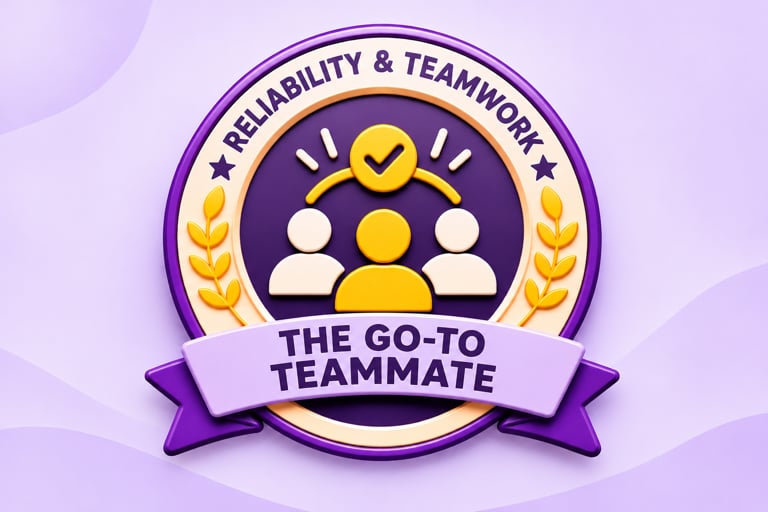 | The Go-To Teammate | For always being there when it matters | |
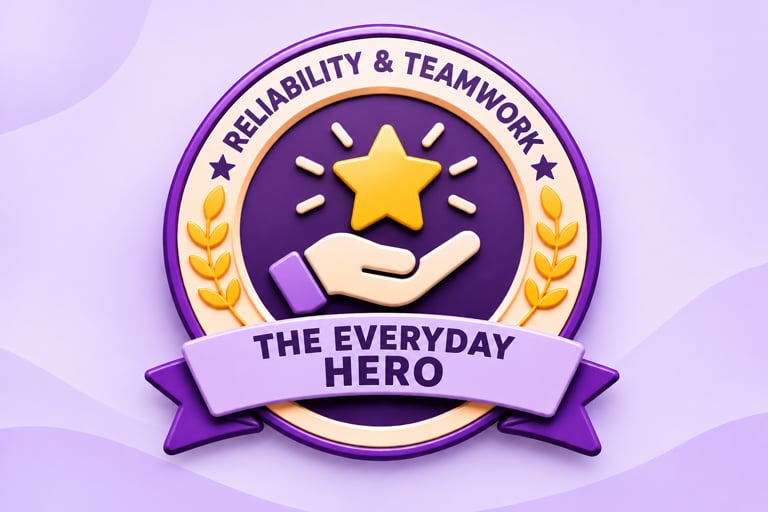 | The Everyday Hero | For small acts that made a big difference this week |
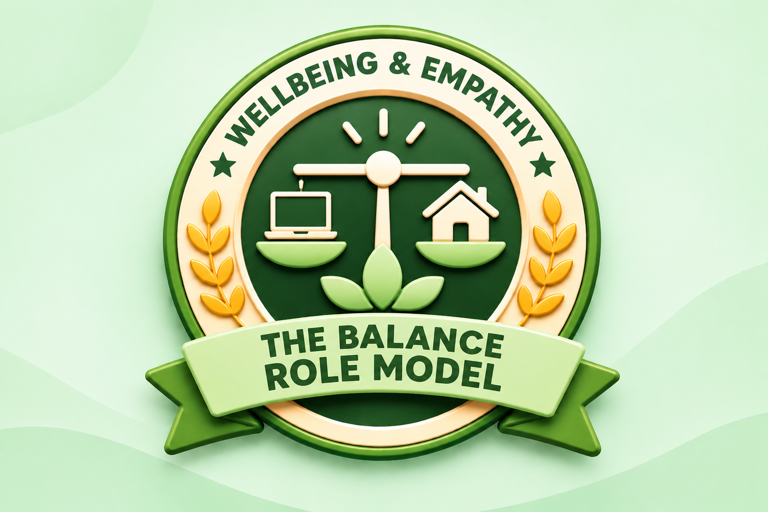
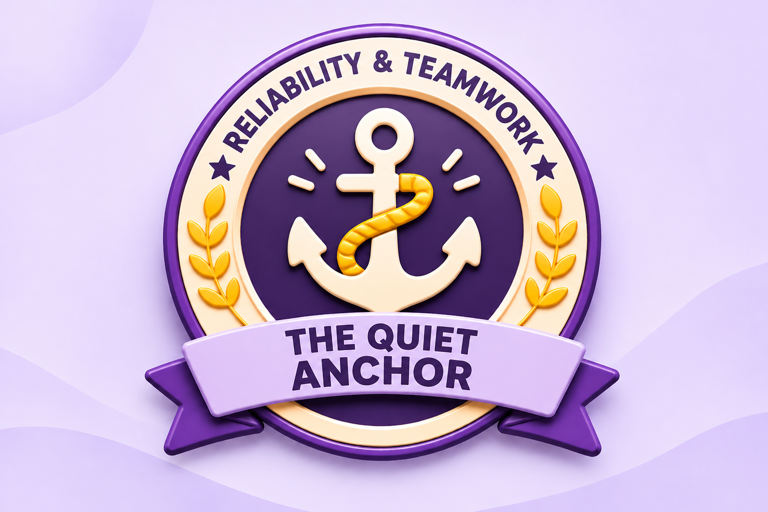
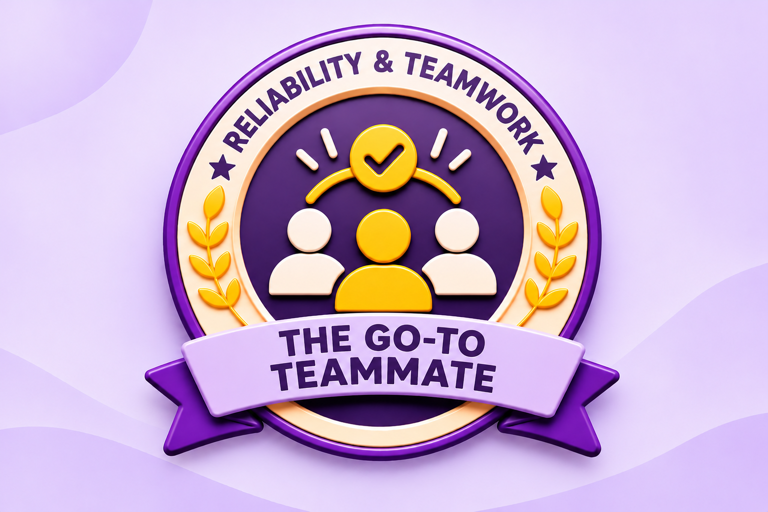
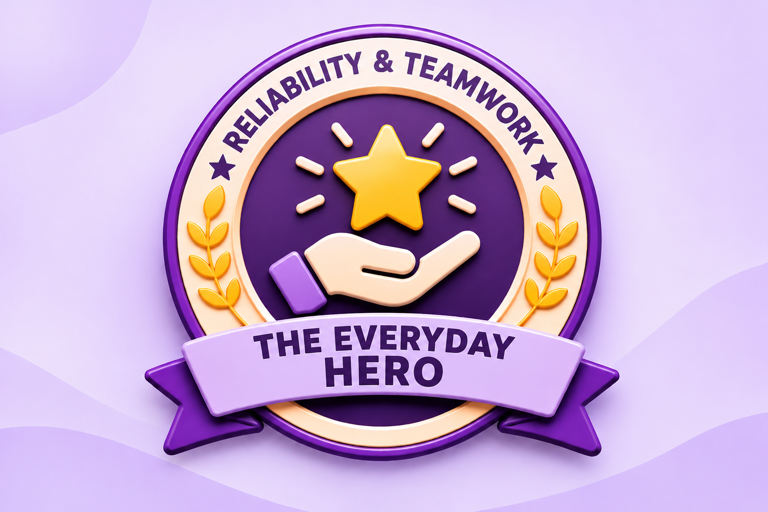
- Create a spot award for each badge you choose, or add the badges to your core values.
- Upload the badge image and add the description shown above.
- Choose whether the award gives points, and set a reward budget.
- Announce the awards on the social feed on Thursday, November 19.
3. Wellbeing push
Share a short note or content on mental and men’s health, and offer health and wellness rewards, such as fitness, health check-ups and wellness sessions. How to do it- Post a short note on men’s health on the social feed on Thursday, November 19.
- Send health and wellness rewards as gifts, or as a bulk reward targeted by department, location or business unit.
- Schedule the rewards for Thursday, November 19, so they land on the day.
4. Pulse poll or check-in
Ask a simple question such as “Who made your week better?” to start conversations across teams. How to do it- Create a poll on the social feed with your question.
- Post it on Thursday, November 19, and keep it open for the week.
Need any help with setup? Write to cs@xoxoday.com.