

Halloween 2026 falls on Saturday, October 31. Plan to launch on Monday, October 26 and wrap up on Friday, October 30, so everything happens during the working week.
What you’ll do
1. Give your platform a Halloween look
A seasonal look is the first thing employees see when they log in, and it tells them something is happening this week. Change three things for the week: the banner, the theme colours and, optionally, your logo. The Halloween banner at the top of this page has the greeting in the centre, so it works for any organisation. Download the banner (PNG, 2600 × 456).
Theme colours
These colours are picked from the banner, so the whole platform matches it.
How to do it
- Upload the Halloween banner as your home or dashboard banner.
- In your platform’s theme or branding settings, apply the colours above. If you’d rather keep your brand colours, just add Pumpkin as the accent.
- Optionally, add a small pumpkin to your logo for the week.
- Switch everything back on November 1.
2. Launch Halloween recognition
Seasonal awards give people a fun, low-effort reason to recognise each other. Launch one core value and two spot awards, each with its own badge. Download each badge from its card and use the description shown on it.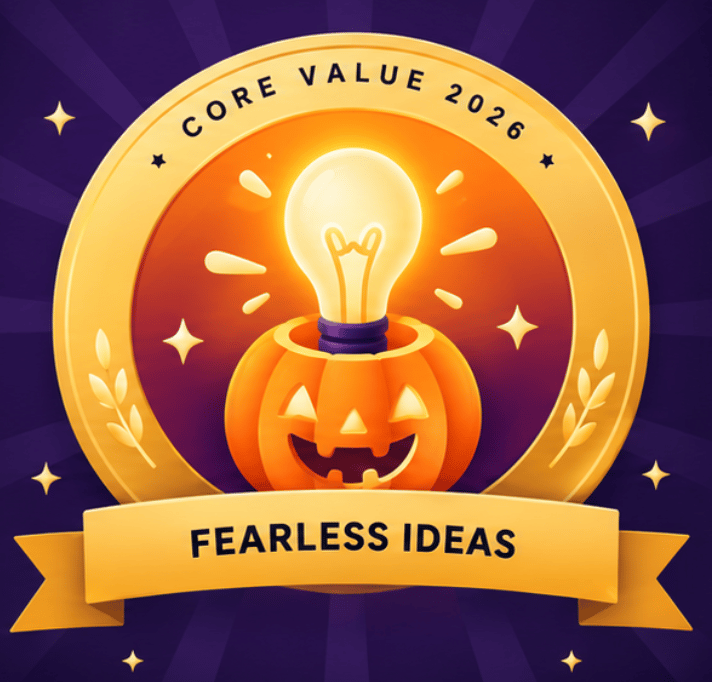
Fearless Ideas
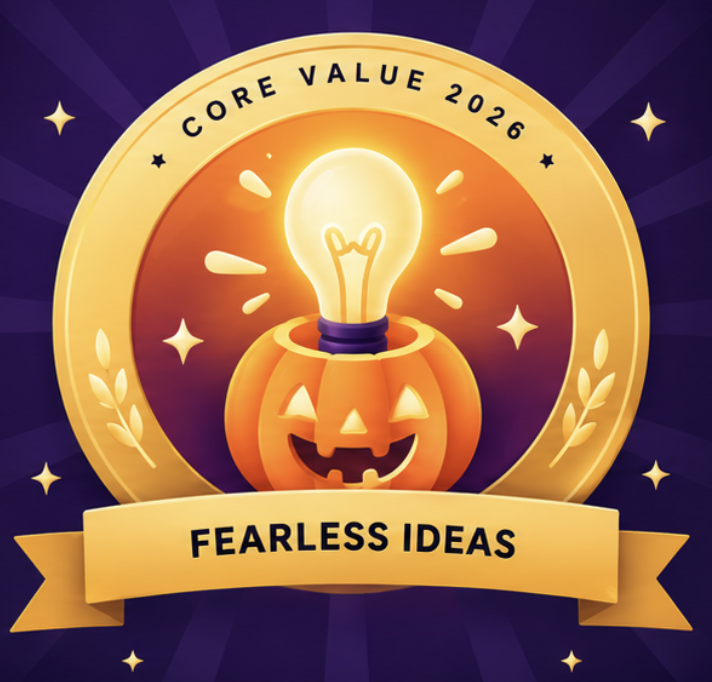
Core value. For the teammate who takes on the scary problem, speaks up or tries something new. Tag it on any recognition. Download badge (PNG)
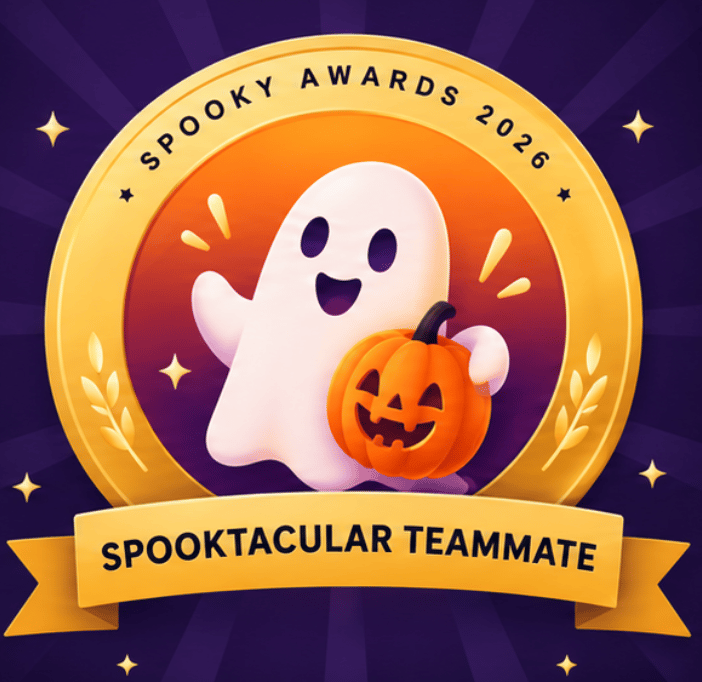
Spooktacular Teammate
Spot award. For a peer who made the week more fun or got the team through a frightful deadline. Peer-to-peer, no budget. Download badge (PNG)
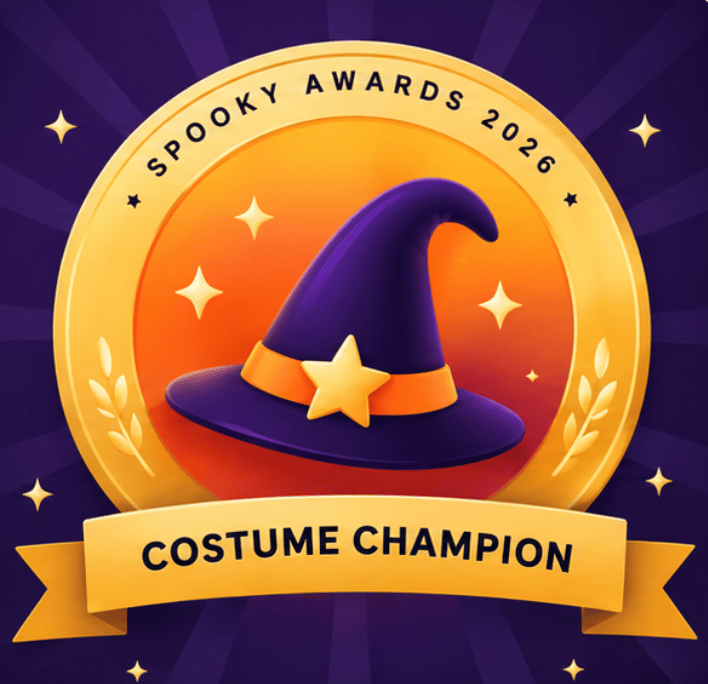
Costume Champion
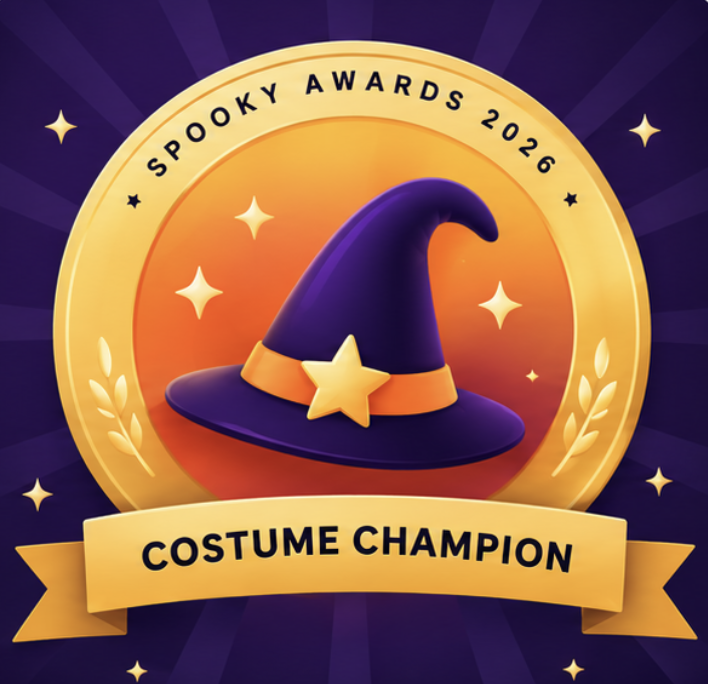
Spot award. For the best costumes and decorated desks in the Costume Parade. Given by HR or the culture team, with points. Download badge (PNG)
- Create Fearless Ideas as a core value so employees can tag it in any recognition.
- Create Spooktacular Teammate as a peer-to-peer spot award. It needs no budget, so anyone can give it.
- Create Costume Champion as a spot award for HR or your culture team, with points from their budget.
- Upload each badge image and add the description shown above.
- Announce all three on the social feed on Monday so people know they exist.
3. Run a Costume Parade on the social feed
A single themed thread gives everyone a reason to post, comment and react, and it links back to your awards.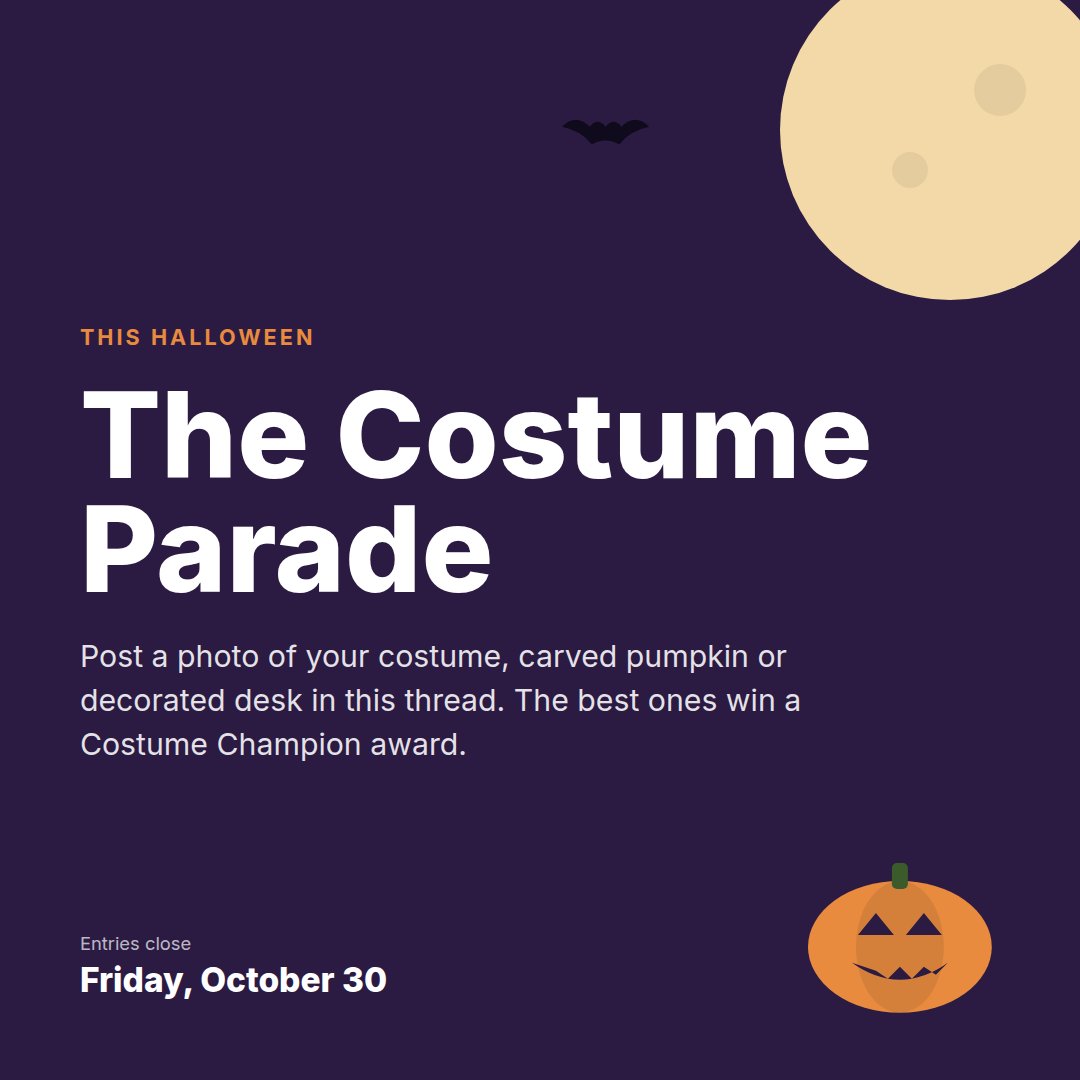
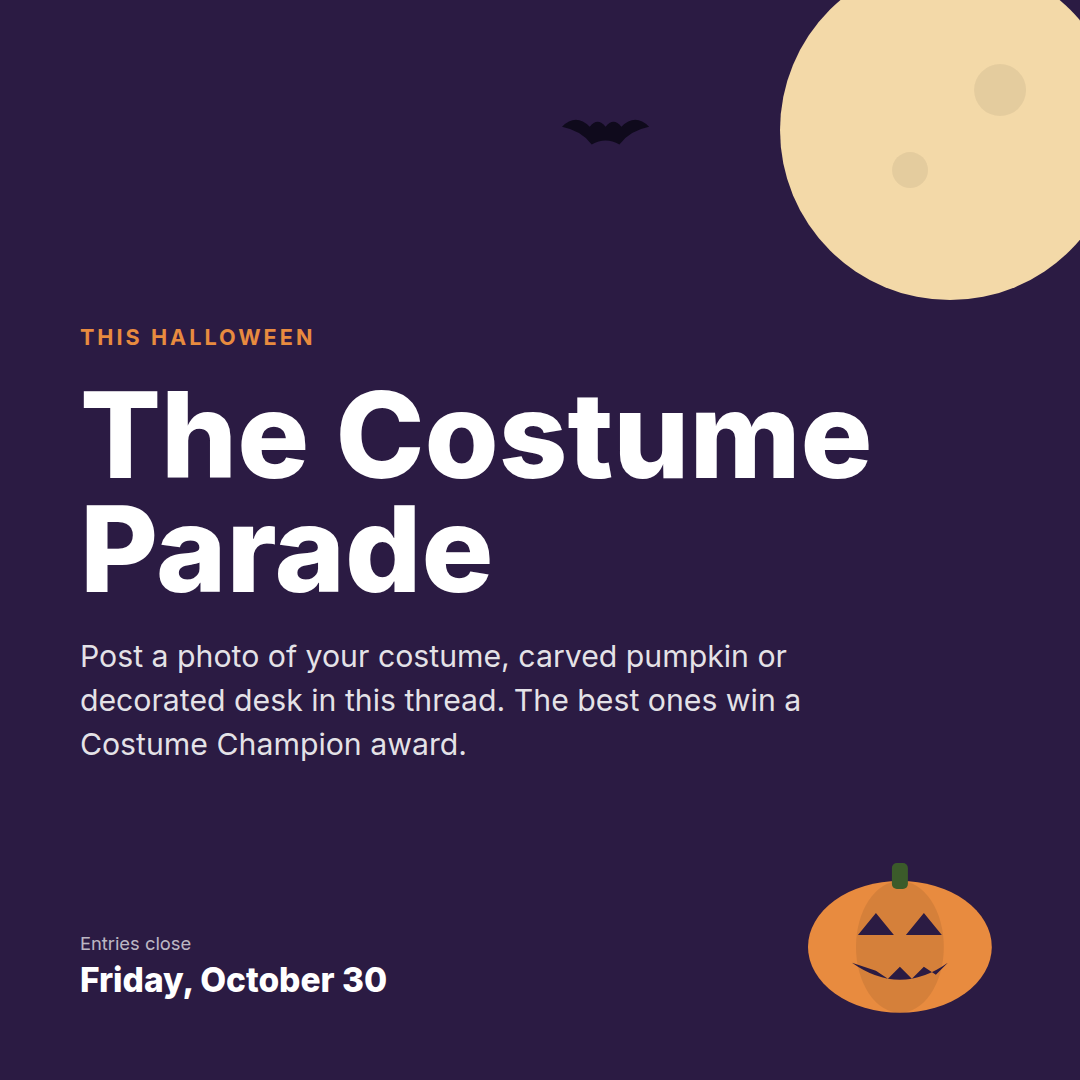
Halloween is here, and so is the Costume Parade. Share a photo of your costume, carved pumpkin or spookiest desk in this thread by Friday. The best entries win the Costume Champion award.
- Post the image with the caption on Tuesday.
- Use @group to bring in whole teams, departments or locations.
- Use Spotlight to feature the best entries through the week.
- On Friday, give the winners the Costume Champion award in the same thread.
4. Send treats with curated gifting and reward points
Turn recognition into something people can enjoy. Send gift cards, sweets, merchandise or experiences from 10M+ rewards across 30+ categories, or add reward points people can redeem for what they like.- Pick a Halloween-friendly reward: sweets and snacks, food delivery, movie nights or experiences.
- Send it to Costume Parade winners and Costume Champion recipients on Friday.
- Consider a small treat for managers to give their teams during the week.
5. Reward everyone at once with bulk rewarding
If you want every employee to feel included, send a Halloween treat to everyone in one go.- Choose who to reward: target by department, location or business unit, or upload a CSV.
- Pick the reward or points amount and add a short Halloween message.
- Schedule it for Friday so it lands before the weekend.
Suggested plan for the week
Checklist
- Halloween banner uploaded
- Theme colours applied
- Fearless Ideas core value created
- Spooktacular Teammate and Costume Champion awards created with badges
- Awards announced on the social feed
- Costume Parade thread posted
- Best entries spotlighted
- Winners awarded and treats sent
- Bulk reward sent (optional)
- Banner and colours switched back on November 1
Want to see it before you launch? The Empuls instant demo walks you step by step through updating your platform’s look, setting up awards, building reward campaigns and running social feed threads.
Download the toolkit
Every asset in this guide is ready to use. Click Download on any card to save it.Halloween banner
PNG, 2600 × 456. For your home or dashboard banner. Download PNG
Costume Parade post
PNG, 1080 × 1080. For the social feed thread. Download PNG
Fearless Ideas badge
PNG, 712 × 682. Core value badge. Download PNG
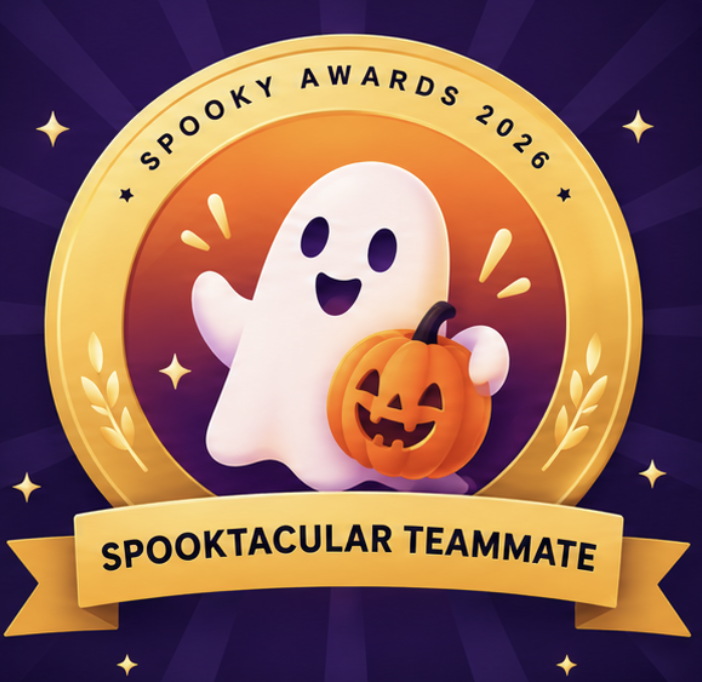
Spooktacular Teammate badge
PNG, 702 × 682. Spot award badge. Download PNG
Costume Champion badge
PNG, 708 × 684. Spot award badge. Download PNG
For any questions or feedback, reach out to us through Contact Support.