
Video walkthrough
Before you start
- You must be a Super Admin.
- Site entries must already exist under org structure — COLI multipliers attach to sites.
- Decide your COLI philosophy before configuring. Common approaches:
- Equal earning, scaled redemption — Everyone earns the same points; multipliers adjust what those points buy.
- Scaled earning, equal redemption — Earnings already include geography; no COLI needed.
- Hybrid — COLI on benefits and gifts only; reward points untouched.
How COLI works
1
Site multipliers are defined
For each site, you set a multiplier — 1.0 is the baseline, >1.0 multiplies up (higher purchasing power needed), <1.0 multiplies down.
2
Empuls applies the multiplier at redemption time
When an employee redeems, Empuls checks their site, looks up the multiplier, and adjusts how many points are deducted for a given catalog item.
3
Catalog stays geo-aware
The redemption catalog already filters by country and currency. COLI layers on top so the point cost of an item matches its real cost in the employee’s region.
Enable COLI
1
Open Cost of Living
Navigate to Admin Hub → Finance → Cost of Living, or open it directly.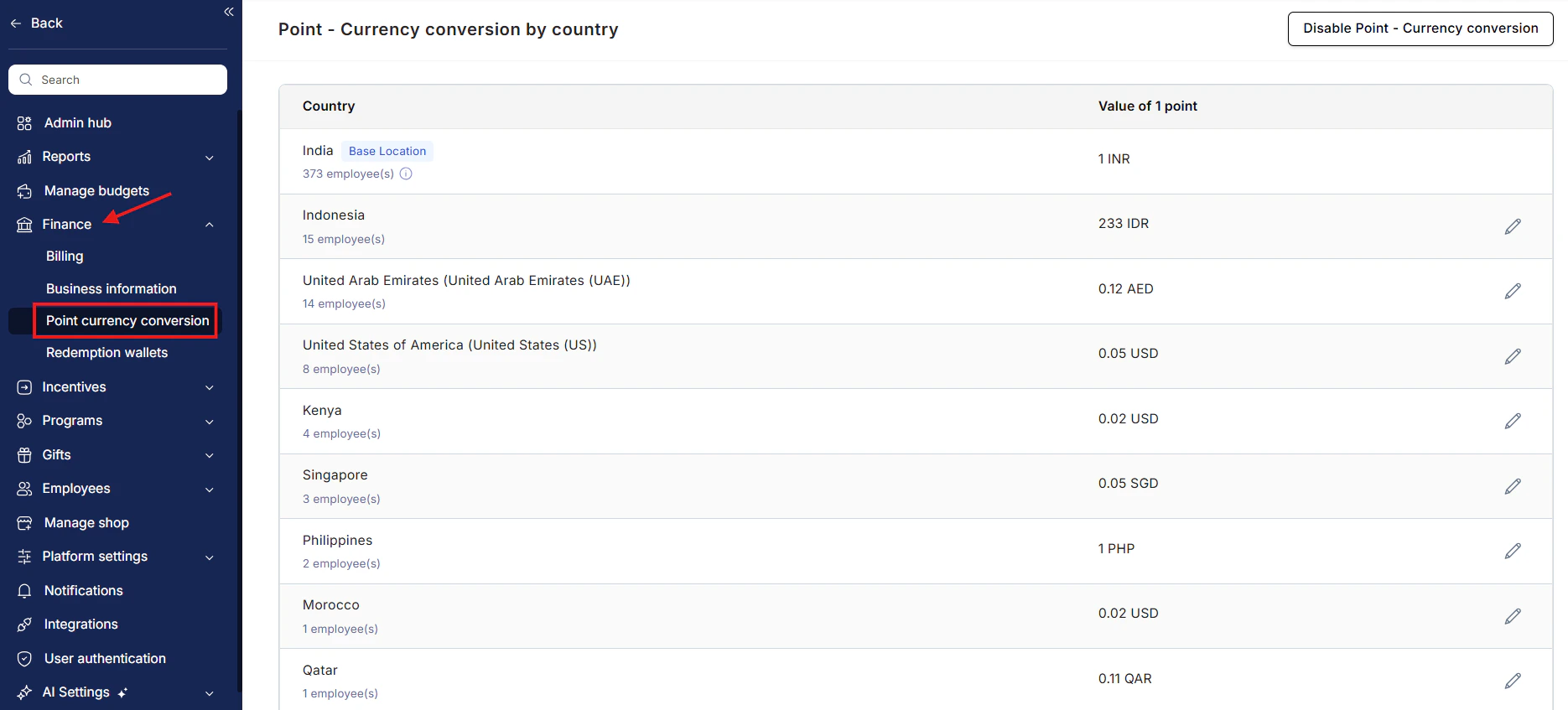
2
Toggle COLI on
A confirmation banner appears explaining that COLI will affect all future redemptions. Existing point balances are unchanged.
3
Set per-site multipliers
For each site, enter a multiplier. Multipliers must be positive decimals (for example, 0.4, 1.0, 1.6).
4
Preview impact
The preview pane shows what a sample catalog item would cost an employee at each site with the multipliers applied.
5
Save
COLI goes live. Employees see the adjusted point cost in the catalog and at checkout.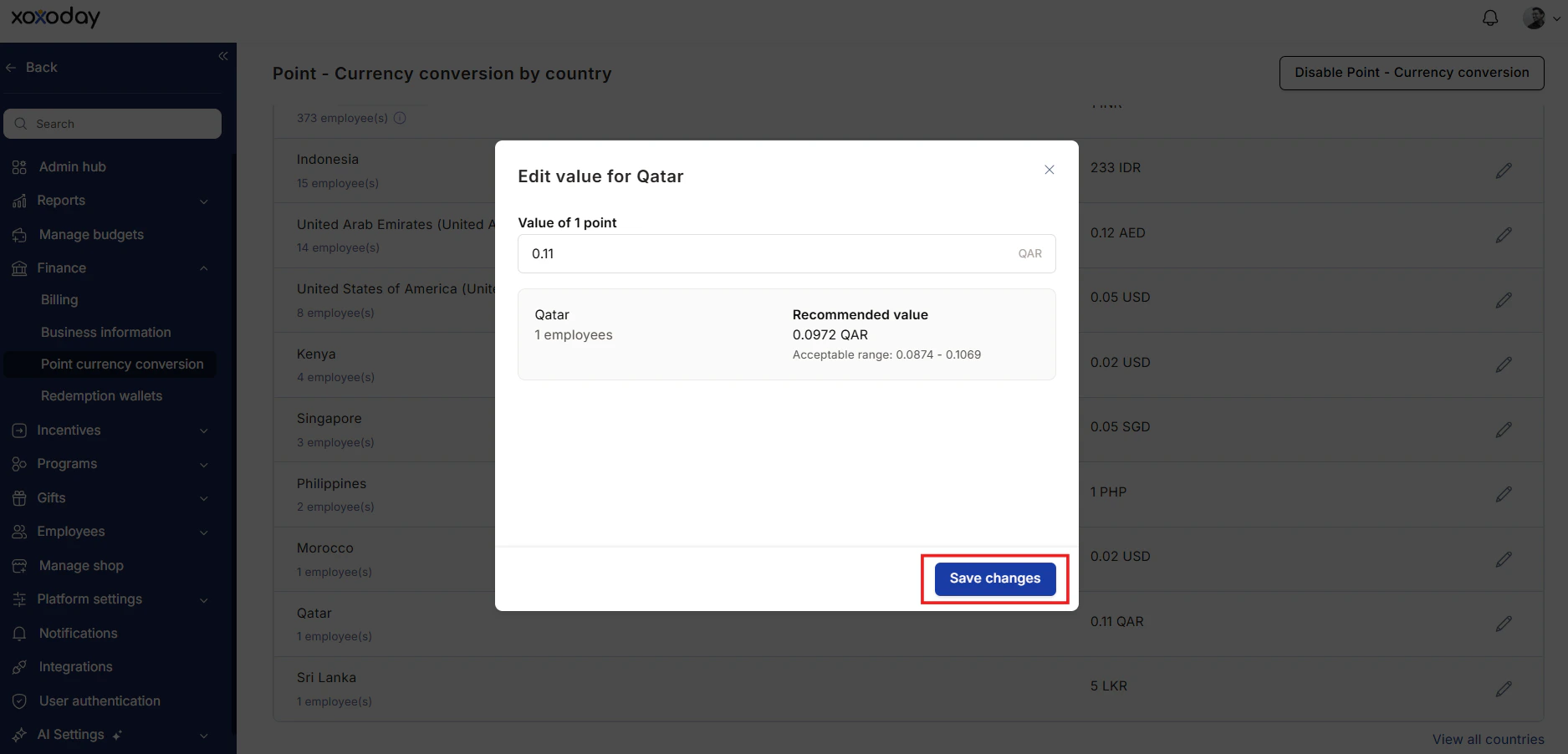
Worked example
Suppose a $50 Amazon gift card costs 5,000 points at baseline (1.0 multiplier).- San Francisco (multiplier 1.6): the same $50 card costs 8,000 points.
- Mumbai (multiplier 0.4): the same $50 card costs 2,000 points.
- London (multiplier 1.2): 6,000 points.
Edit a multiplier
Change a site’s multiplier any time. The new value applies to all subsequent redemptions; nothing already redeemed is retroactively adjusted.Disable COLI
Toggle COLI off. The catalog reverts to baseline point costs for all sites. Existing point balances are unchanged.Limits and gotchas
- COLI requires every employee to have a site assigned. Employees without a site fall back to the baseline multiplier (1.0).
- COLI applies only to the standard redemption catalog. Perks store and Tax Benefits are not adjusted.
- Multipliers should reflect purchasing power, not local currency exchange rates. Use a reputable cost-of-living index when setting values.
- Frequent multiplier changes confuse employees. Set quarterly or annually; communicate changes in advance.
Related
Org structure
Define the sites COLI multipliers attach to.
Redeem points
Employee-facing redemption experience.
Redemption wallets
Wallet that funds adjusted redemptions.