
Here are the latest updates on Compass:
1. Email alerts to sales reps on changes in calculation logic:
You can now send email notifications to specific users when new sales data is added to the existing plan, resulting in a change in the calculation logic. This will reduce the ambiguity of recalculation updates and give the sales team a more precise understanding.2.New report filters showing active and inactive users:
We have now included a new report filter in the dashboard that provides the number of active users (Reps who have achieved a milestone within a period) and inactive users (Reps who haven’t achieved any milestone).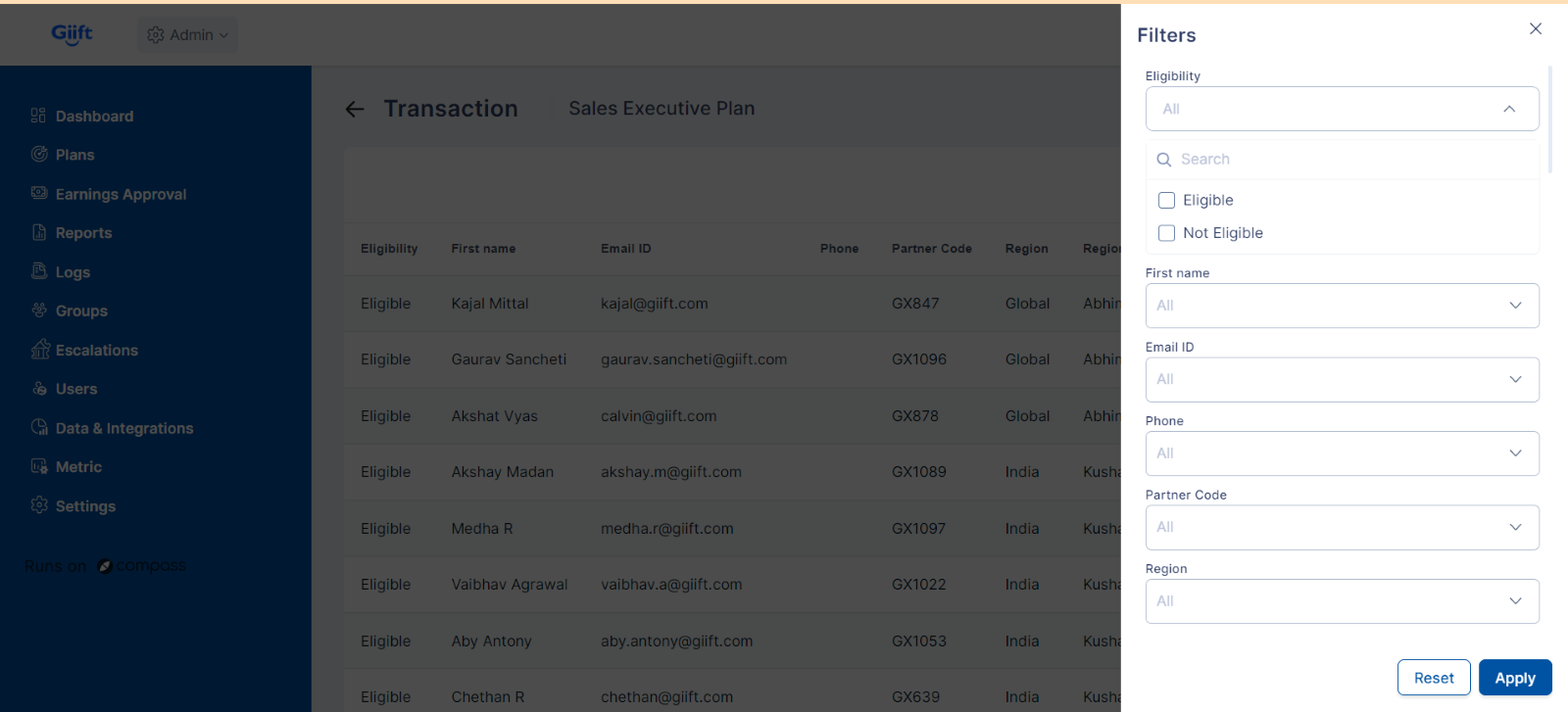
3. Edit the existing plan instead of creating a new one every time:
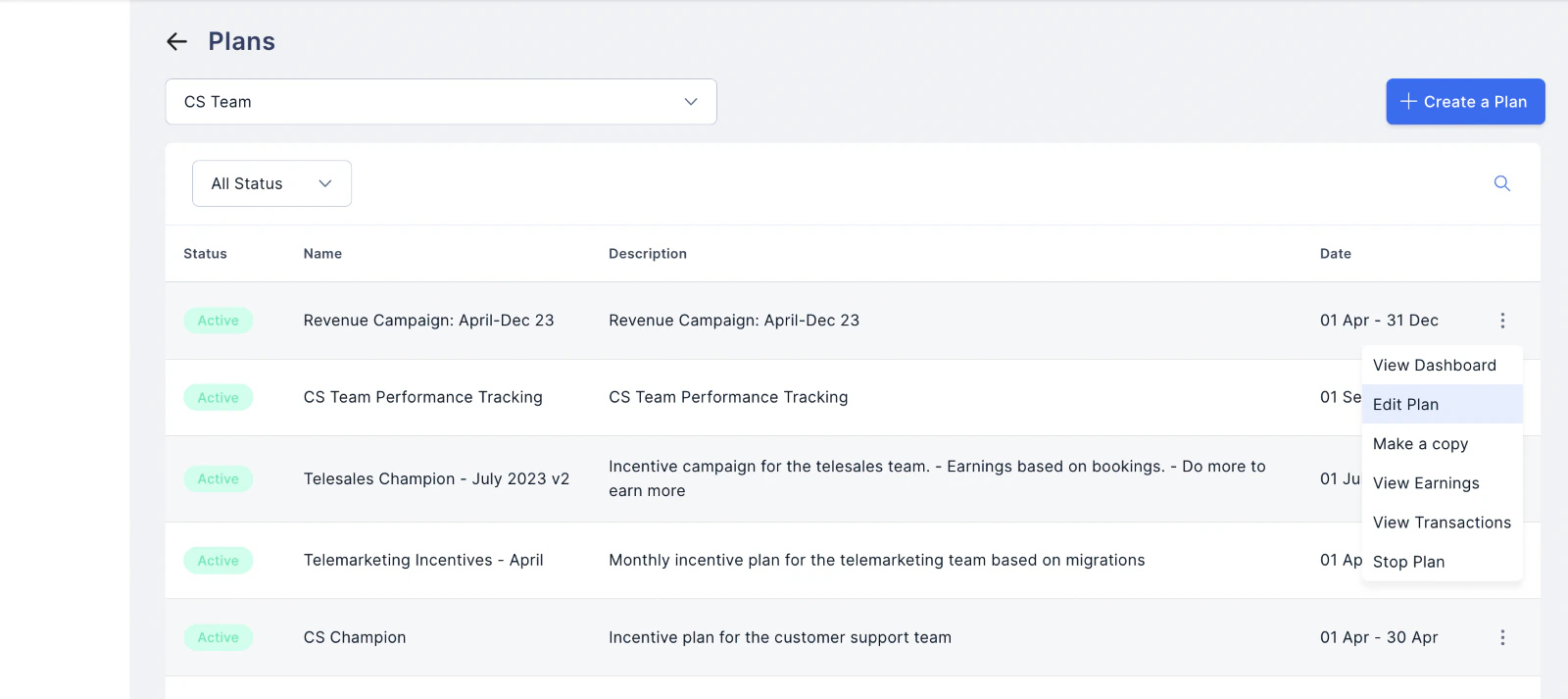
You can now edit the plan elements like metrics, quota attainment rate, milestone criteria and more during the plan period rather than creating a new plan to make a small change. This reduces the implementation time by over 60%.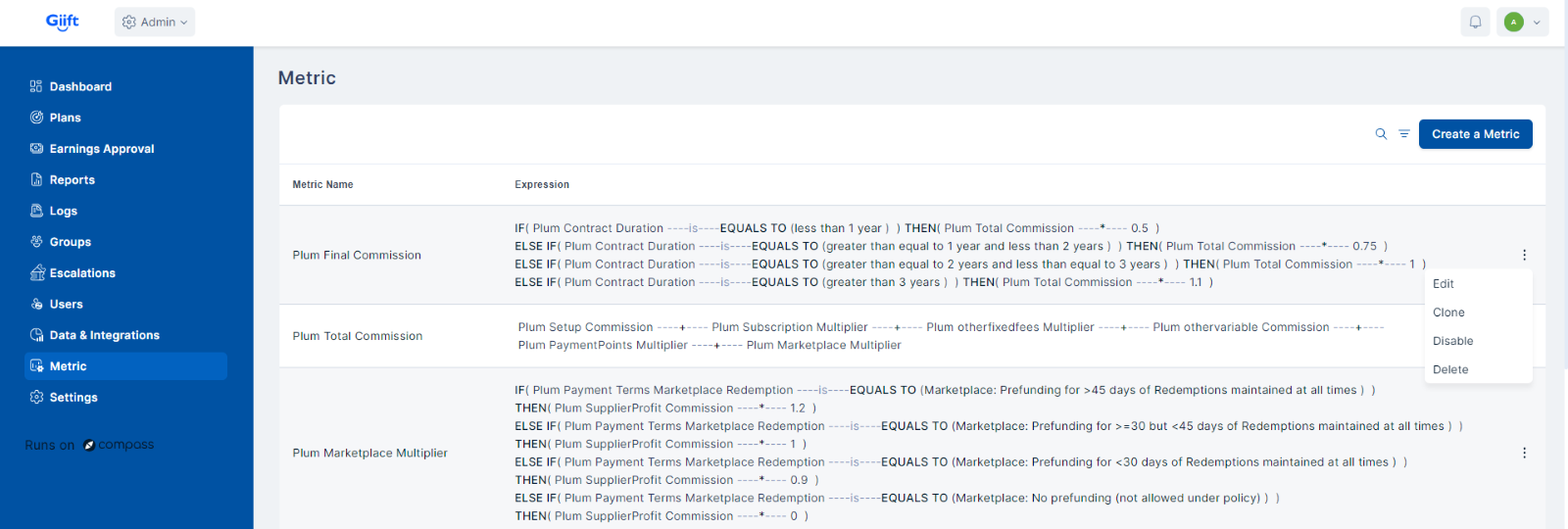
4. Build plans that cover over 200 KPIs against a single milestone:
We have increased the reward creation limit for a single milestone to nearly 200. This change will reduce the number of plans needed, as most rewards can now be included in a single plan. Consequently, this will decrease the overall implementation time and reduce the system load.5. Threshold deviation on approvals:
We have enabled the admin/approver to show calculations for a pre-defined value or % deviation on each KPI and be able to view and select the earnings for approval accordingly.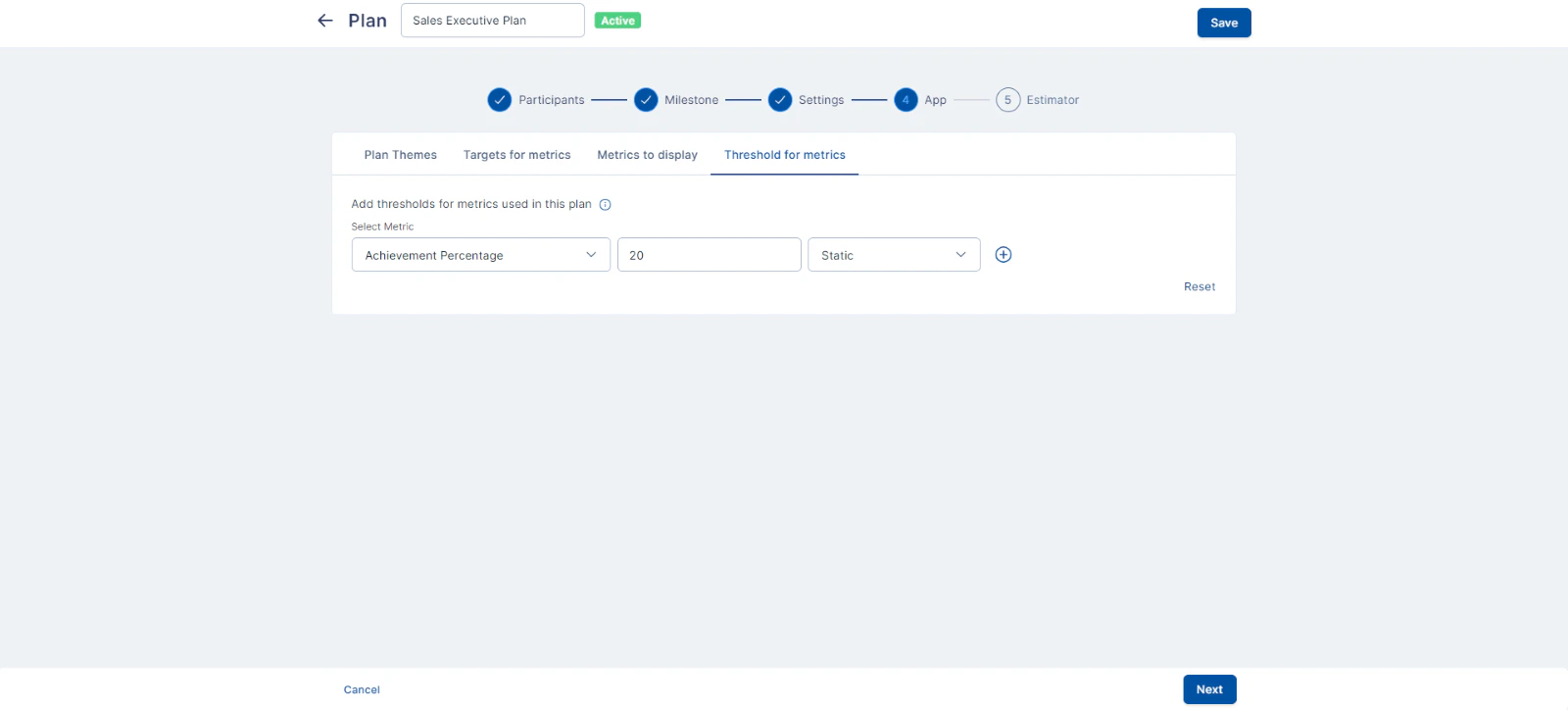
6. Multi-team approvals based on hierarchy:
You can now build plans for multiple teams under a single plan group and set up approvals for the payout as per the immediate hierarchy, including L1, L2, etc.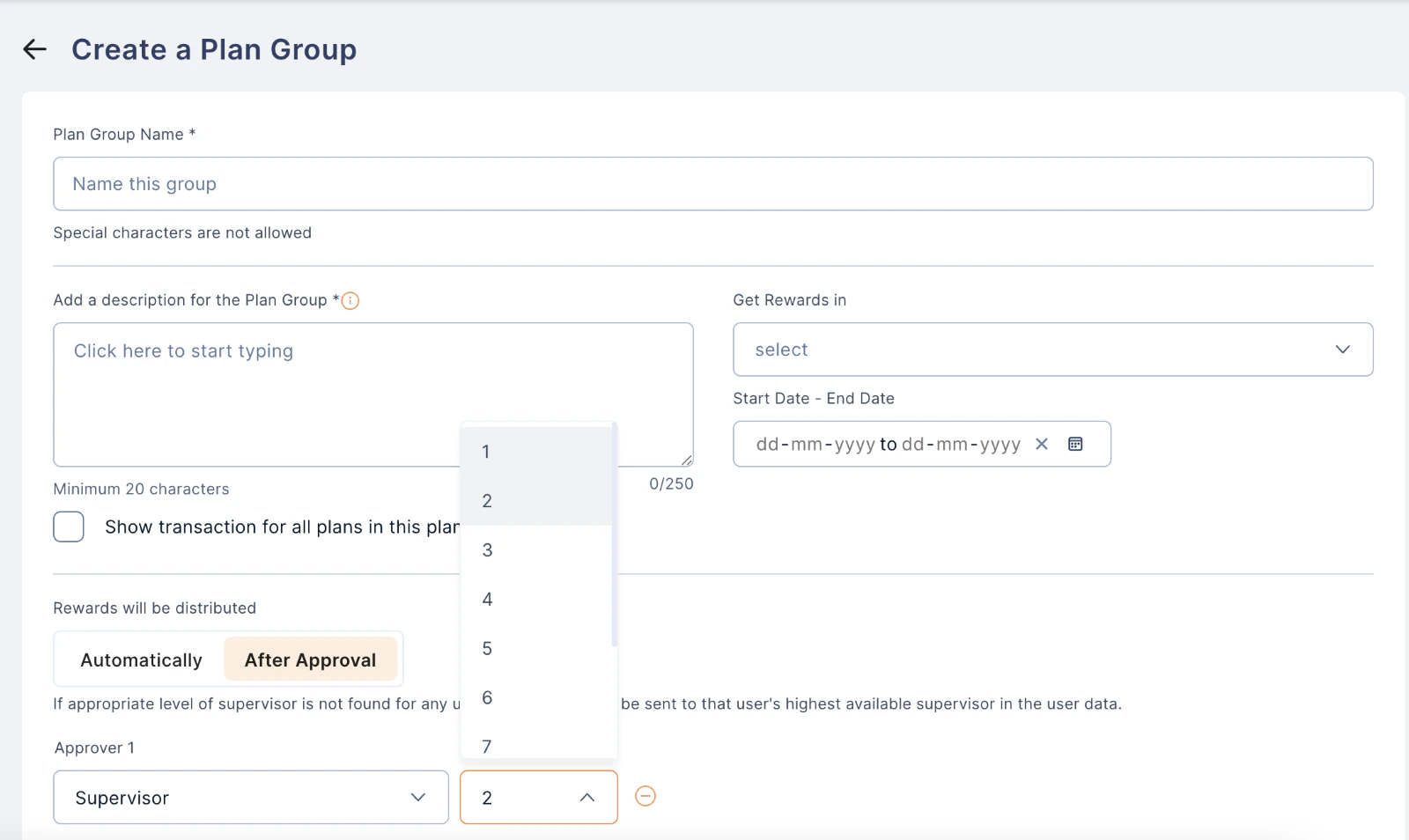
7. Adding Participant Criteria for Data Refinement
We have made integration enhancements in pre-processing configuration settings with additional fields for data refinement, including participant criteria.Upcoming Features:
- Mobile App Enhancement:
- Custom Filters and Report Comparison:
- Query Support Across Event Tables:
- Cascaded Plan Display:
- Transition to Spark Backend:
Need help? Reach out to your support team or Contact Support.