
Why do we need the feature?
Clients will typically have data from different sources, such as event data, which contains a record of all the transactions/achievements, and user data, which contains all the details of the users, like their employee IDs, names, supervisor names, and other related fields. To configure metrics/programs for the incentive calculation, we need a single table/view containing all data from different dependent sources in one view, preferably with a unique identifier that sets these apart from each other. This is where connections come into play. They help us link different kinds of data sources, enabling us to create and perform several logical calculations on top of them in the form of metrics and consecutive program tasks. Compass provides three kinds of connections (left, inner and full outer), encompassing almost all use cases ranging from simple to most complex. Below is a basic pictorial representation of all the joins for ease of understanding: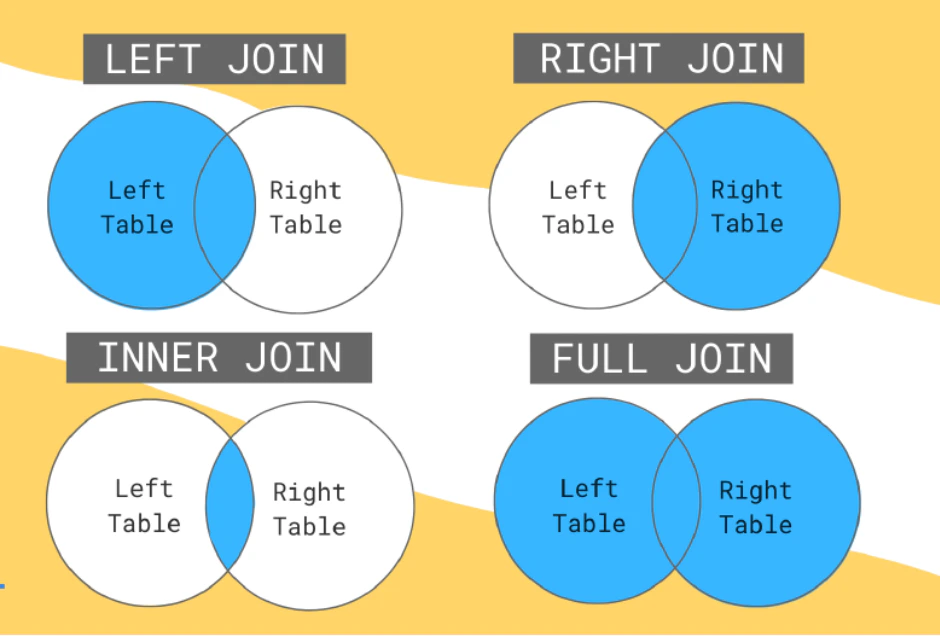
Explore how to do different types of connections
Select Data and Integrations from the options on the side left and switch to the Connections tab.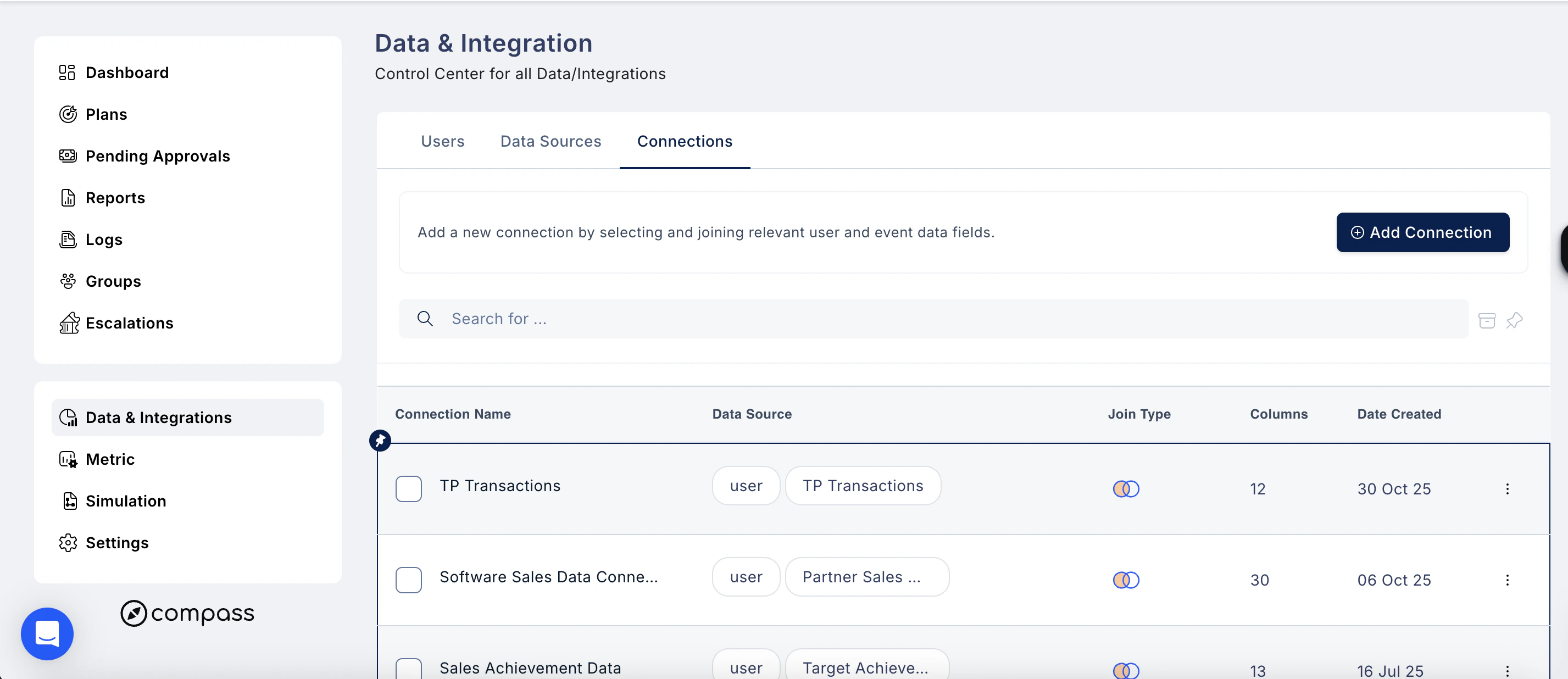
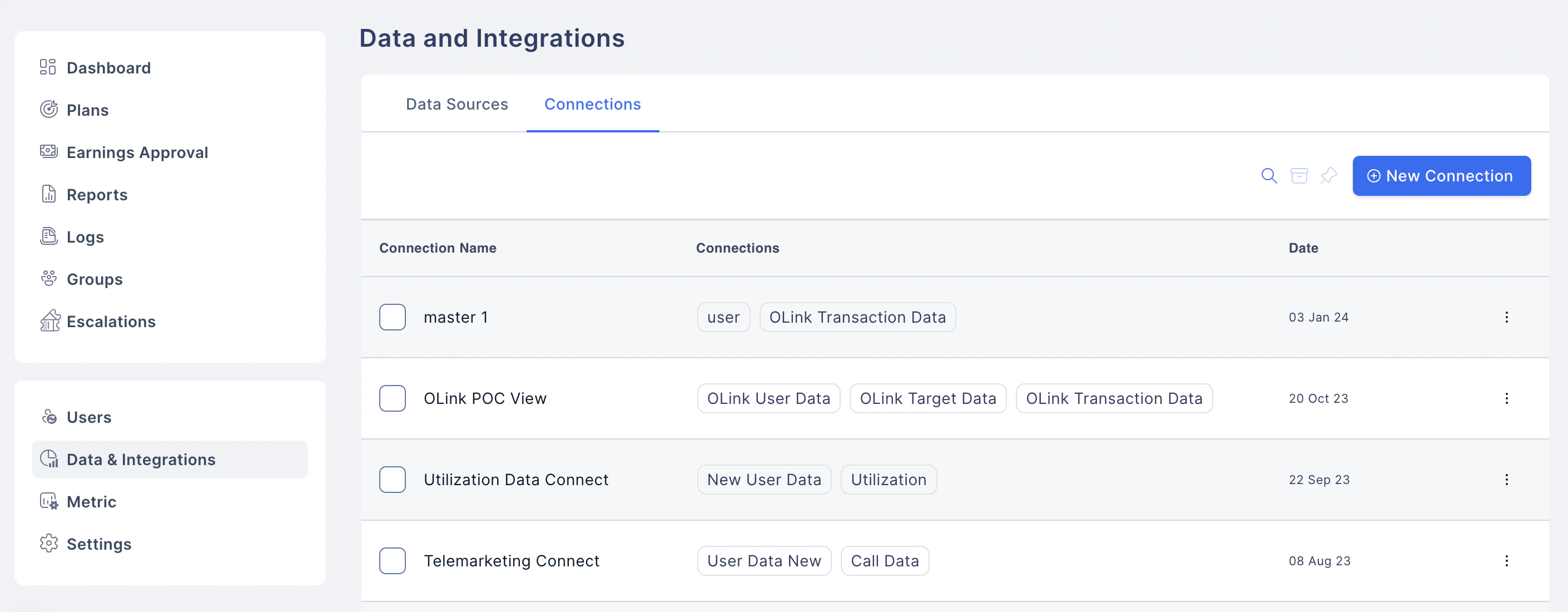
- List already existing Connections
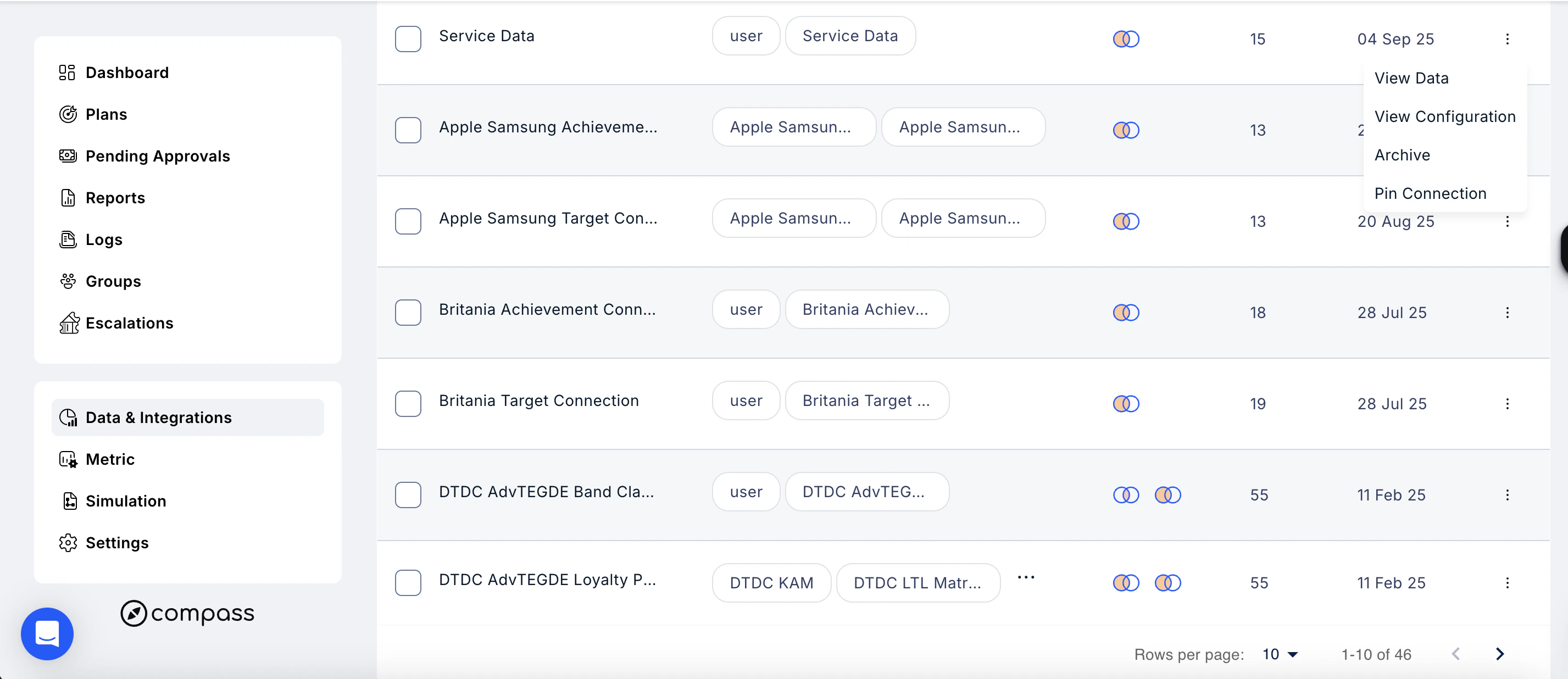
- View Data: To view the data in the connection
- View Configuration: To view the connection details
- Archive Connection: Archive the connection that no longer is needed
- Pin Connection: Pin the connection to the screen
Create New Connection (Join)
To create a new connection or a view, one can join two data sources, where the data source can be an already active connection.- To do a left join,
- Click on the left join.
- Select the 2 data sources from the drop-down list of existing data sources.
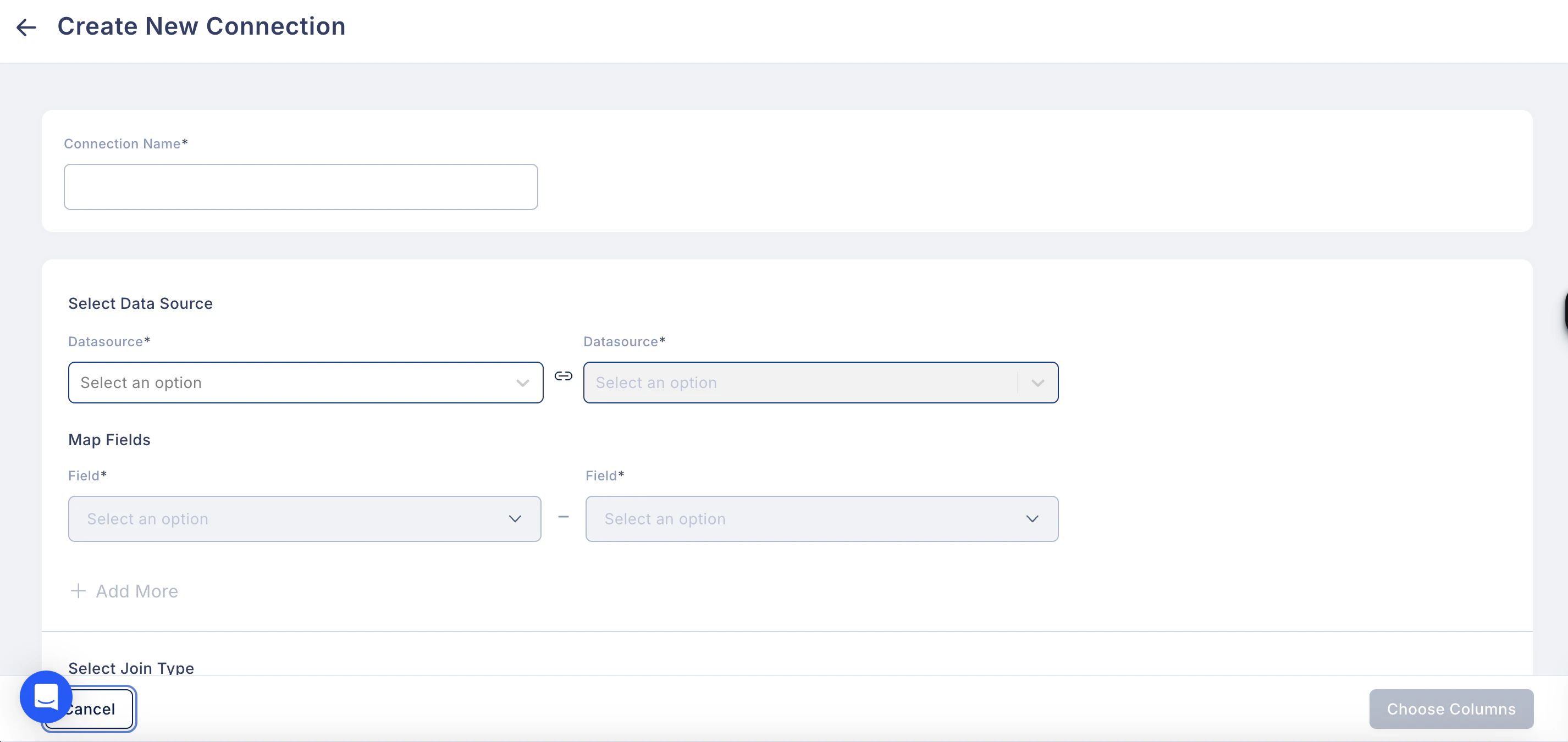
- Click Save, to save the connection and name the connection.
- To edit the saved connection, click on the pencil icon.
Need help? Reach out to your support team or Contact Support.