
Overview
Step 1: Navigate to Settings on the right side of the dashboard.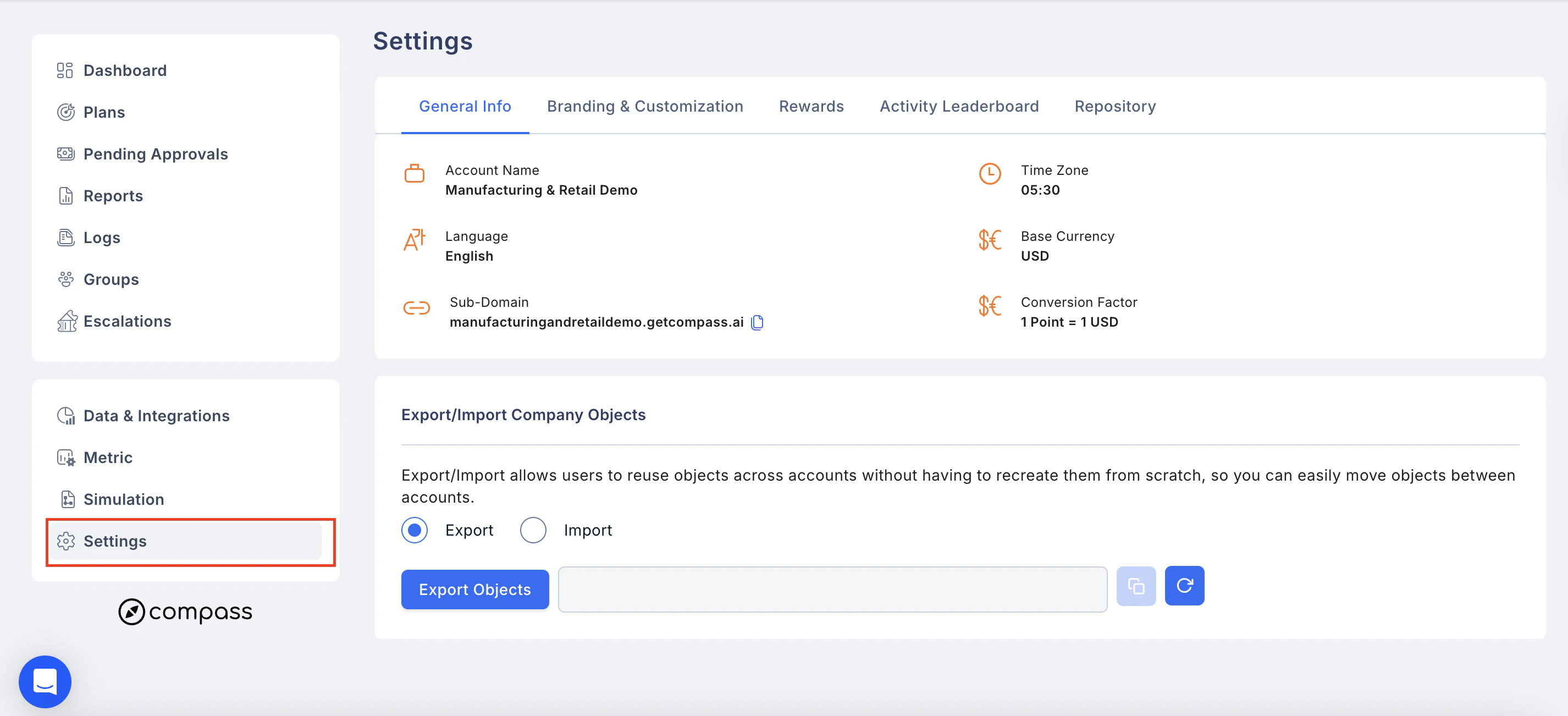
General Info
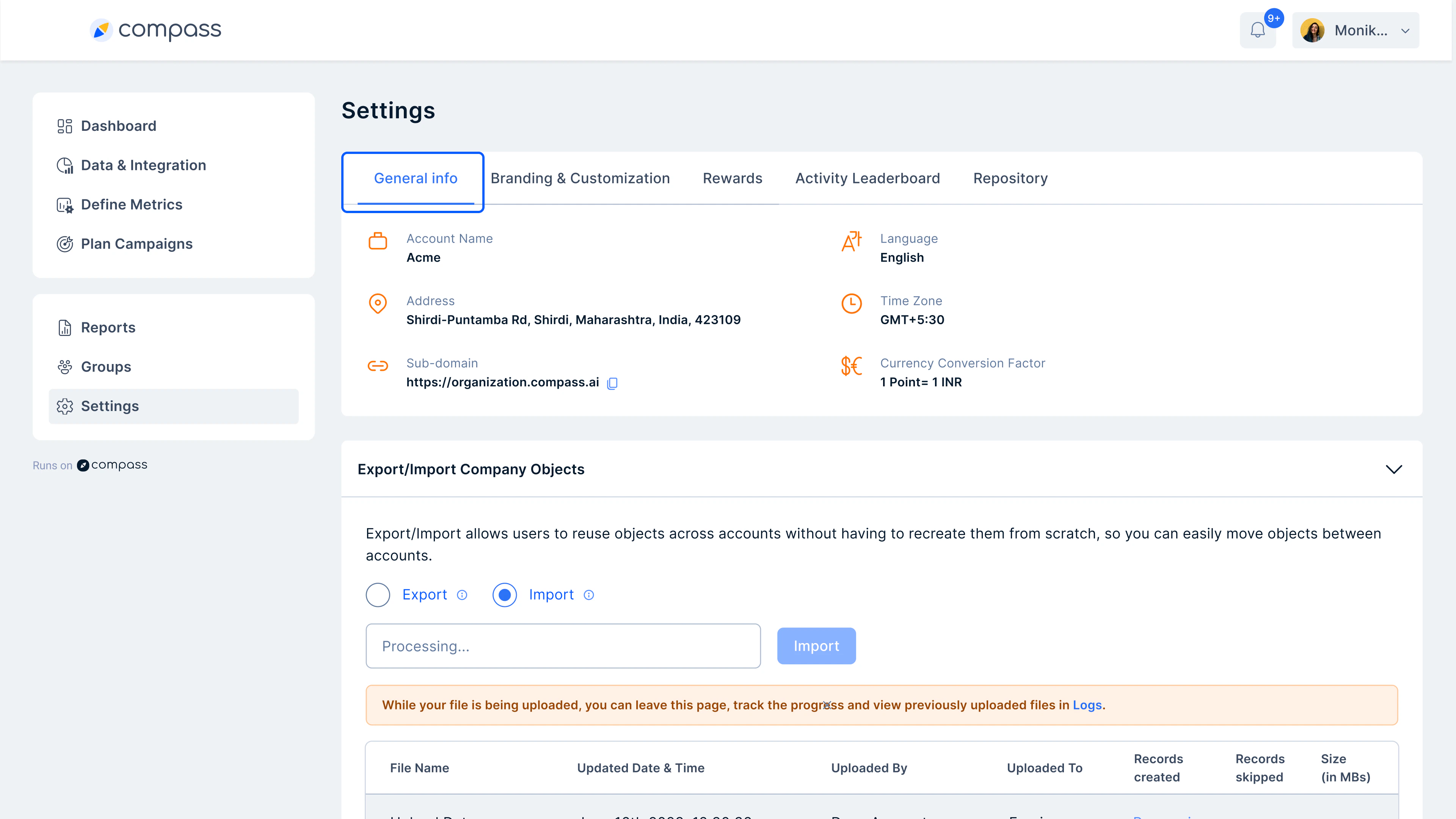
2. Branding Customization
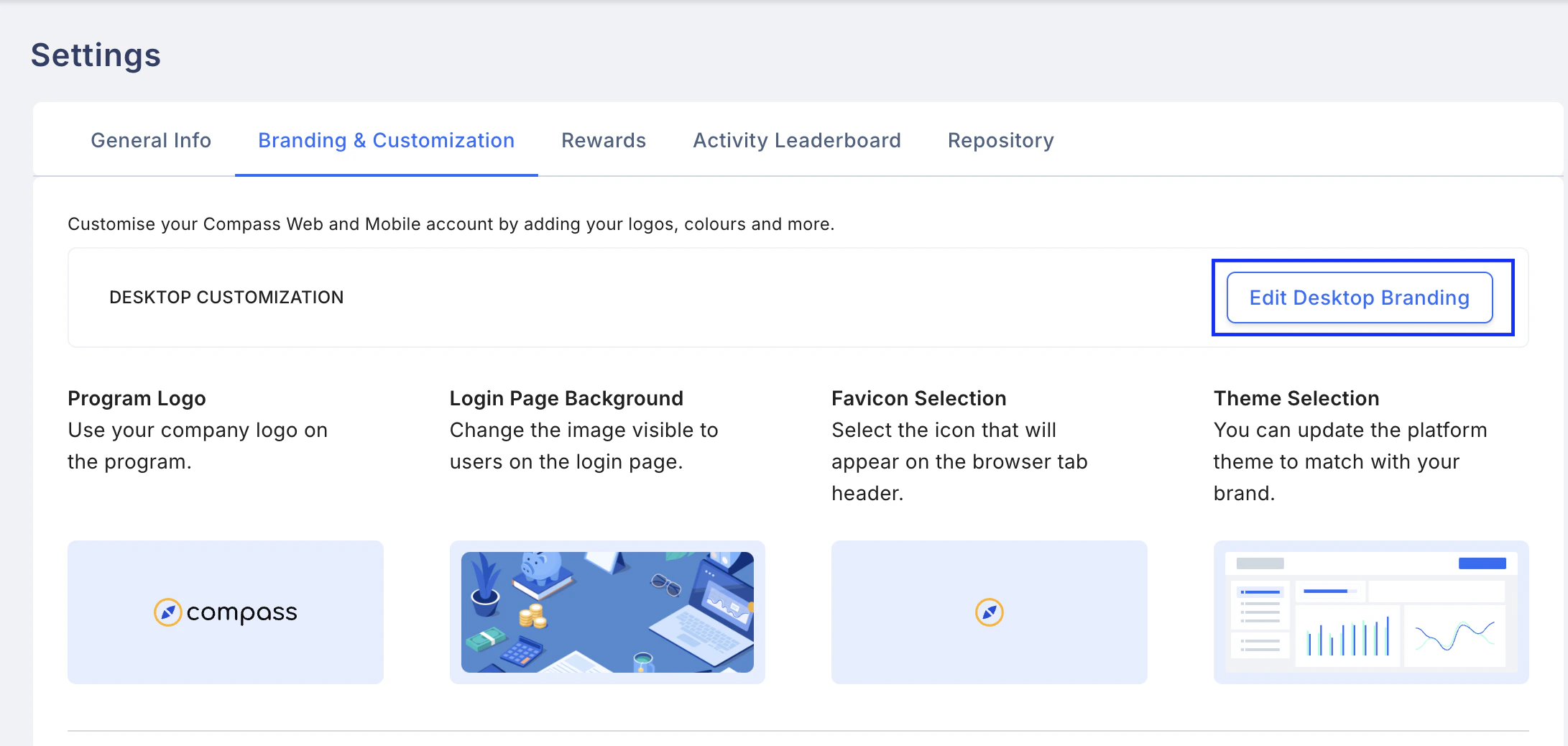
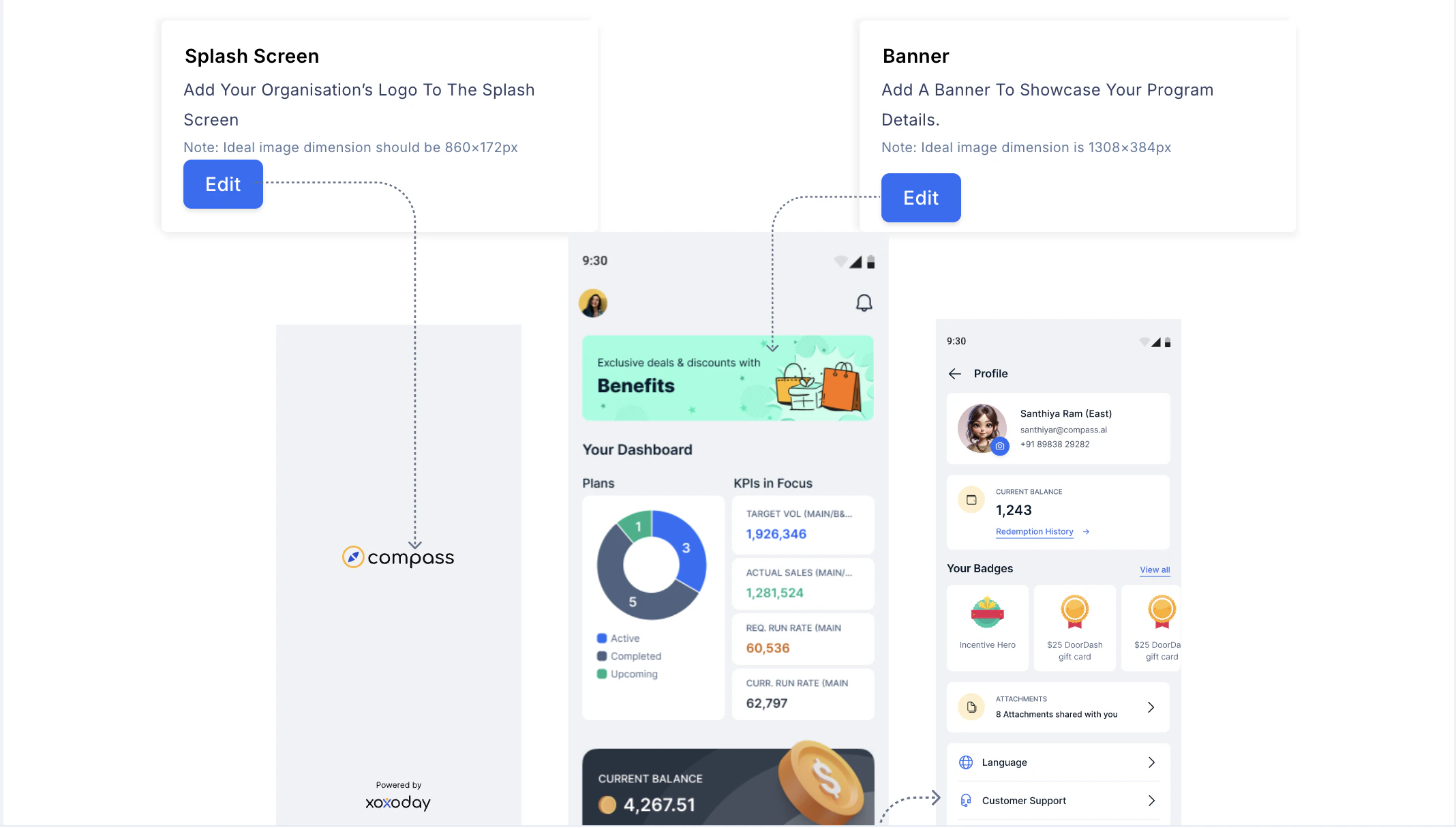
Make the portal completely branded to your company’s brand guidelines. You can edit the following: Desktop Customization- Page Logo
- Login page background
- Favicon
- Custom URLs
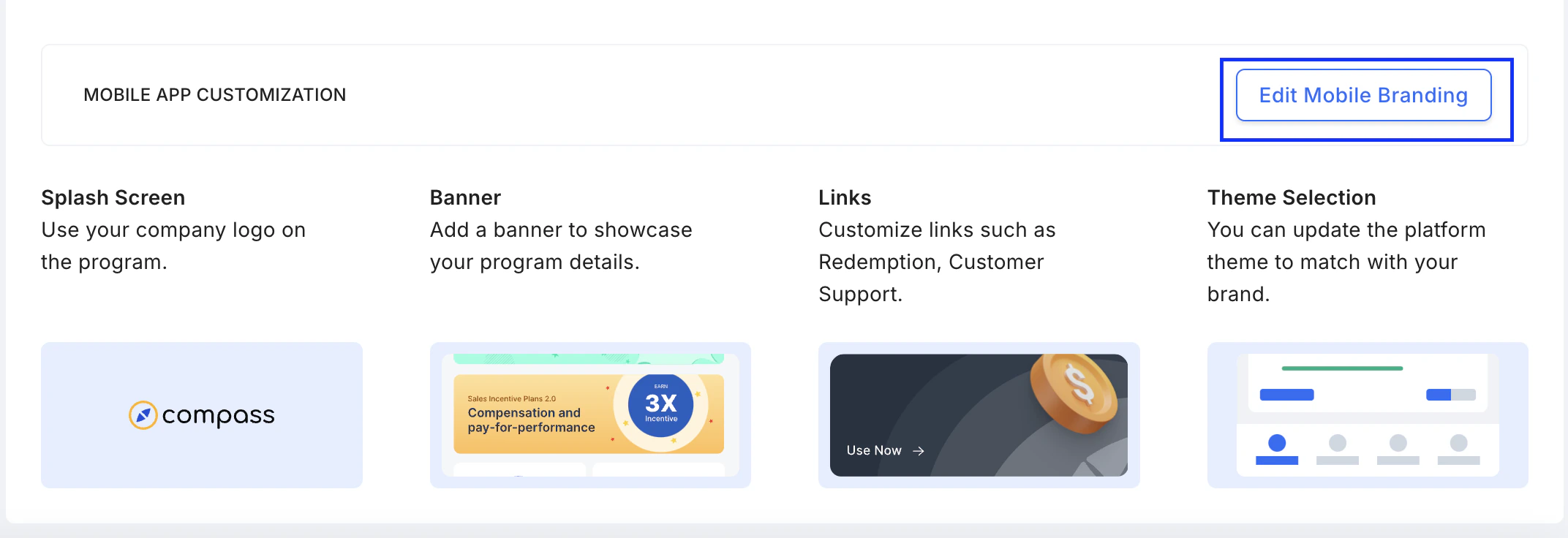
- Splash Screen
- Banner
- Links
- Theme Selection
3. Rewards
You can set the reward option in three formats: Points, Score, and Badges.- Points: They are the incentive amounts the user receives for completing milestones in an IC plan.
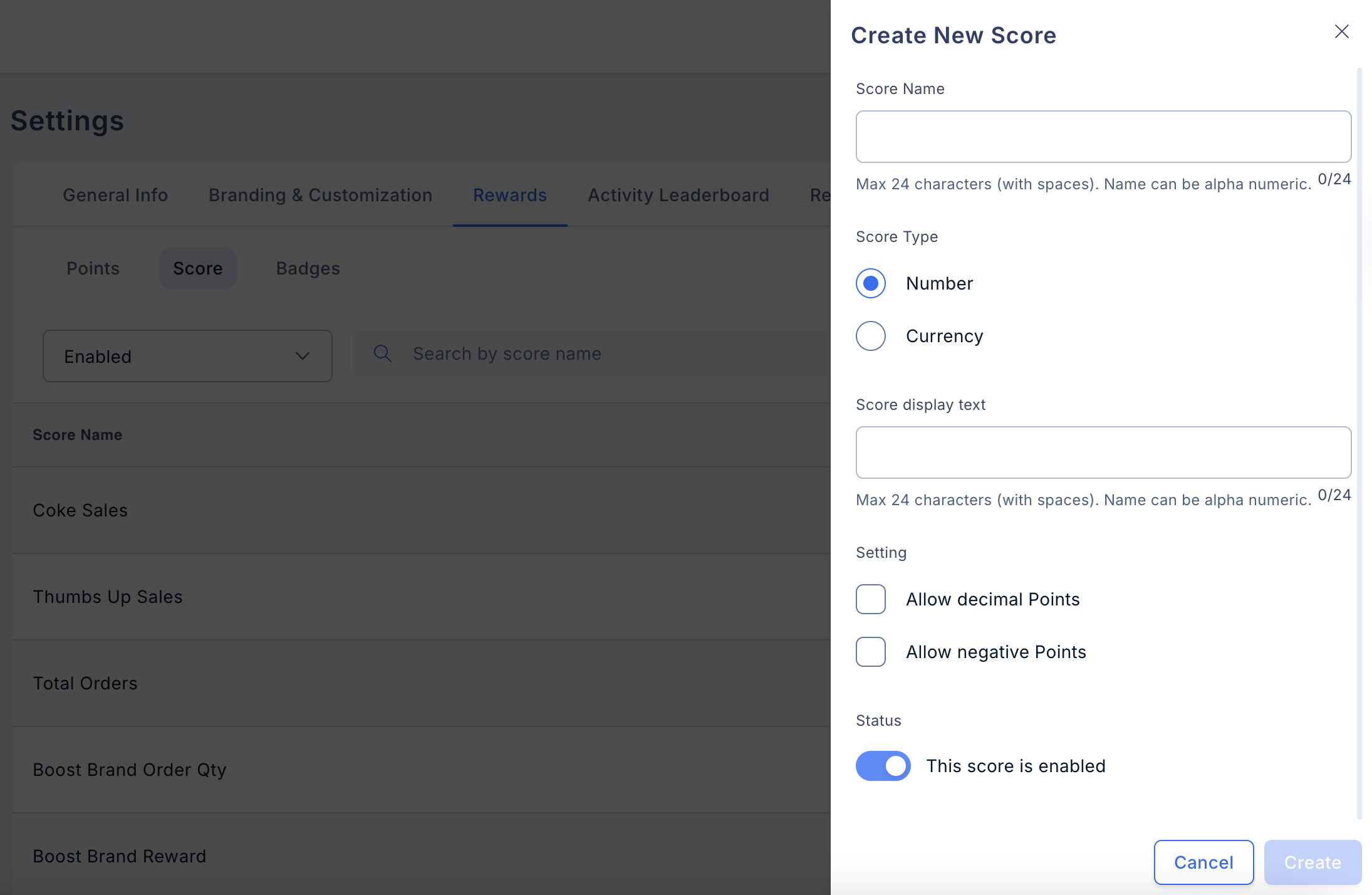
- Scores: Scores can be used to display the various KPIs to the user, which will enhance the user’s performance if he keeps looking at them.
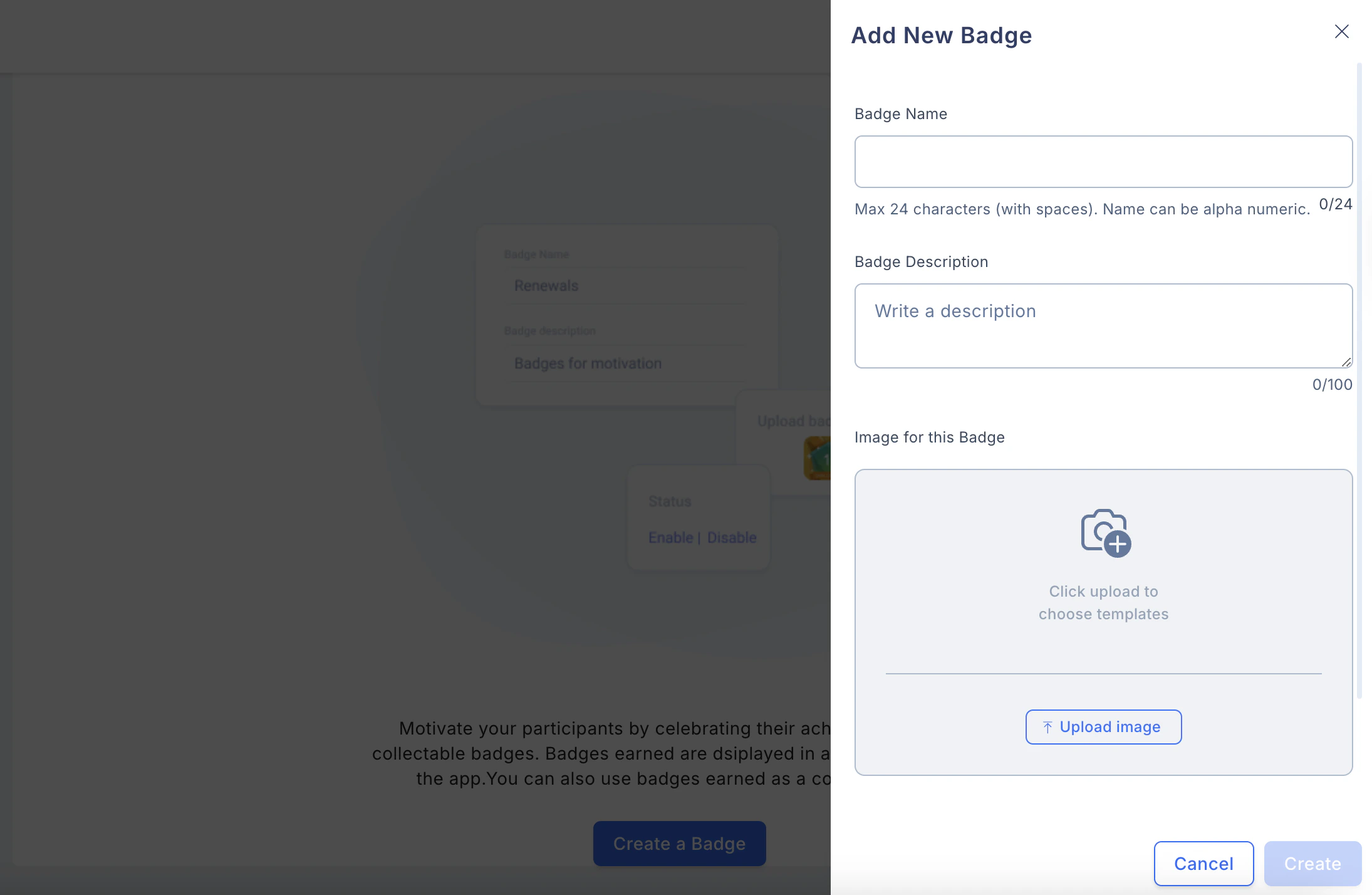
- Badges: These badges can be custom-made as GIFs and uploaded for eligible users. When the user logs in to the app, they will be able to see their badge as of that day.
4. Activity Leaderboard
You can set reward criteria for different aspects to reward the users.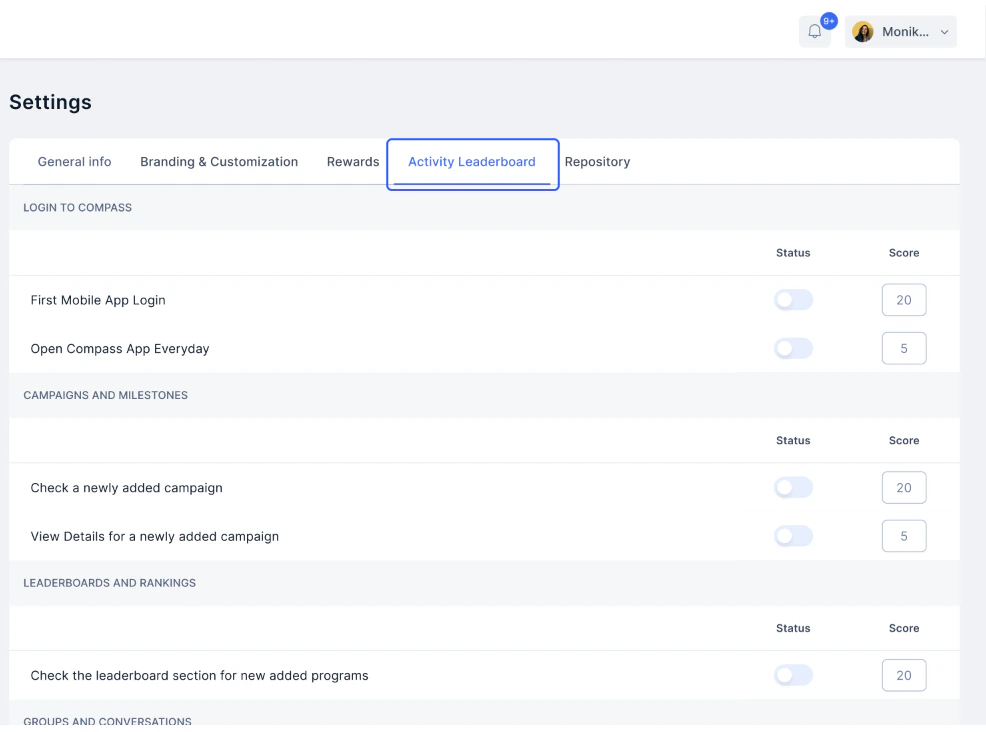
5. Repository
Add relevant documents that the reps can use.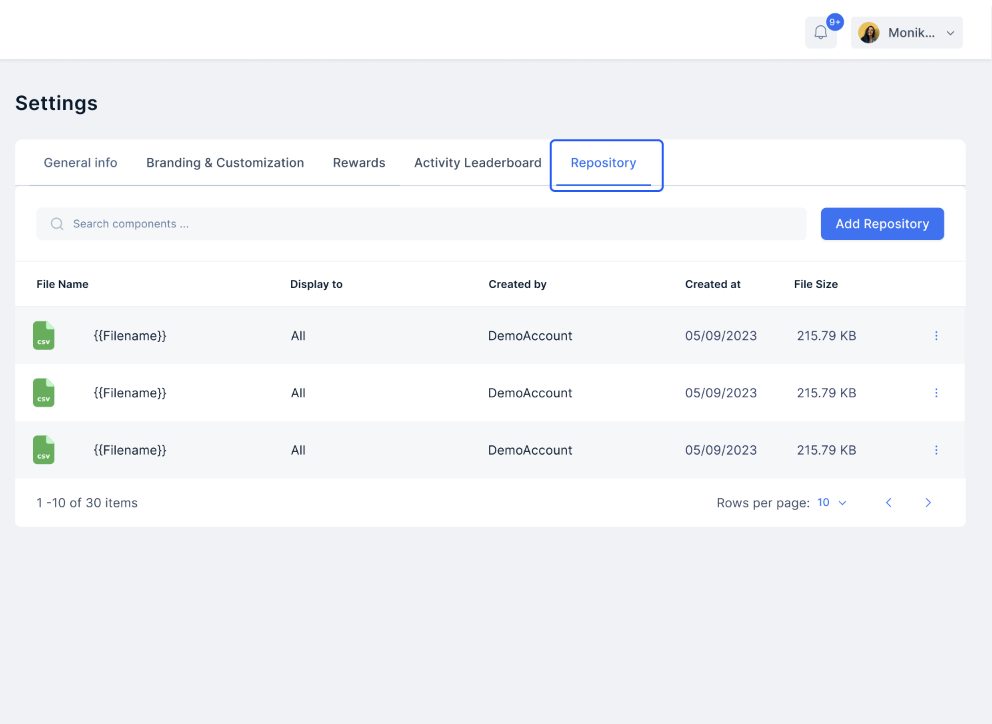
Need help? Reach out to your support team or Contact Support.