
https://<your-empuls-domain>/home/festive-gift-ideas to see what’s open for you.
When you’ll get notified
The moment your admin launches a campaign, you receive notifications via:- In-app: a banner on your Empuls home and a notification in the bell icon.
- Email: a celebratory email with a direct link to the catalog.
- Slack, MS Teams, or Google Chat: if those integrations are connected, a message in your direct messages.
Claim your gift
1
Open the campaign
Click the link in your notification, or visit the festive gifts page.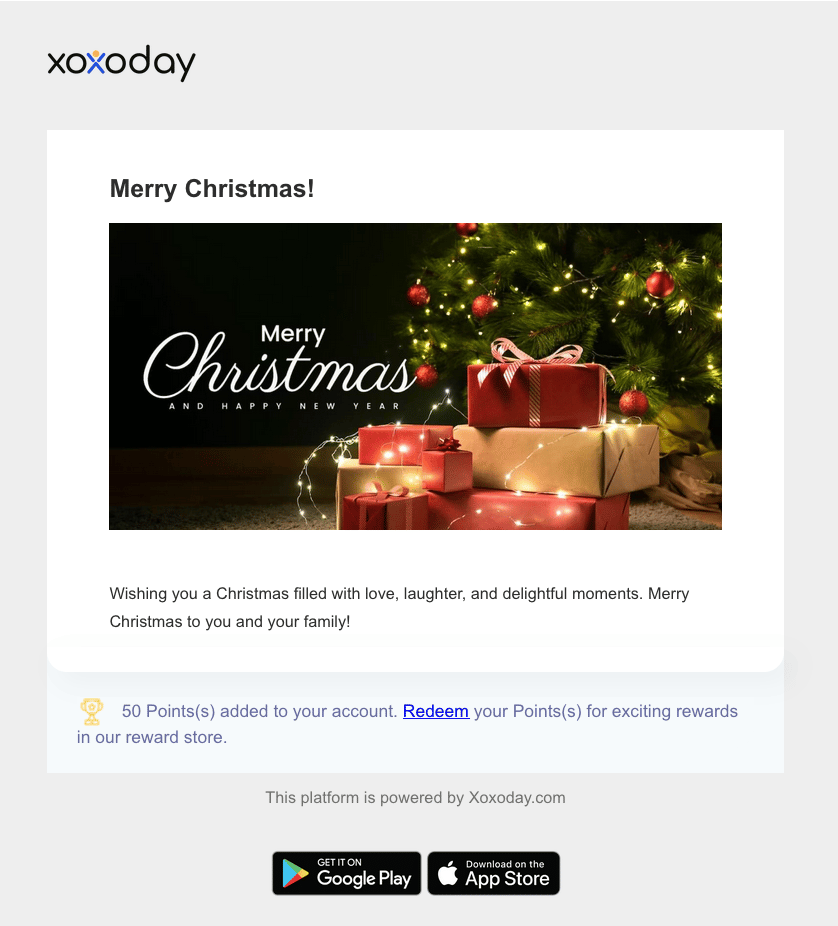
2
Browse the catalog
The catalog shows every gift option your admin curated for this campaign: gift cards, physical merchandise, charitable donations, and experiences. Use filters (category, price tier, country) to narrow down.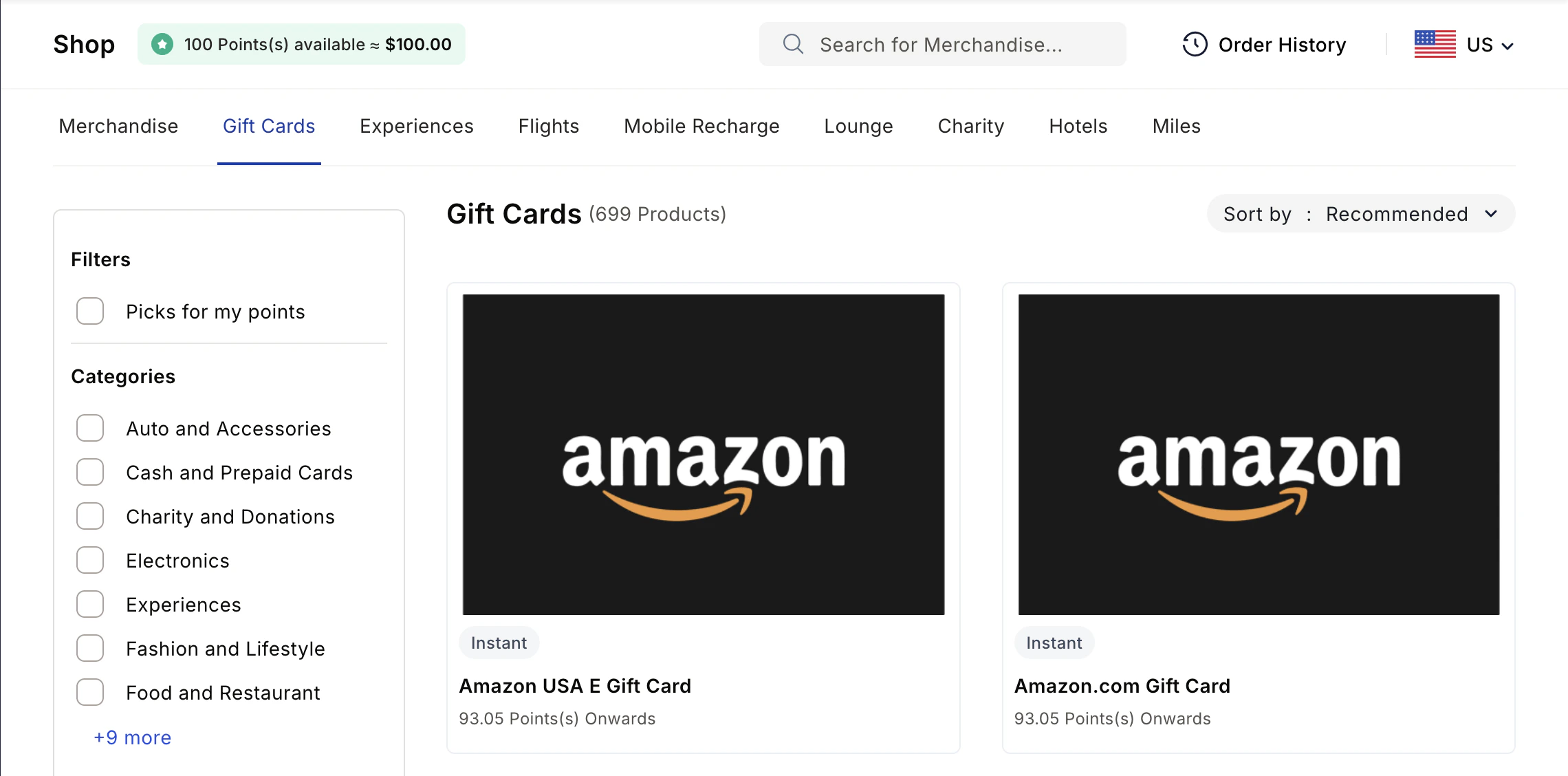
3
Pick one
Click into a gift to see details: what’s included, expected delivery time (for physical items), and terms and conditions. When you’ve decided, click Choose this gift.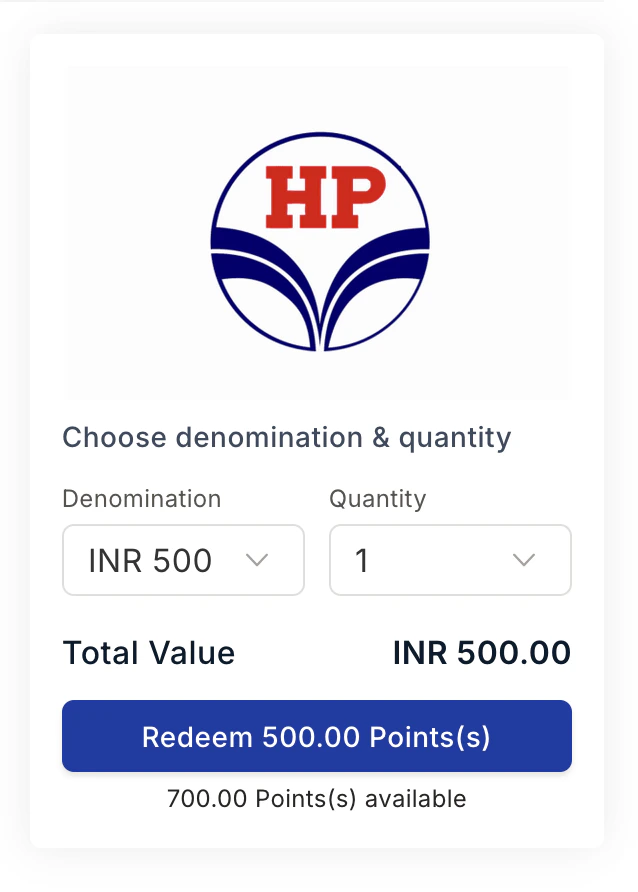
4
Confirm
A confirmation screen shows your choice and any delivery details required (mailing address for physical items, redemption email for digital gift cards).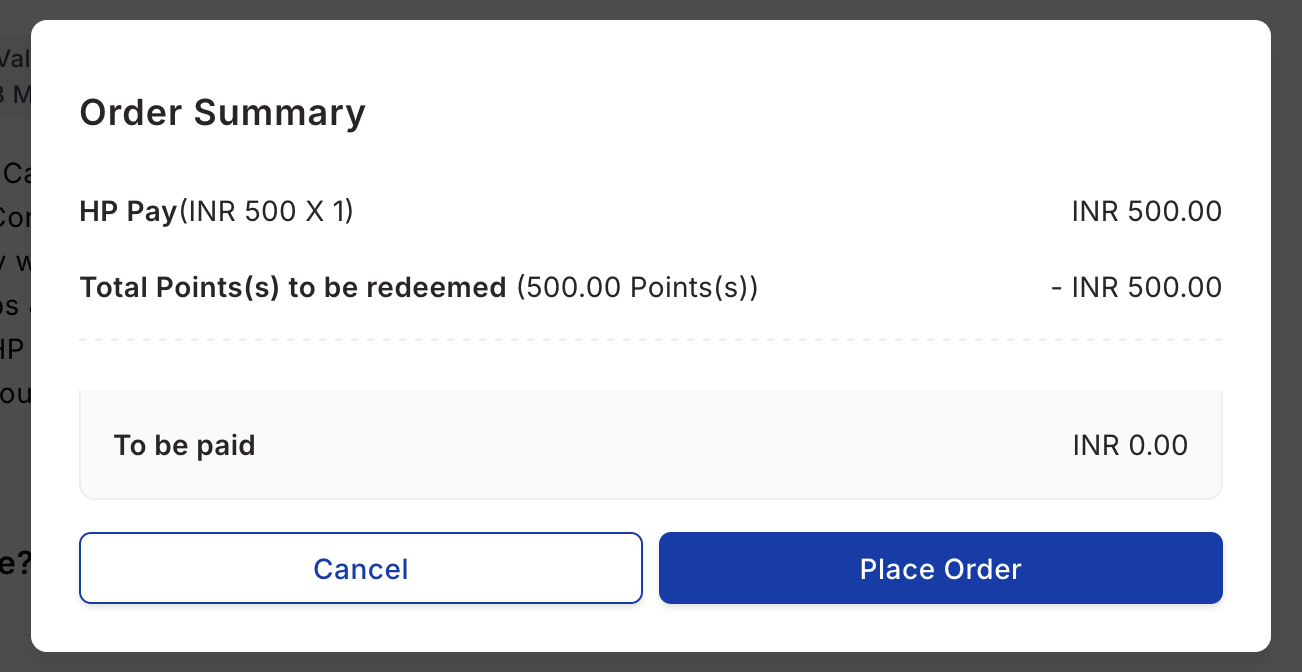
5
Submit
Empuls confirms your choice. You’ll see a success message and a tracking link.
After claiming
Track your claim status from your Order history page.
Change your mind?
Once you submit, the choice is final and Empuls processes the gift immediately. If you discover a problem (wrong delivery address, gift wasn’t what you expected, item arrived damaged), contact your HR team to escalate. Empuls’s supply chain partner can help with shipping and replacement issues for physical items.Multiple campaigns
If multiple festive campaigns are running concurrently (rare but possible), each appears separately. You claim each one independently within its own window.Limits and gotchas
- The claim window is hard. After it closes, the campaign expires and you can’t claim retroactively.
- Some gifts have country restrictions, so the catalog will only show what’s available in your registered country.
- Physical gift delivery times vary by region. Tracking links update as the shipment moves.
Related
Order history
Track your festive gift after claiming.
Redeem points
Use your reward points (separate from festive gifts).
Perks store
Discounted gift cards available year-round.