
You need to be logged into Empuls. Your profile is automatically created at sign-up but is incomplete until you add information. The more details you provide, the more discoverable you’ll be.
Access Your Profile
1
Click your profile picture or avatar
Look for it in the upper right corner of the screen.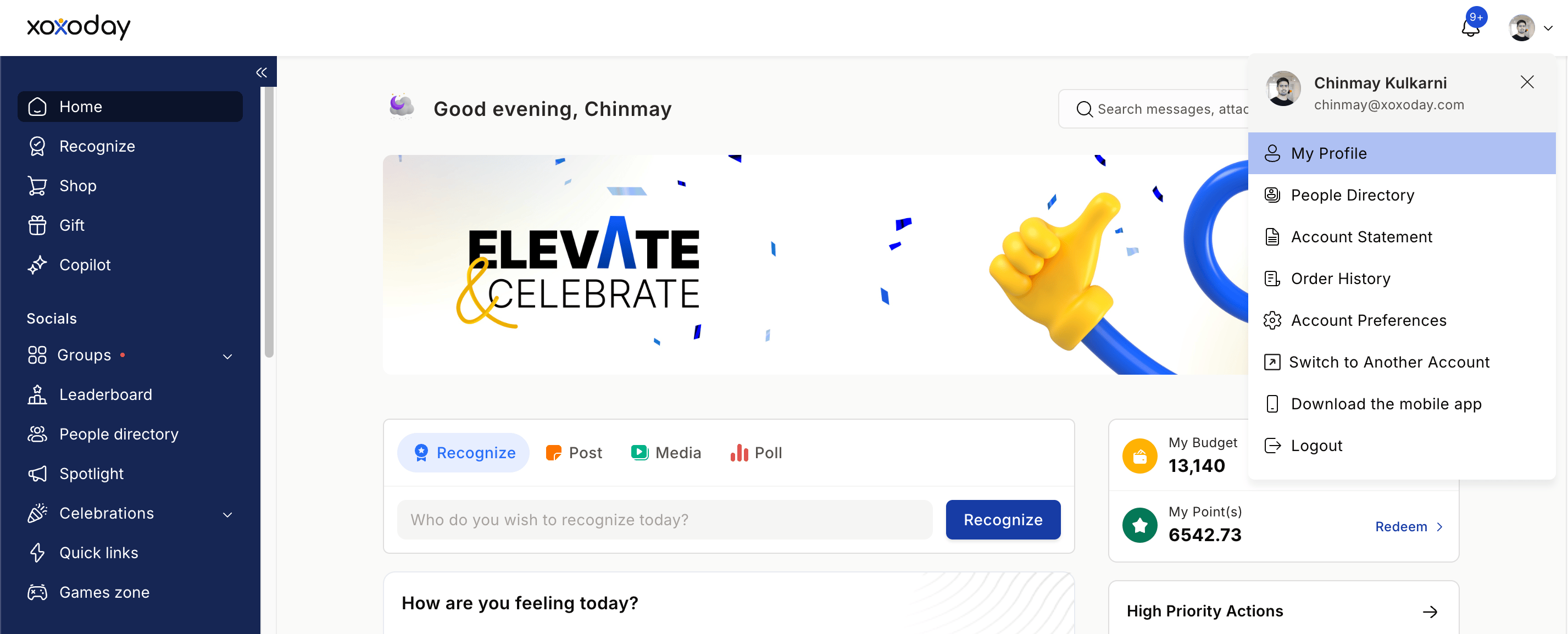
2
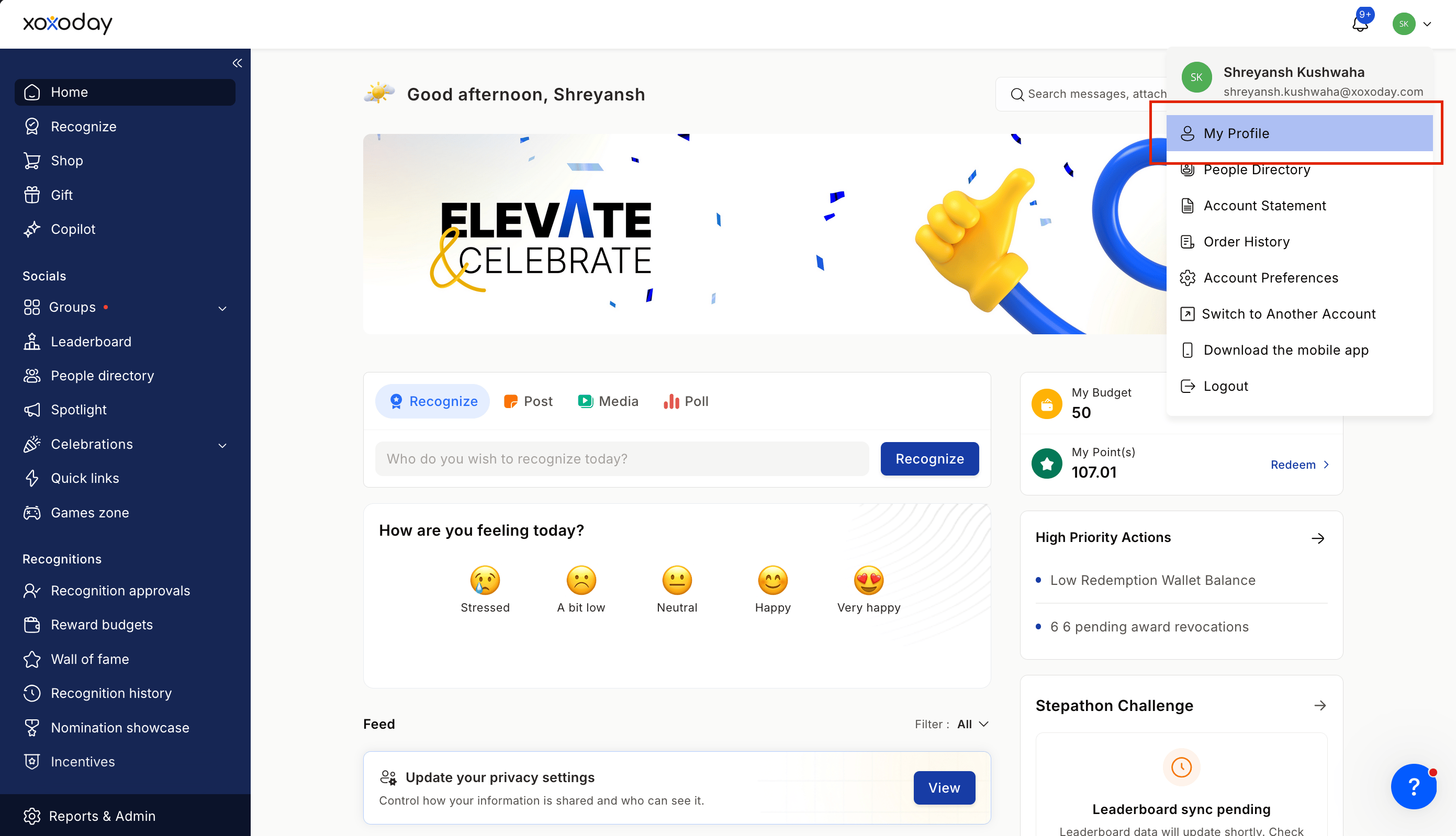
Click My Profile
Select this option from the modal that opens to begin making changes.
Add a Profile Picture
1
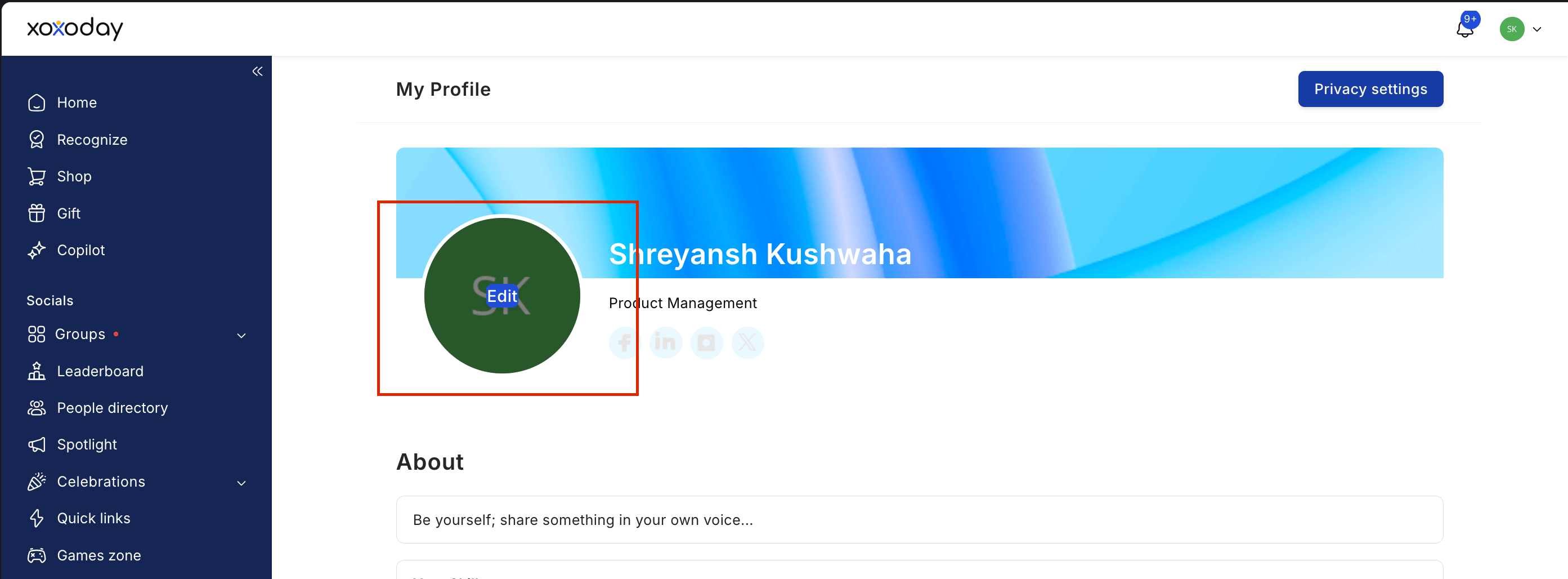
Click the profile picture area
2
Select Upload Photo
3
Choose the right format
Use a clear photo in JPG, JPEG, PNG, or GIF format, under 10 MB.
4
Crop your image
Adjust it to clearly show your face and shoulders.
5
Save your changes
Your profile picture updates immediately.
6
(Optional) Add social profile links
You can link to:
- GitHub
- Twitter / X
- Personal website or blog
Add Personal and Professional Details
1
Write your bio
Aim for 2–3 sentences covering: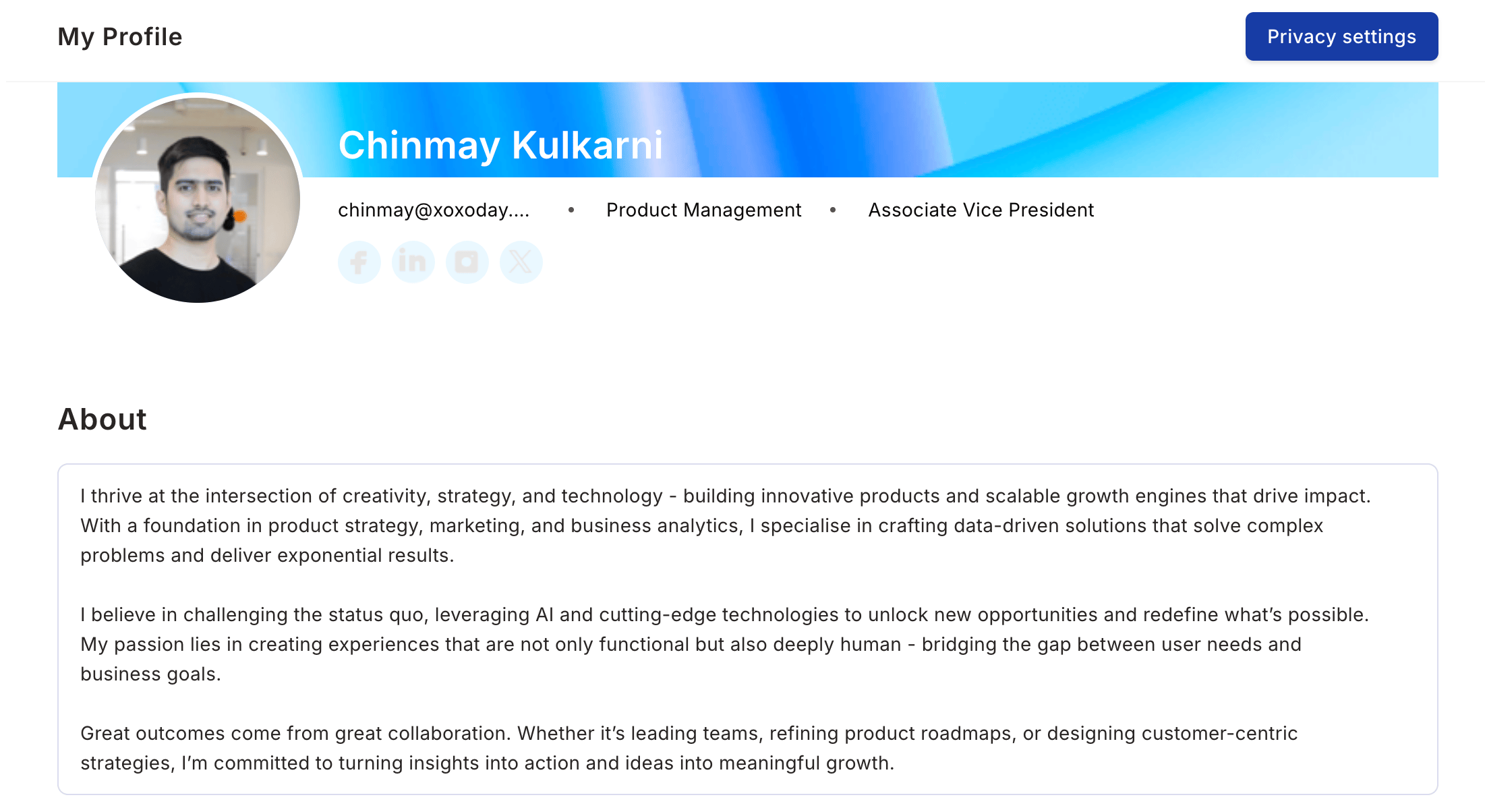
- Your professional background
- What you’re passionate about
- What colleagues should know about you
2
List your skills and expertise
Include: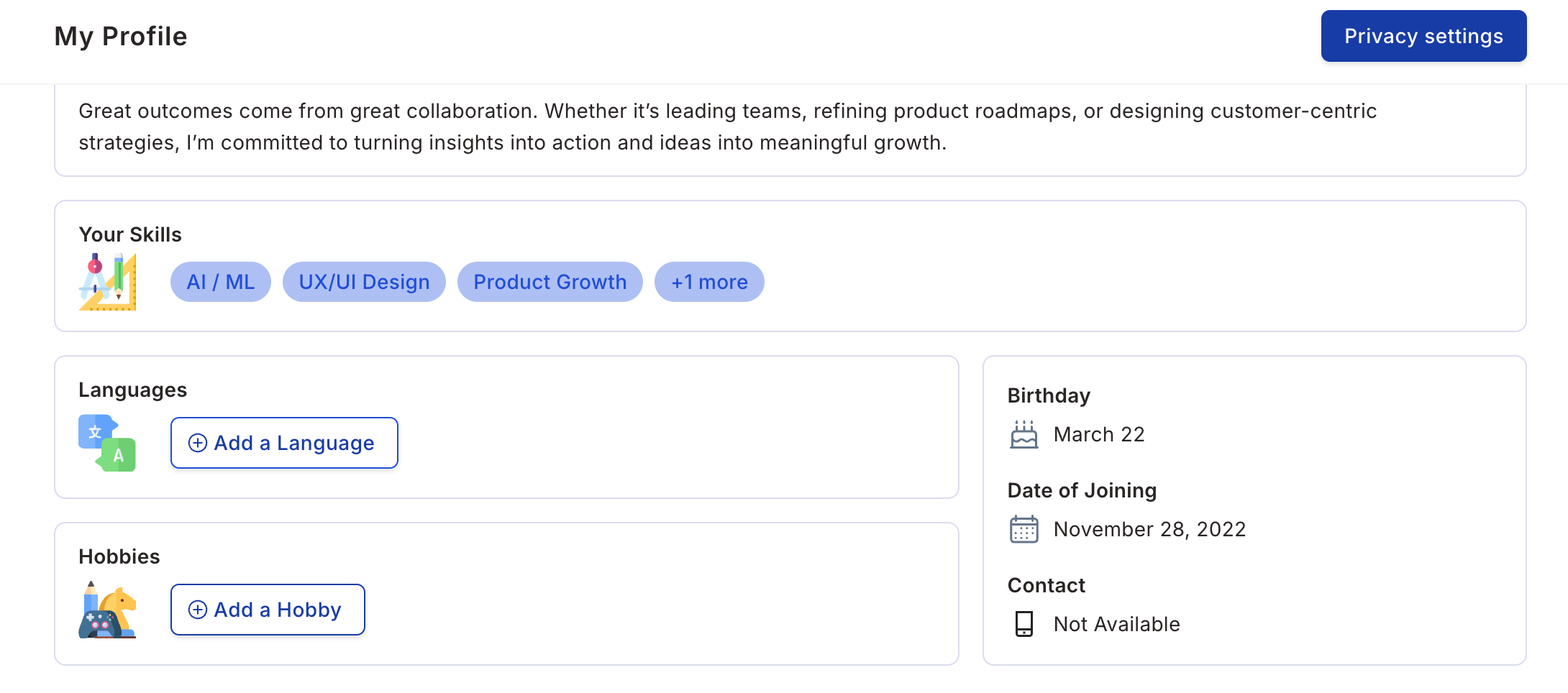
- Programming languages and tools
- Soft skills and domain knowledge
- Languages you speak
- Certifications you hold
3
Add the languages you speak
Help colleagues know how to communicate with you.
4
Add your hobbies and interests
Share details such as:
- Sports and fitness
- Creative pursuits
- Travel and exploration
- Cooking, gaming, volunteering
Manage Privacy Settings
1
Go to Privacy Settings
Find this in your profile editing section.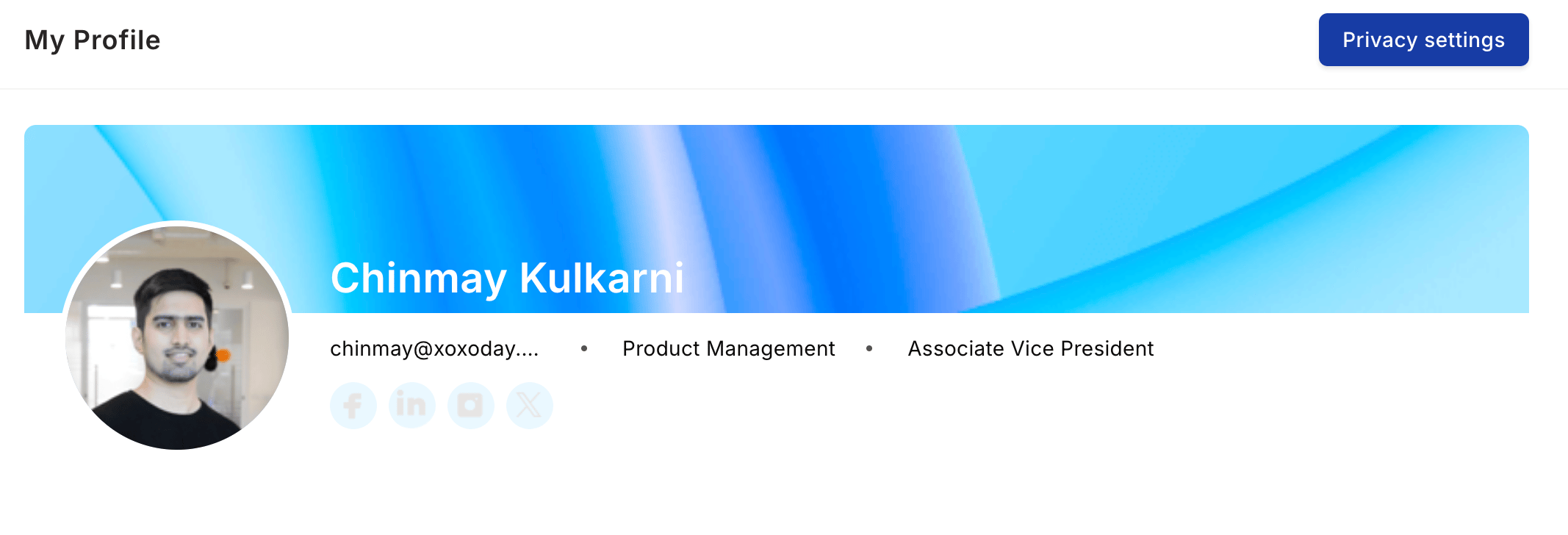
2
Adjust visibility
Change the visibility of your personal information, such as your birthday or date of joining.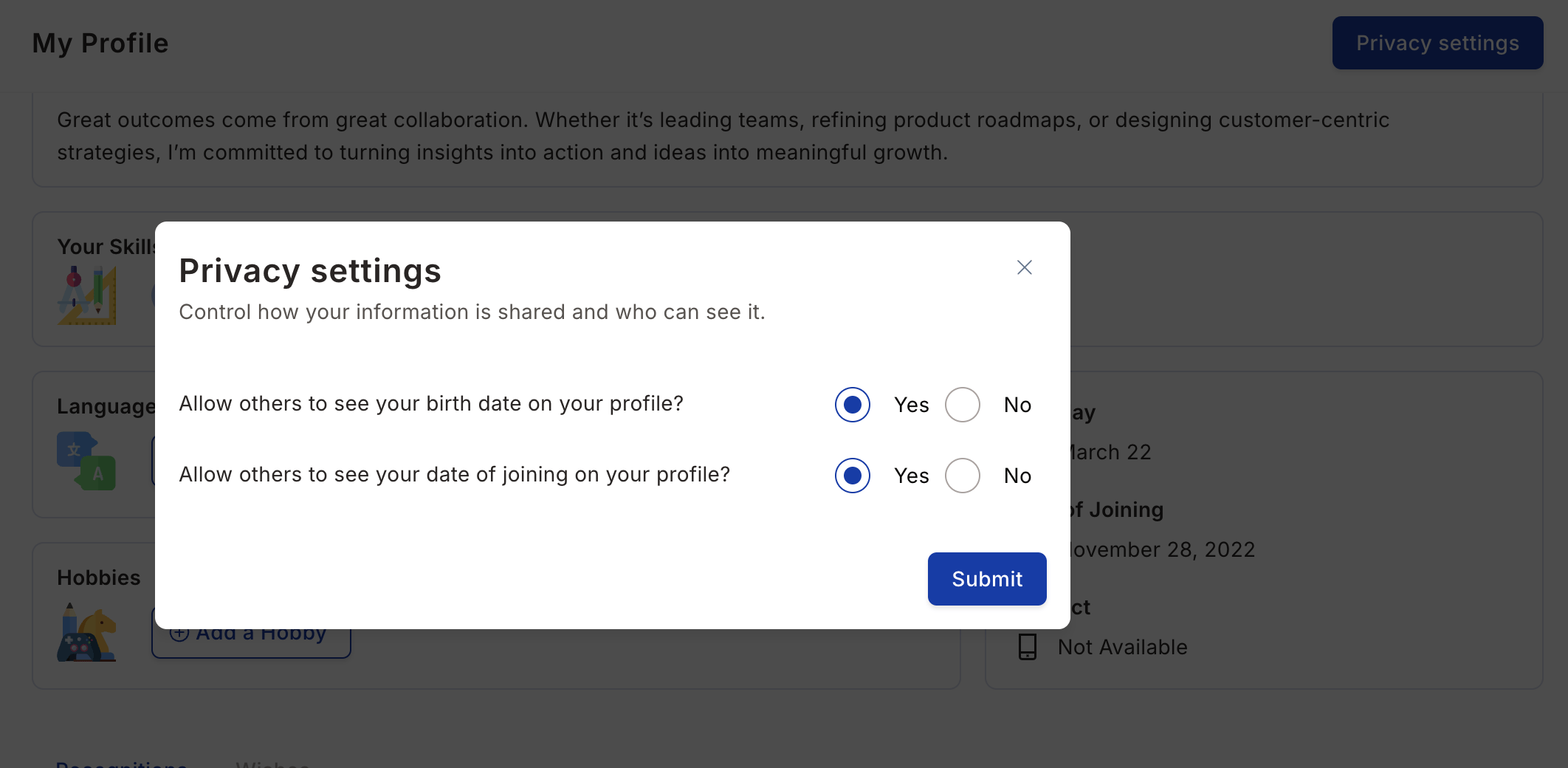
3
Save your preferences
Click Submit to confirm your privacy choices.
View Your Recognitions
Empuls allows you to view all your past recognitions in one place, including birthday wishes, long service awards, and yearbook entries. To view your recognitions, scroll down the Profile page to see all the recognitions you’ve received. You can view wishes for birthdays, work anniversaries, and other milestones.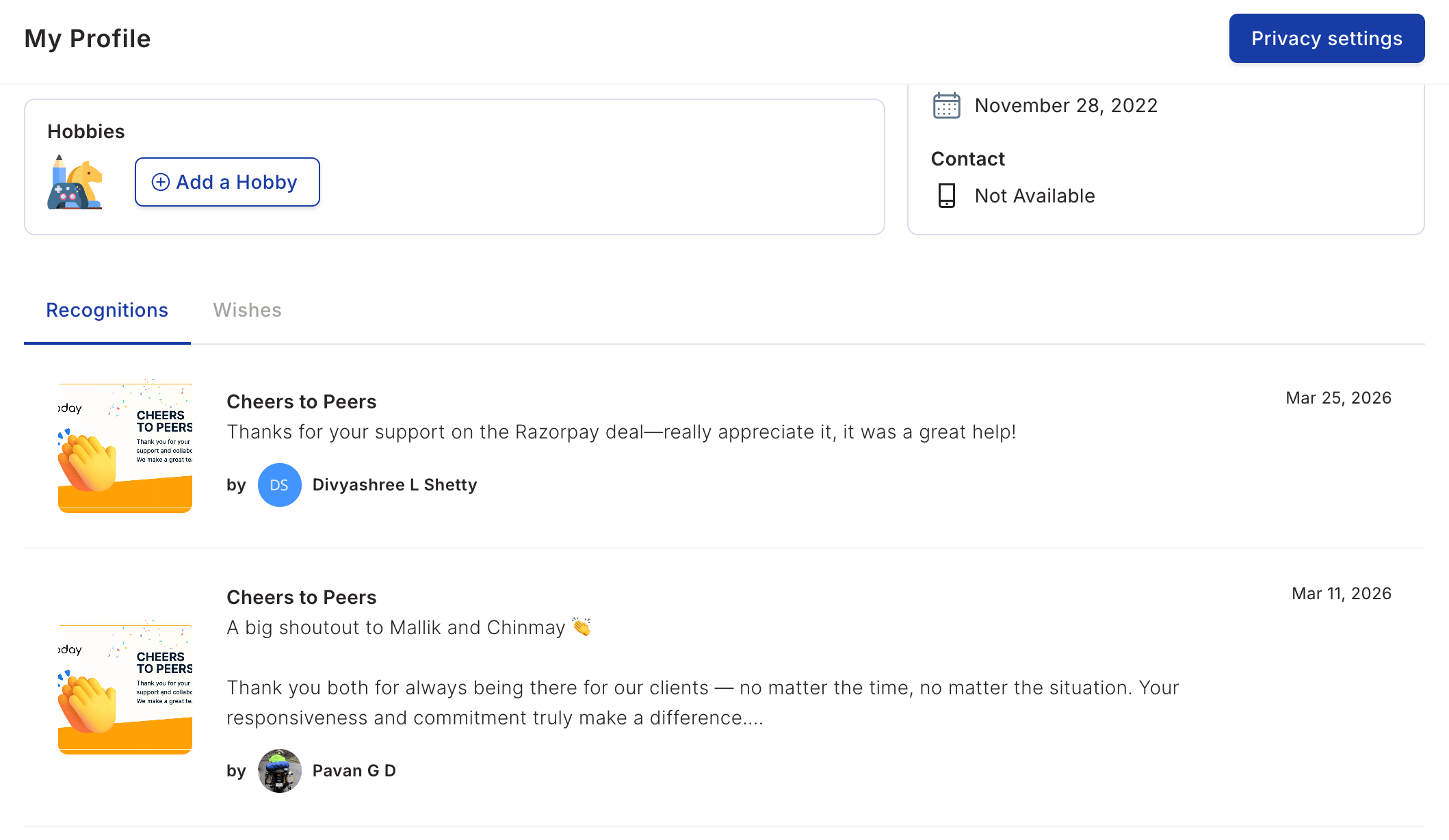
Filter your activity
On your own profile, the My Activity section lets you narrow down the recognitions you’ve received and given. Filters are available on the web app, in Slack, and in the Microsoft Teams My Profile pop-up. Select a chip to choose which recognitions to view:
If you have migrated past recognitions, a Past recognitions chip also appears. Filters don’t apply to this chip.
To filter your activity:
1
Select a chip
Filters that don’t apply to the selected chip are disabled.
2
Choose one or more values from the filter dropdowns
On the award chips, you can combine Reward Cycle / Campaign and Award. Empuls shows recognitions that match any of your selections.
3
Remove a selection to clear the filter
The list updates as you add or remove values.
Filters appear only on your own profile. When you view another member’s profile, the activity list stays unfiltered.