Documentation Index
Fetch the complete documentation index at: https://empuls.mintlify.app/llms.txt
Use this file to discover all available pages before exploring further.
Learn how to access the employee directory and view the org structure.
The People Directory gives you a view of your entire organisation. Find colleagues, explore your company structure, and connect with the right people — all in one place. Open it in your tenant at https://<your-empuls-url>/home/language-directory.
Access the People Directory
Log into your Empuls account
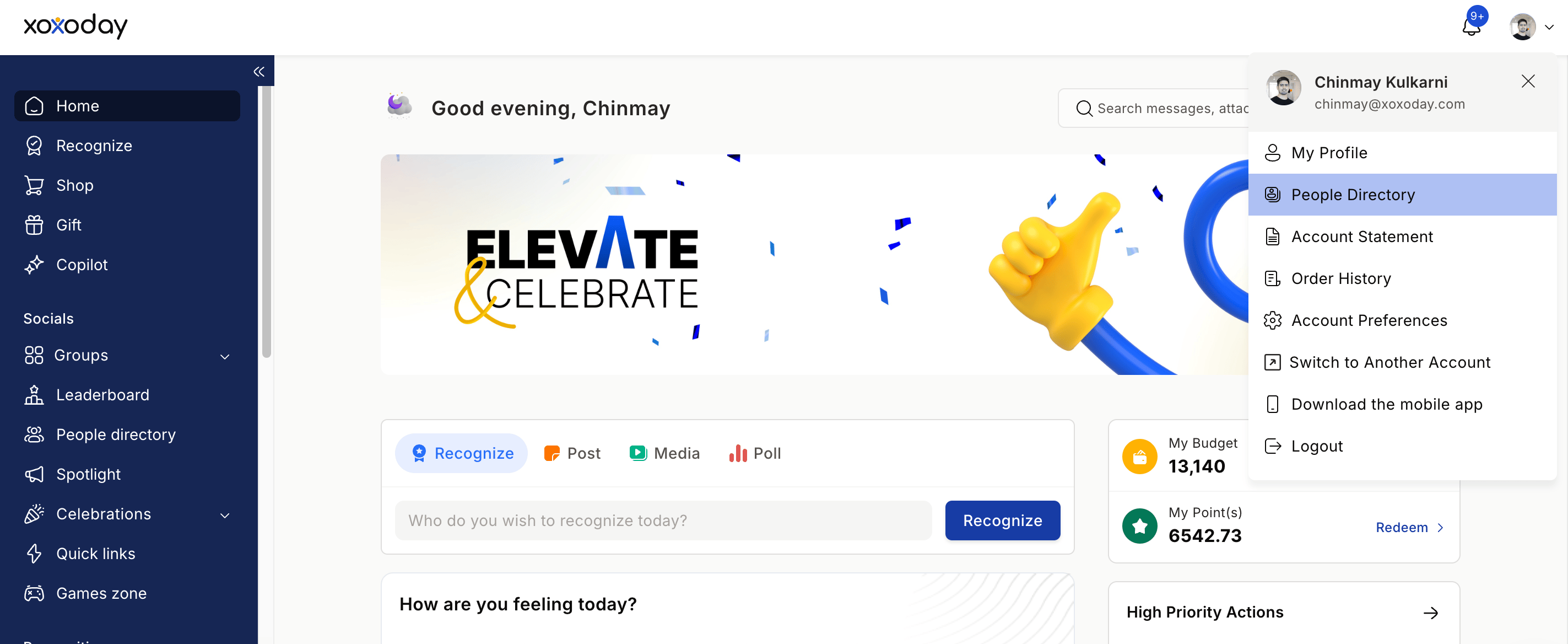
Click on your profile image on the bottom left and select the People Directory from the drop-down menu
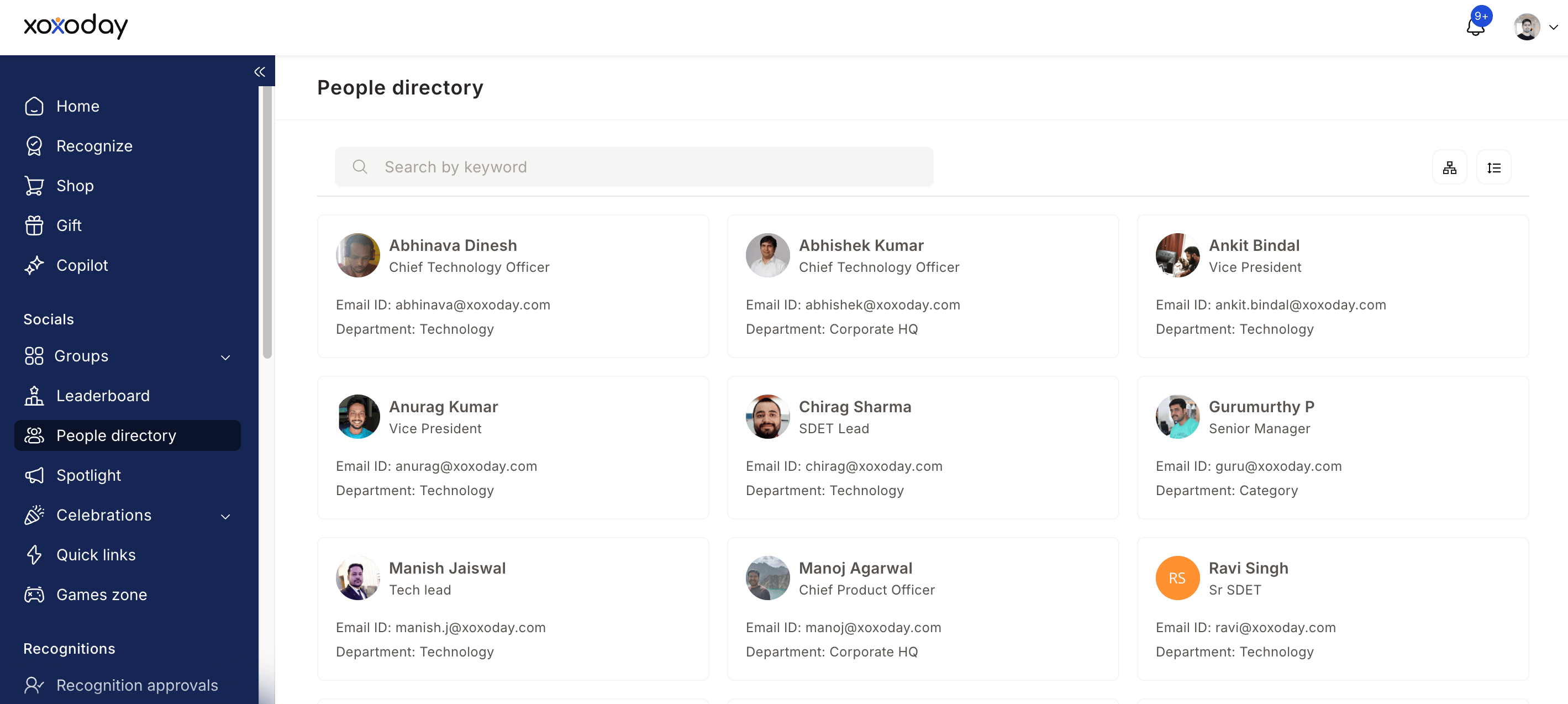
Browse the list of colleagues — you'll see names, job titles, photos, and departments
Explore the Org Chart
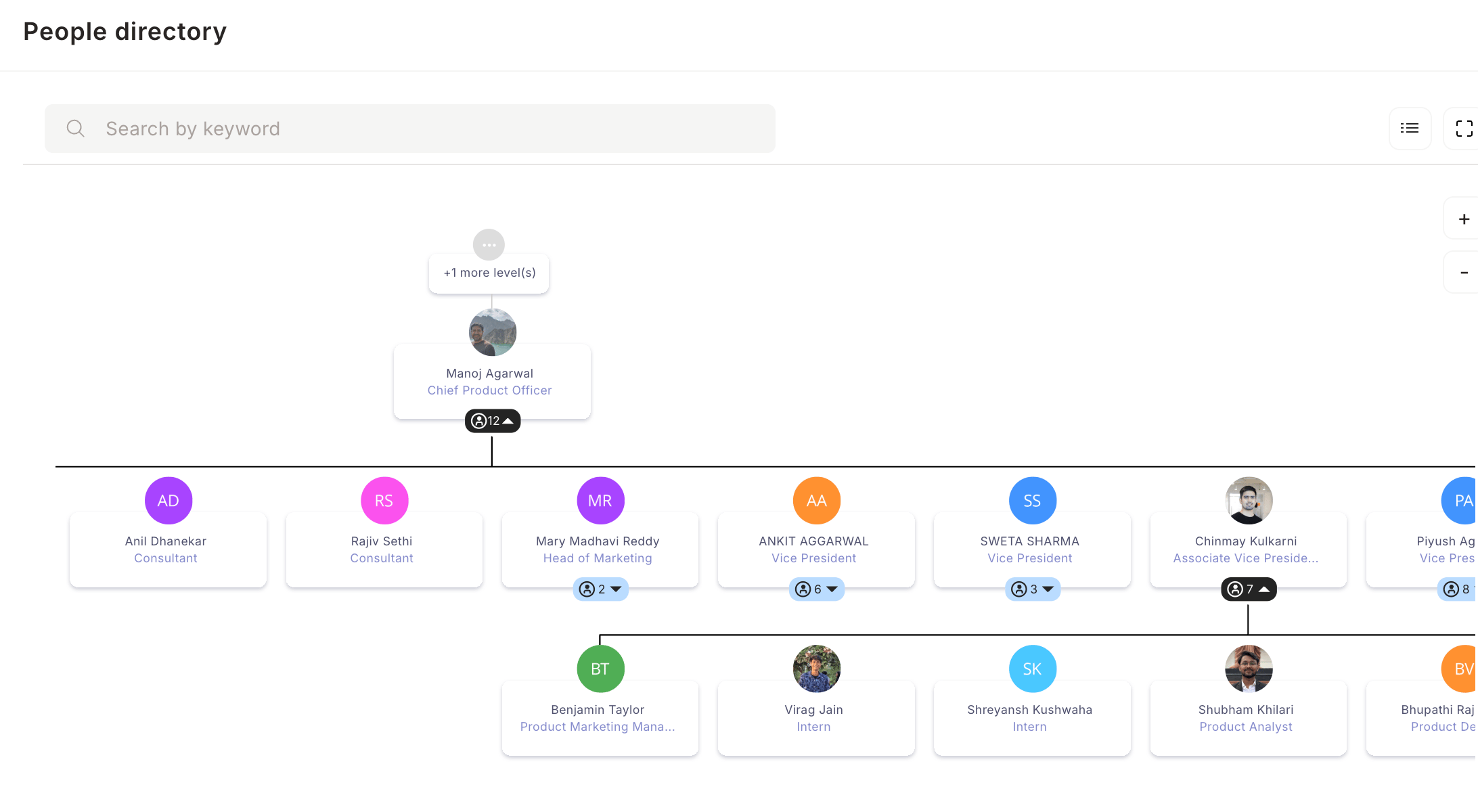
Click the org chart icon located on the right-hand side
View your company's full reporting hierarchy
Click the + icon to expand levels beneath a person
Click any manager's name to see their direct reports
Navigate up and down the hierarchy to explore the full structure
Filter the Directory
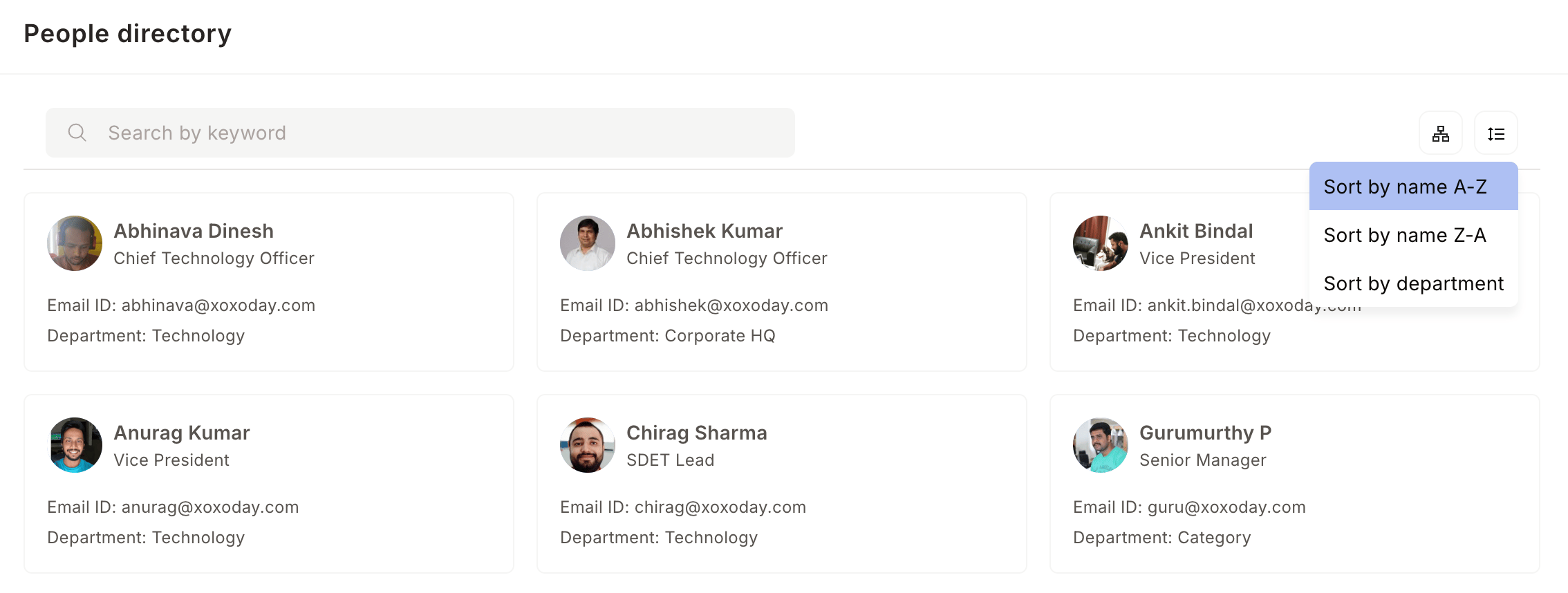
Click the filter icon to sort or narrow down the employee list
Choose from three options:
- A → Z — sort employees alphabetically by name
- Z → A — sort employees in reverse alphabetical order
- Department — filter by a specific team or department