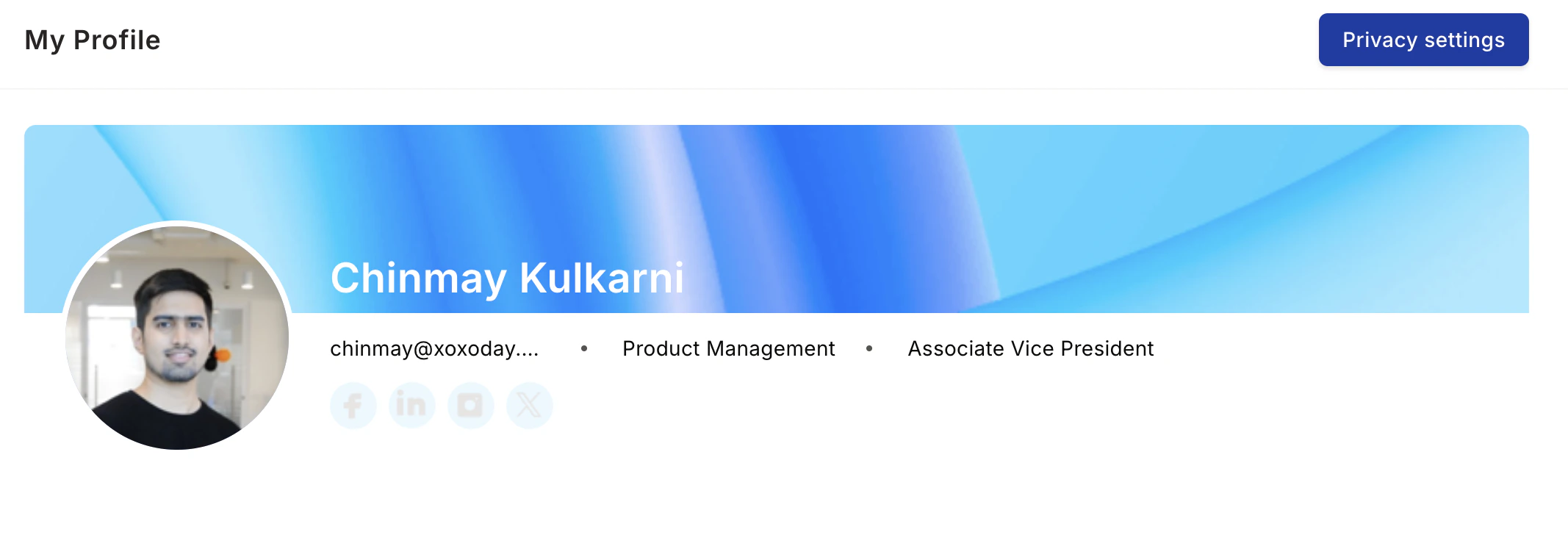
Learn how to update your profile information and manage your professional presence on Empuls. Your Empuls profile is your professional presence on the platform. A complete, authentic profile helps colleagues discover and connect with you, identify each other’s strengths, and strengthen team bonds. Open your profile in your tenant atDocumentation Index
Fetch the complete documentation index at: https://empuls.mintlify.app/llms.txt
Use this file to discover all available pages before exploring further.
https://<your-empuls-url>/home/Userprofile.
You need to be logged into Empuls. Your profile is automatically created at sign-up but is incomplete until you add information. The more details you provide, the more discoverable you’ll be.
Access Your Profile
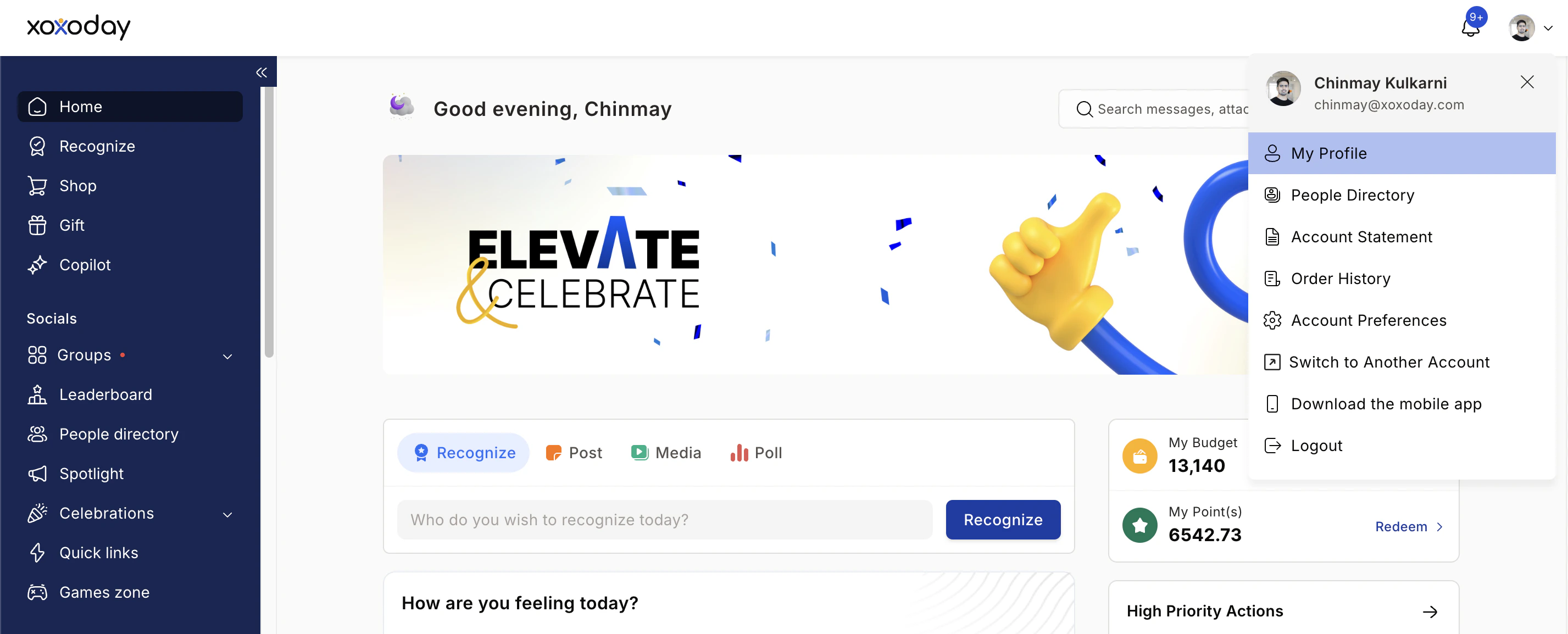
Add a Profile Picture
Add Personal and Professional Details
Write your bio
Aim for 2–3 sentences covering: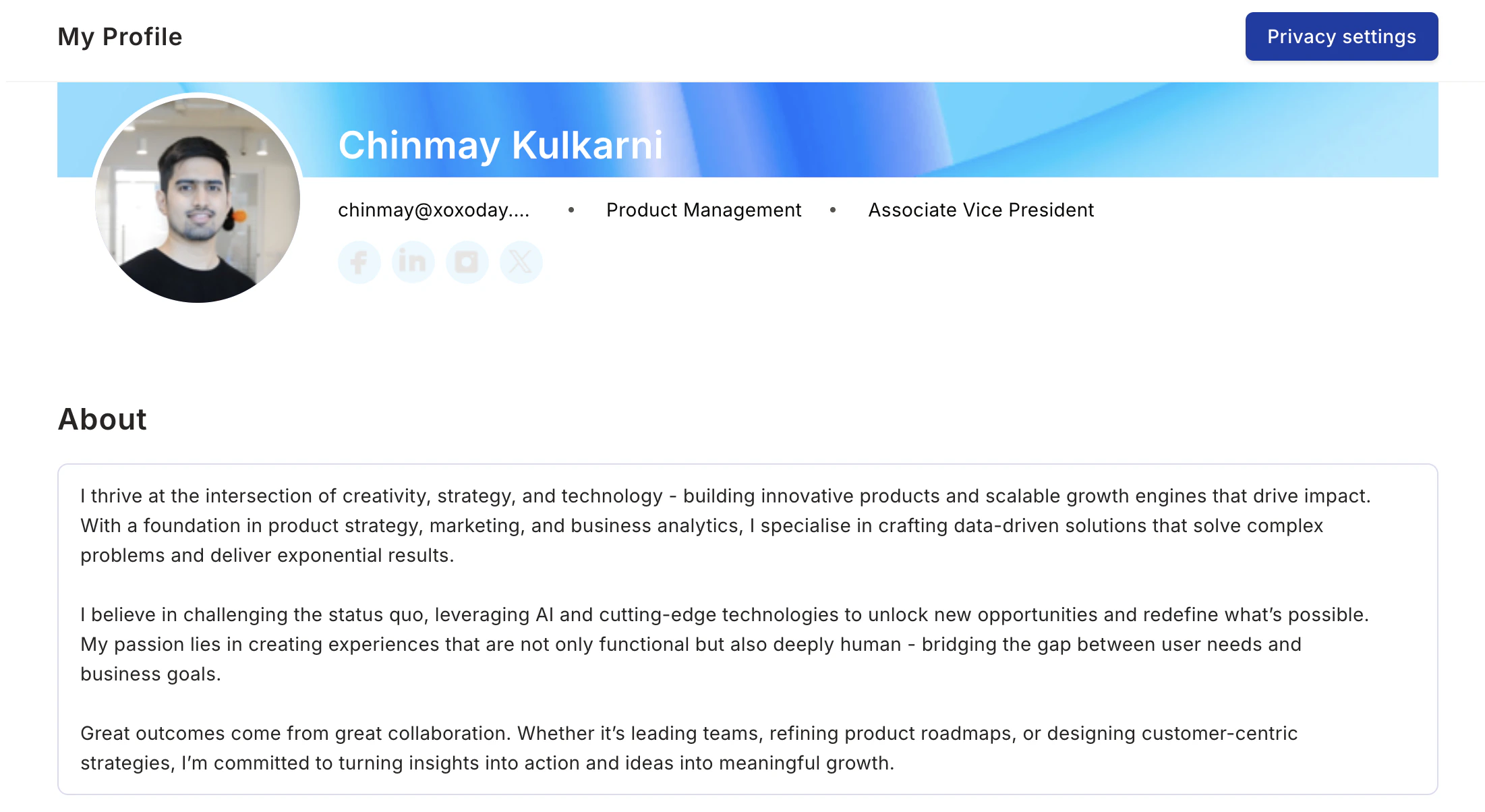
- Your professional background
- What you’re passionate about
- What colleagues should know about you
List your skills and expertise
Include: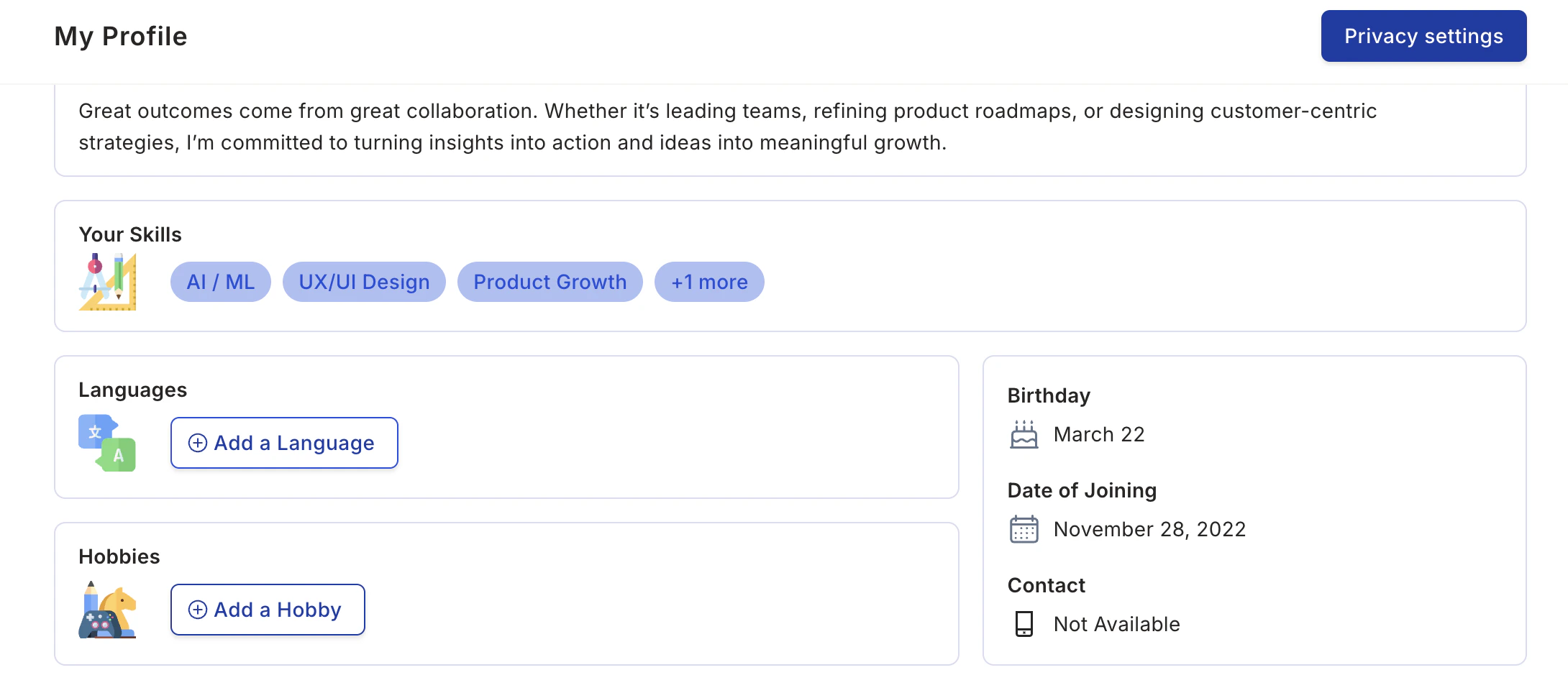
- Programming languages and tools
- Soft skills and domain knowledge
- Languages you speak
- Certifications you hold
Manage Privacy Settings
Adjust visibility
Change the visibility of your personal information, such as your birthday or date of joining.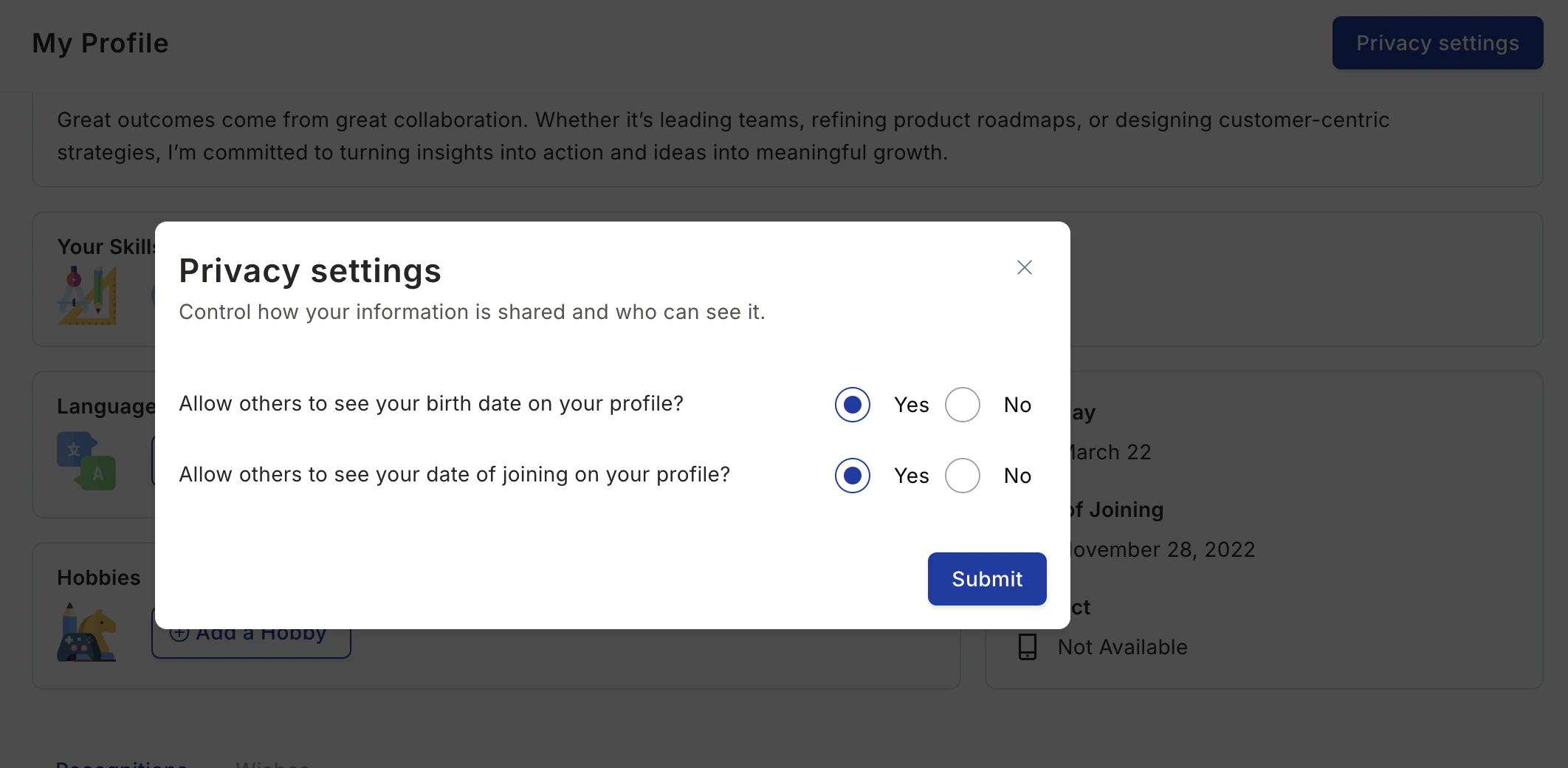
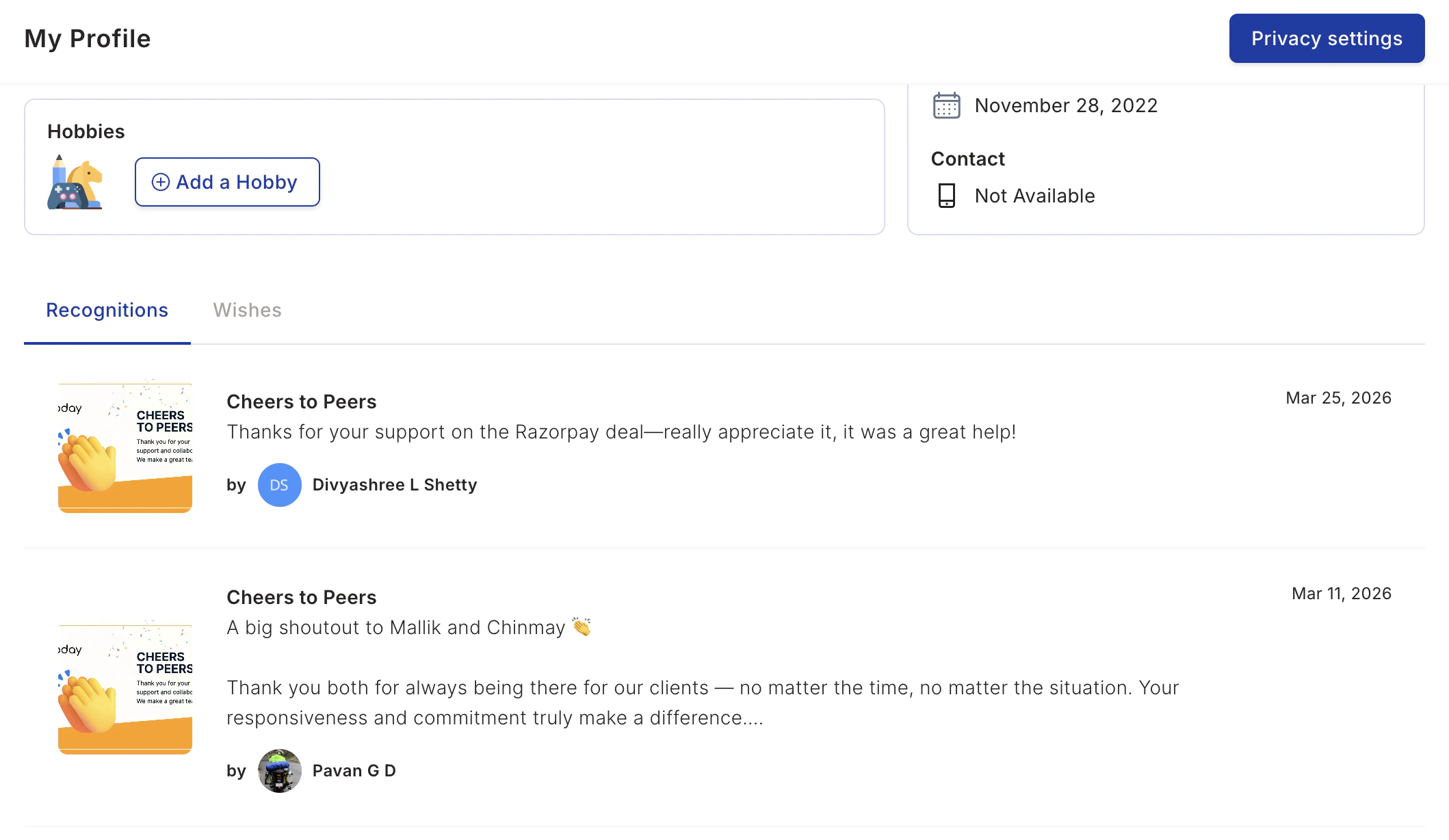
View Your Recognitions
Empuls allows you to view all your past recognitions in one place, including birthday wishes, long service awards, and yearbook entries. To view your recognitions, scroll down the Profile page to see all the recognitions you’ve received. You can view wishes for birthdays, work anniversaries, and other milestones.