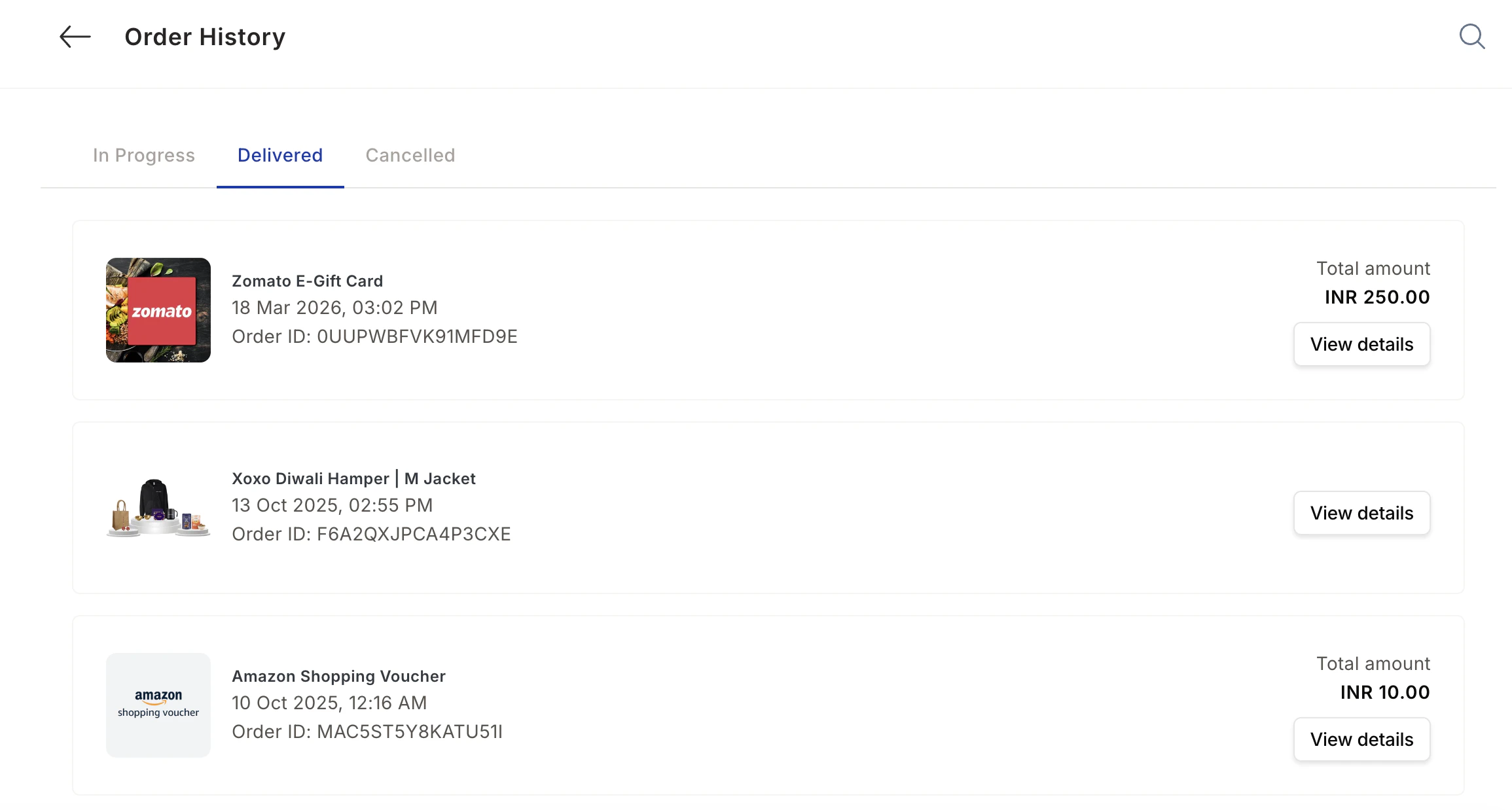
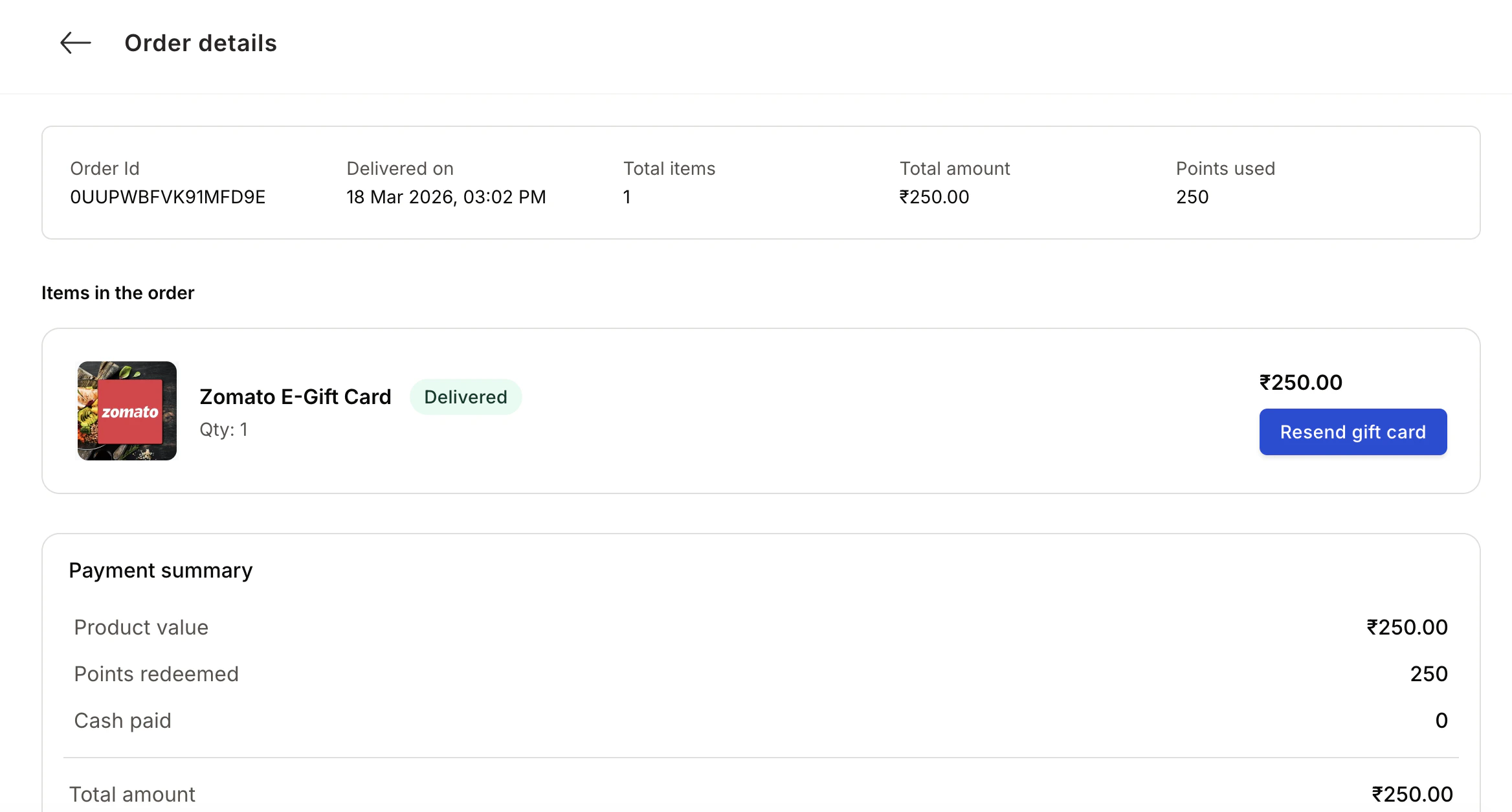
Order History displays all your redemption orders made through the Empuls rewards platform. Track the status of each order, view order details, and access tracking information for physical items. Open it in your tenant atDocumentation Index
Fetch the complete documentation index at: https://empuls.mintlify.app/llms.txt
Use this file to discover all available pages before exploring further.
https://<your-empuls-url>/home/order-history.
Viewing Your Orders
Access Order History
Click your profile image and select Order History from the drop-down menu, or navigate directly to 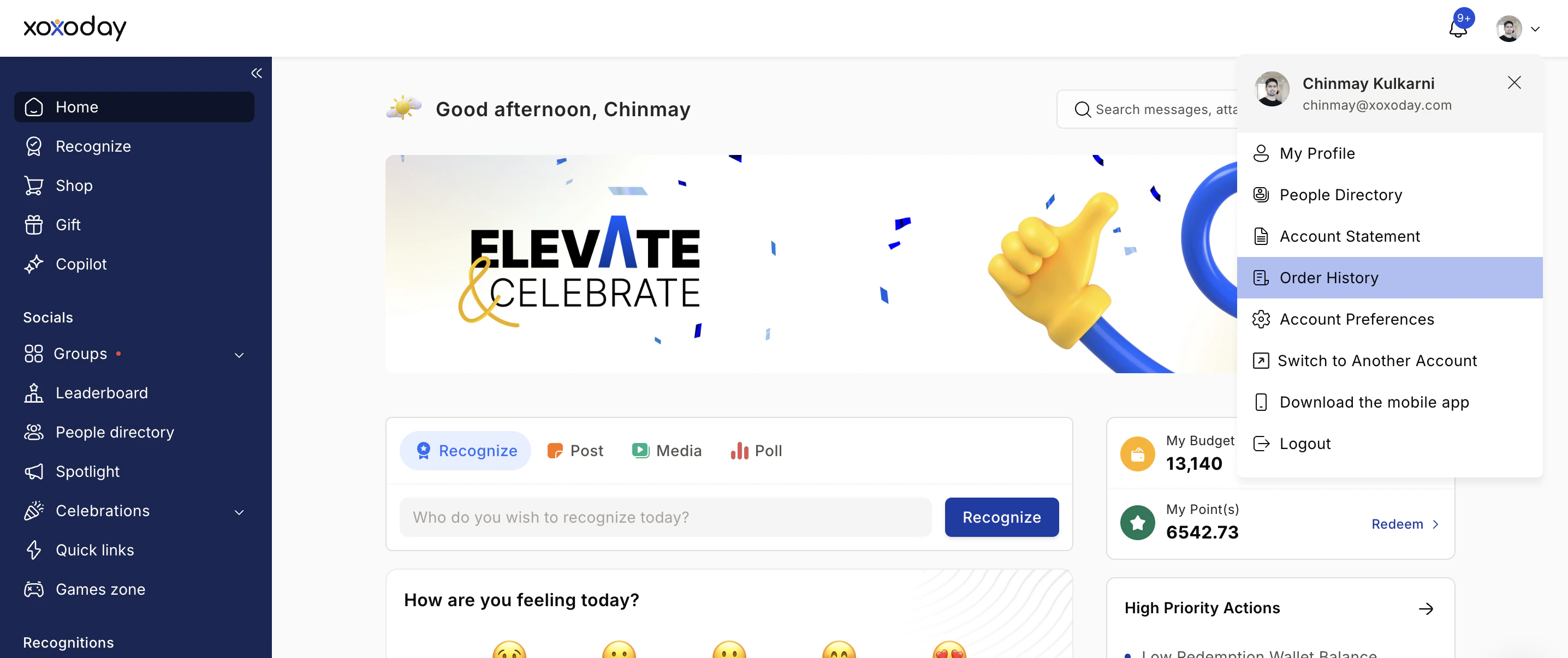
/home/order-history. Ensure you are logged in using your registered email and password.Review Your Orders
The Order History page displays a detailed record of all your orders (in progress, delivered, or cancelled), including delivery status, points used, and price. Click on any order to view additional details such as the item name, category, and associated transaction IDs.