> ## Documentation Index
> Fetch the complete documentation index at: https://help-empuls.xoxoday.com/llms.txt
> Use this file to discover all available pages before exploring further.
# Rating nominations as a jury
Jury-based awards involve a panel of evaluators who rate nominations independently before a moderator selects winners.
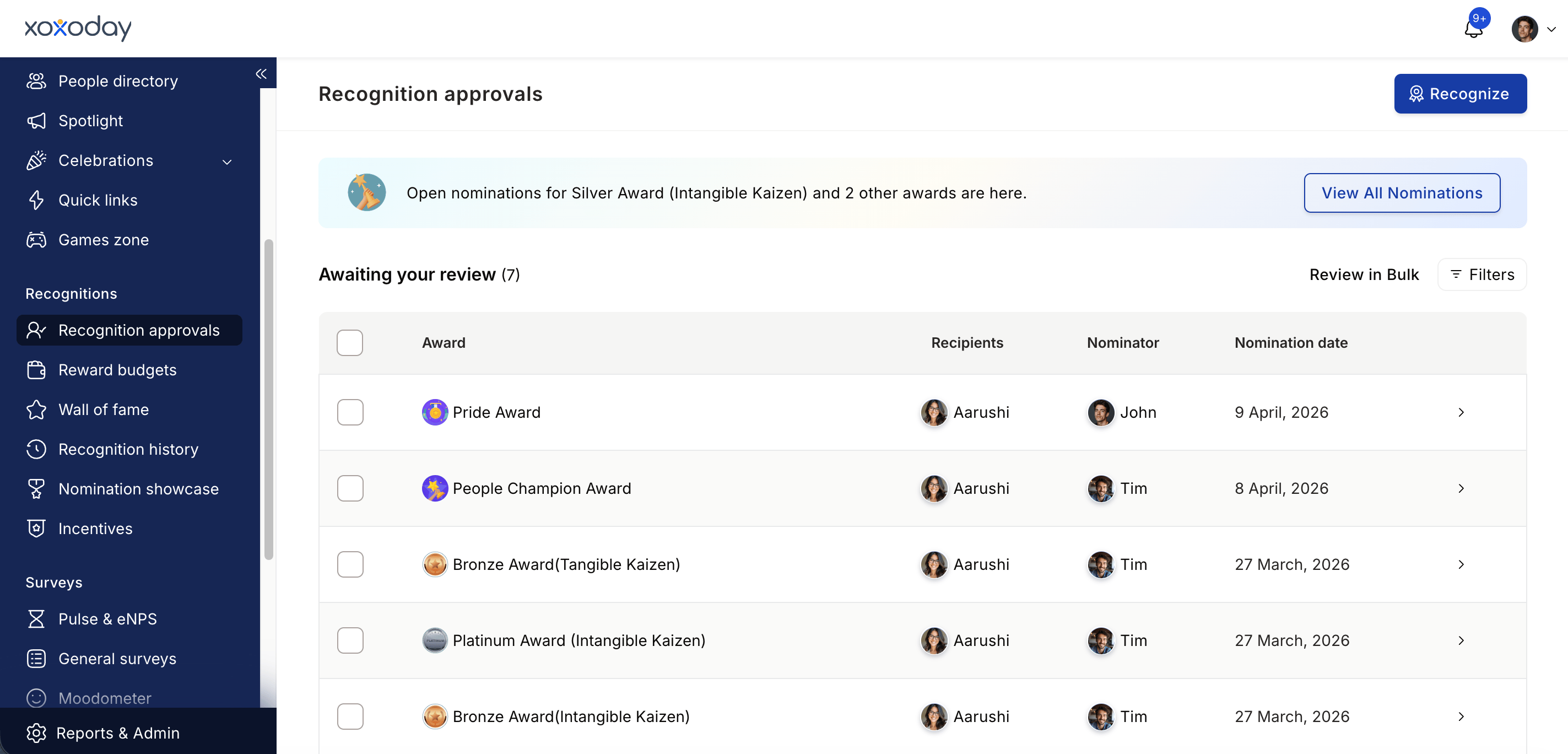
Navigate to **Recognitions > Recognition Approvals** and click **View all nominations**. Select the jury award you've been assigned to moderate or rate.
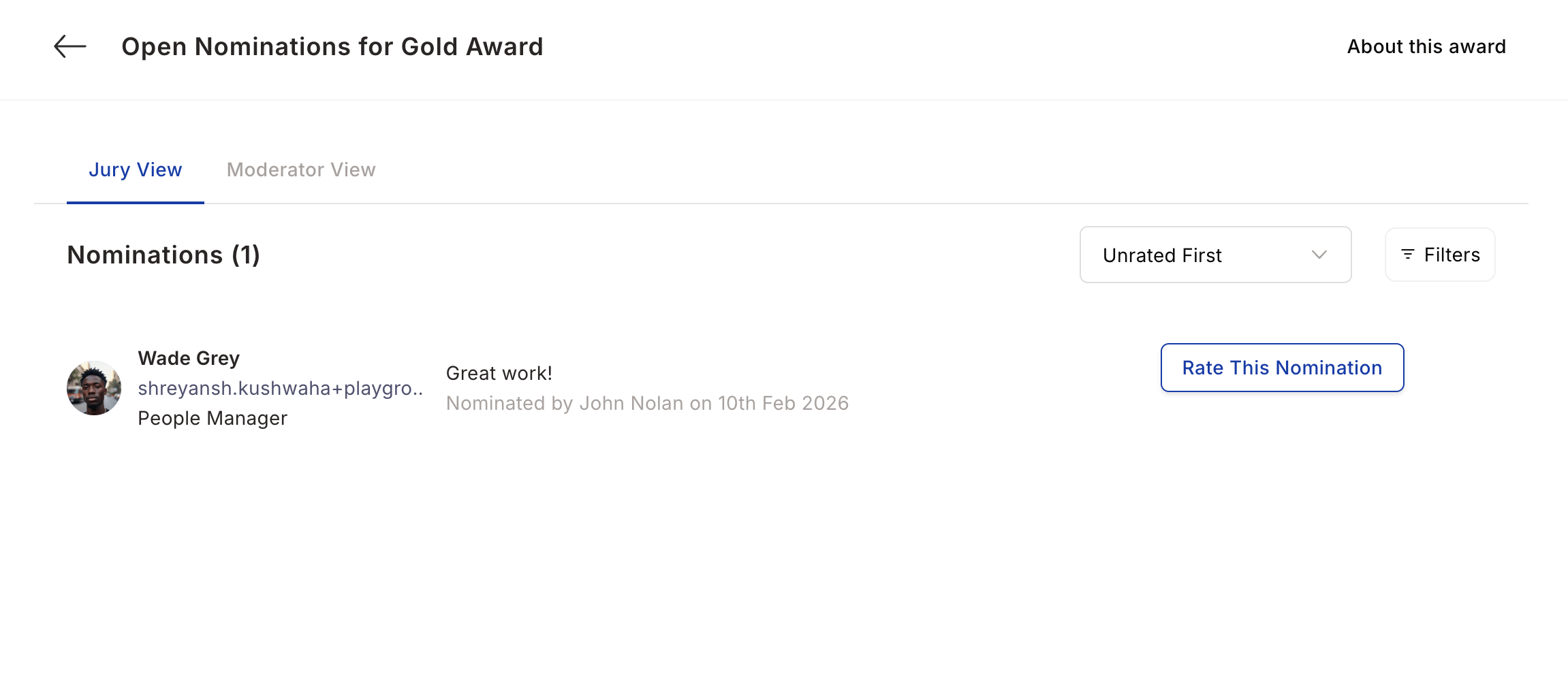
 Use the filters to narrow down nominations by nominee attributes (department, location, grade, business unit) or nominator attributes. Use the sort dropdown to show unrated nominations first, or sort by latest submissions or highest rated.
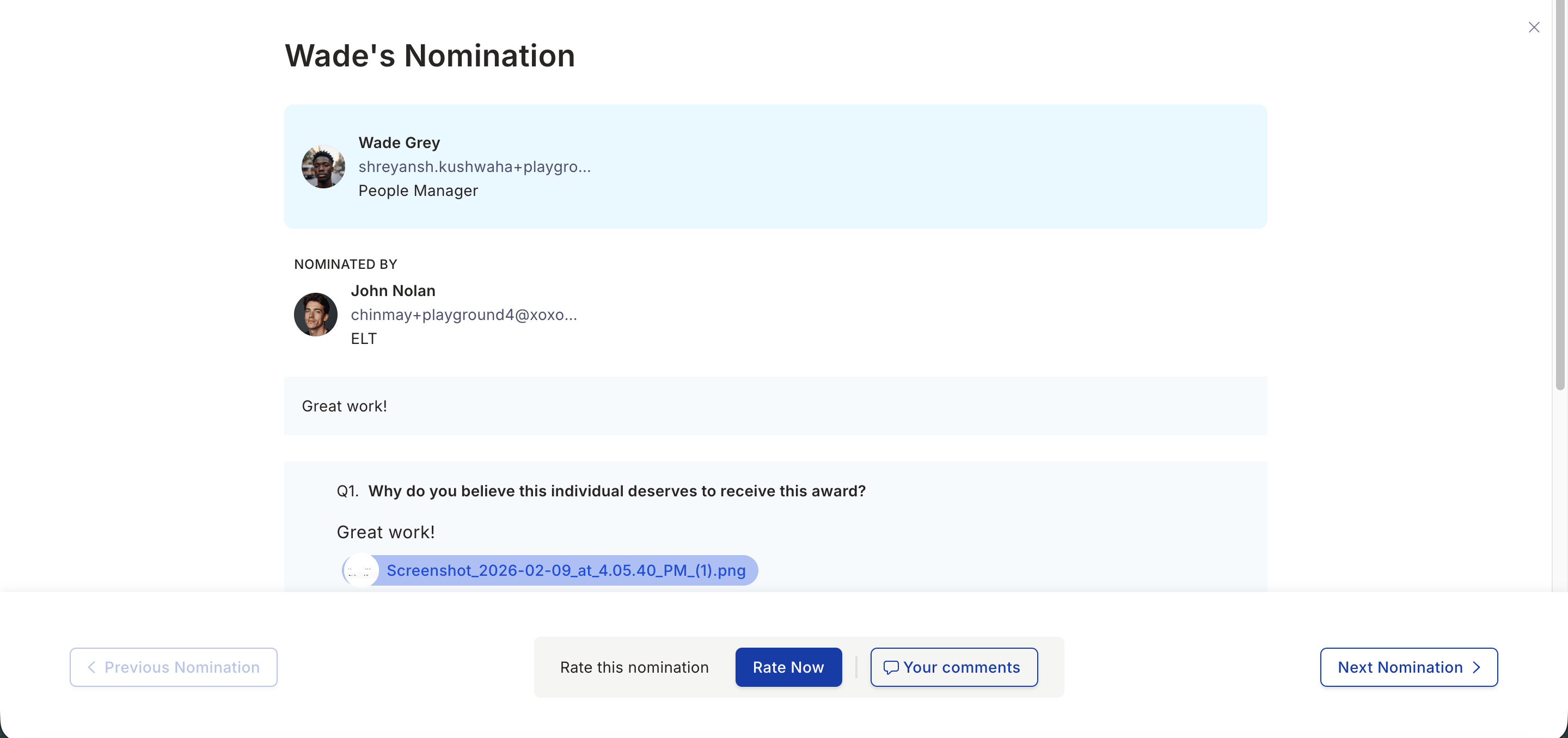
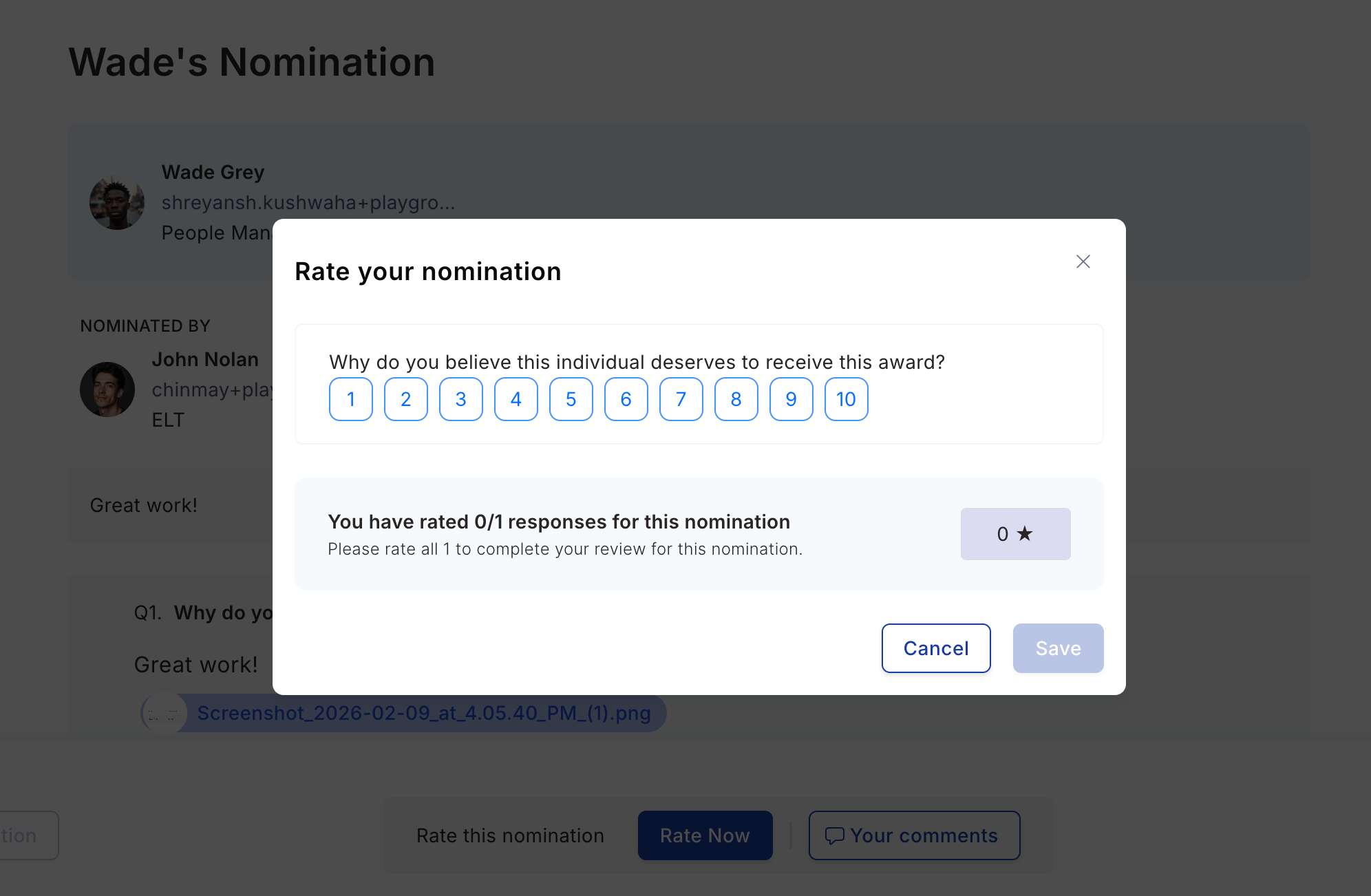
 Click a nomination to see the full history: who nominated the employee, the first-level approval comments, the citation, and answers to any mandatory questions.
 For a 10-point scale award, select a score from 1 to 10 and click **Save**. For a binary-scale award, click **Approve** or **Decline**. Your rating is recorded immediately and contributes to the nominee's aggregate jury score.
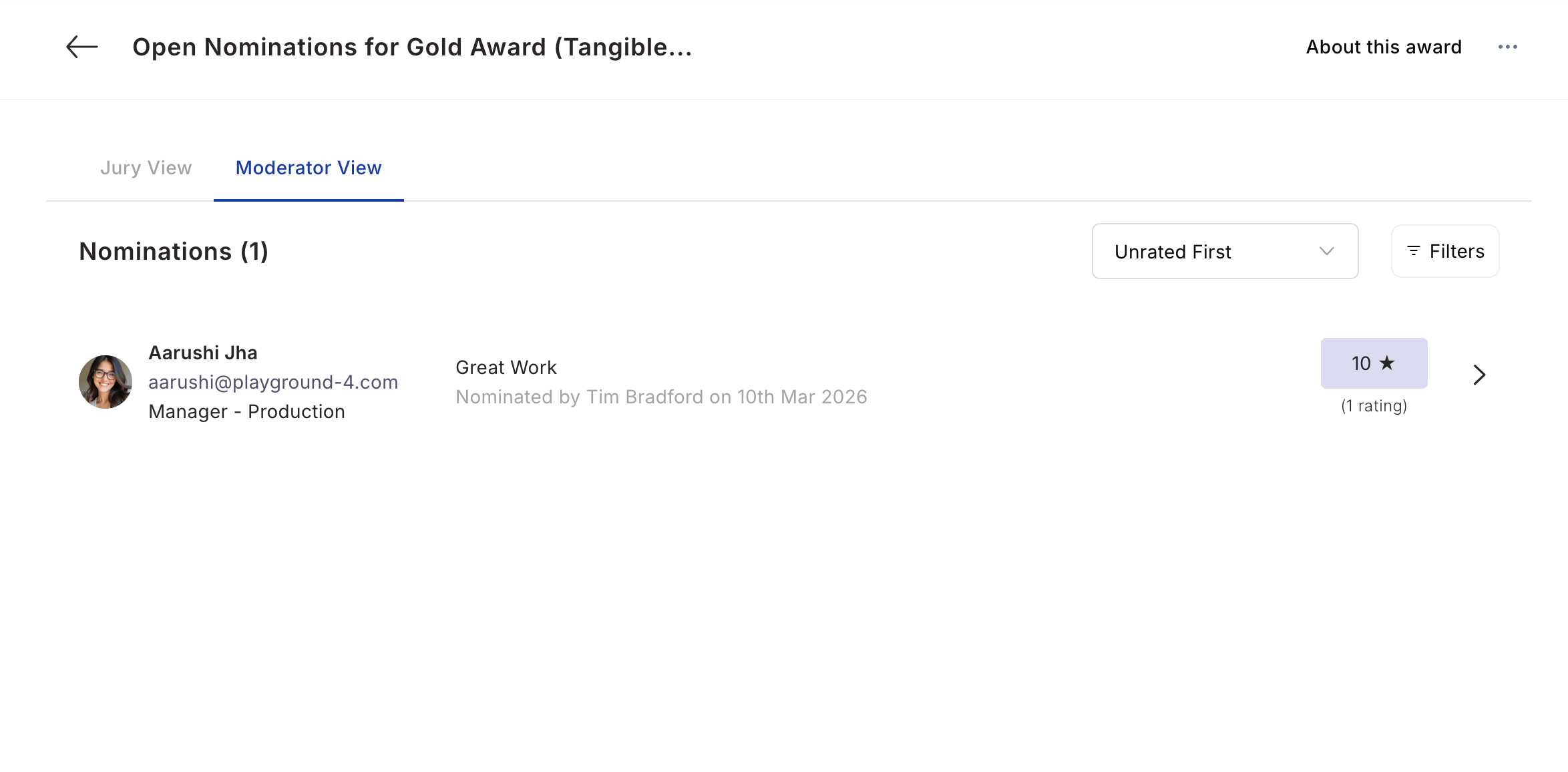
 **As a moderator:** After jury members submit their ratings, you review the ranked list under the **Moderator View** tab. Approve the top-scoring nominations to announce the winners. Budget points are deducted from the moderator's account and credited to the winners. Decline the remaining nominations.