> ## Documentation Index
> Fetch the complete documentation index at: https://help-empuls.xoxoday.com/llms.txt
> Use this file to discover all available pages before exploring further.
# Settings
> Learn how to manage the settings on the dashboard
## Overview
**Step 1:** Navigate to Settings on the right side of the dashboard.
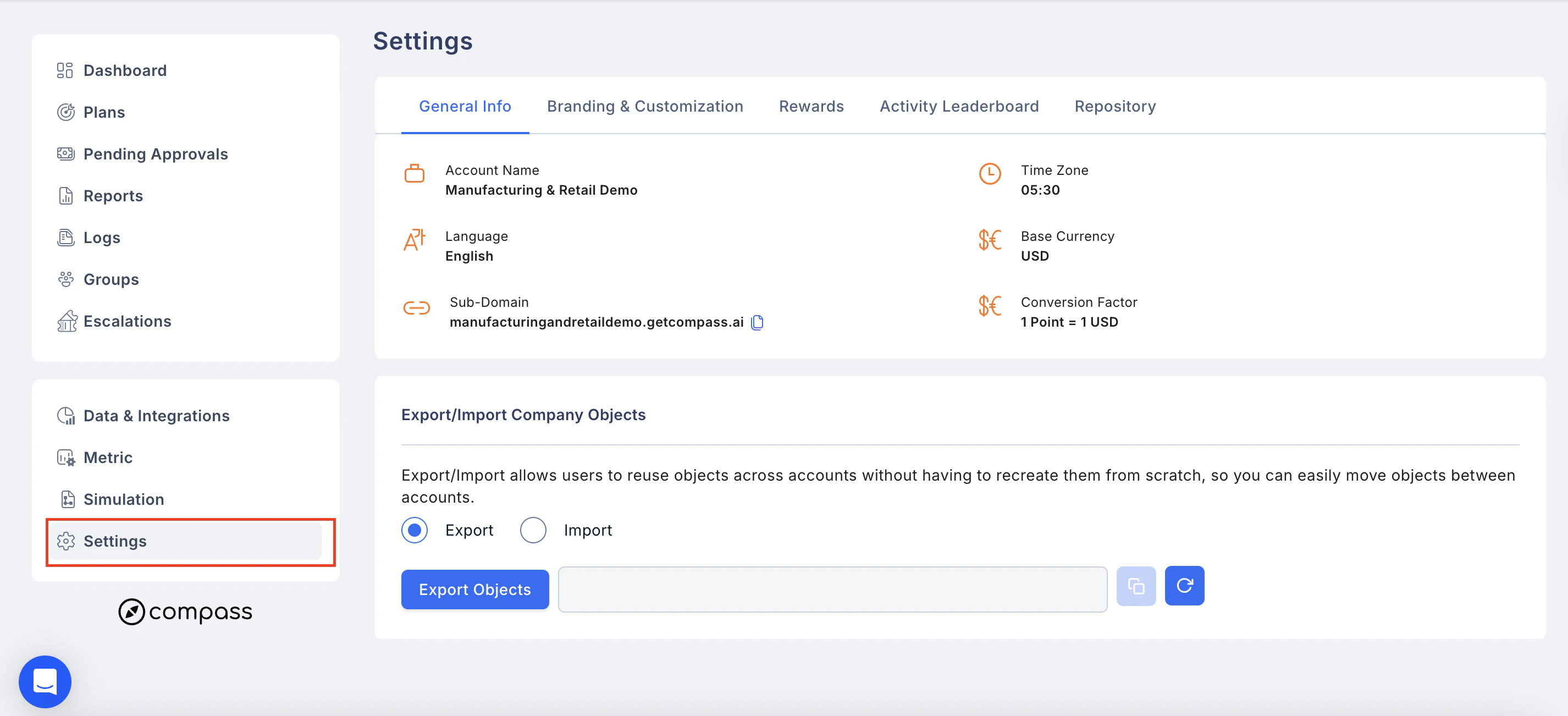 In the Settings tab, you can customise the following details.
## General Info
In the Settings tab, you can customise the following details.
## General Info
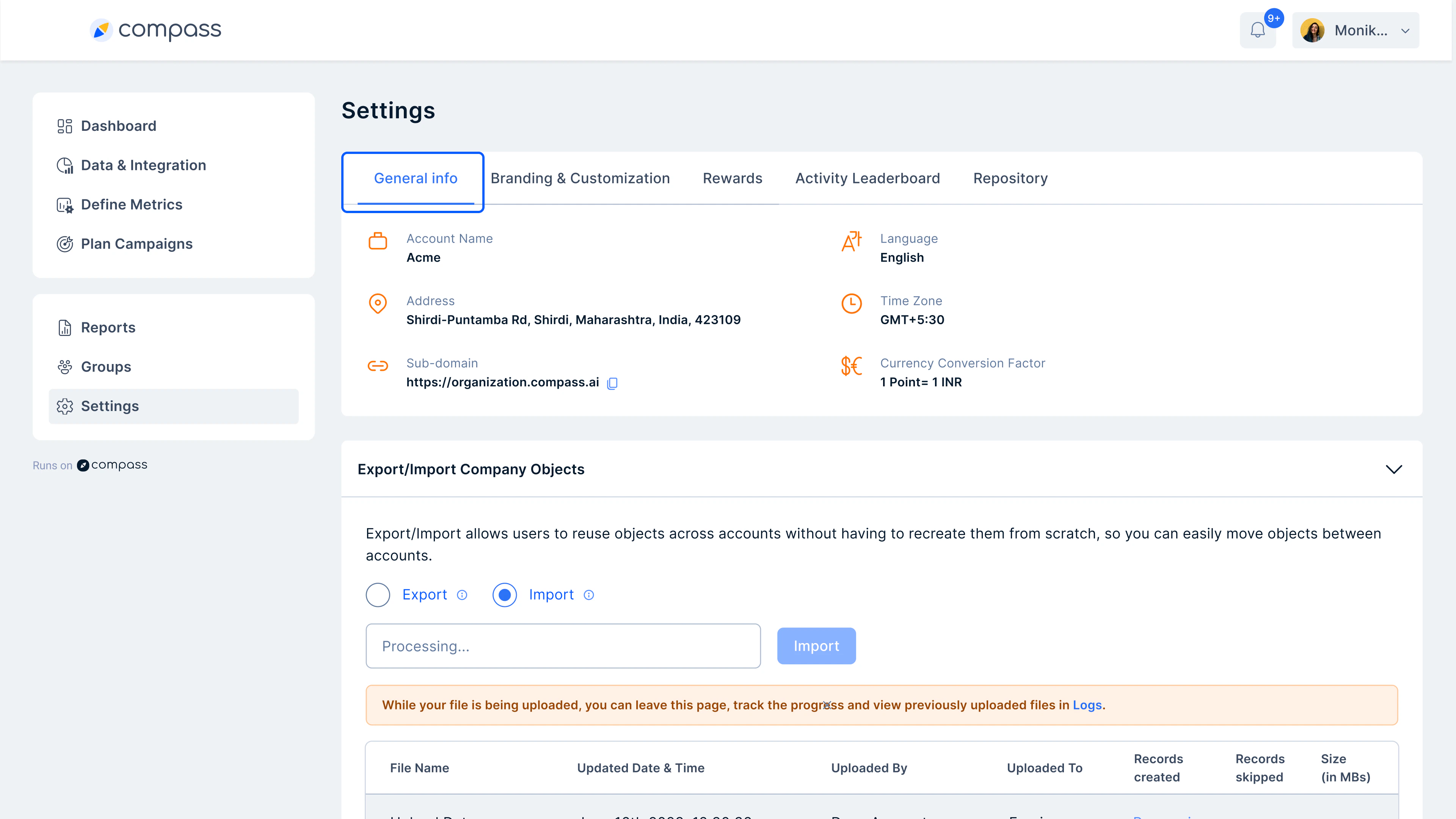 **Note:** If an admin wishes to update the details entered during sign-up later, they can edit the information.
## 2. Branding Customization
Make the portal completely branded to your company's brand guidelines. You can edit the following:
**Desktop Customization**
* Page Logo
* Login page background
* Favicon
* Custom URLs
**Note:** If an admin wishes to update the details entered during sign-up later, they can edit the information.
## 2. Branding Customization
Make the portal completely branded to your company's brand guidelines. You can edit the following:
**Desktop Customization**
* Page Logo
* Login page background
* Favicon
* Custom URLs
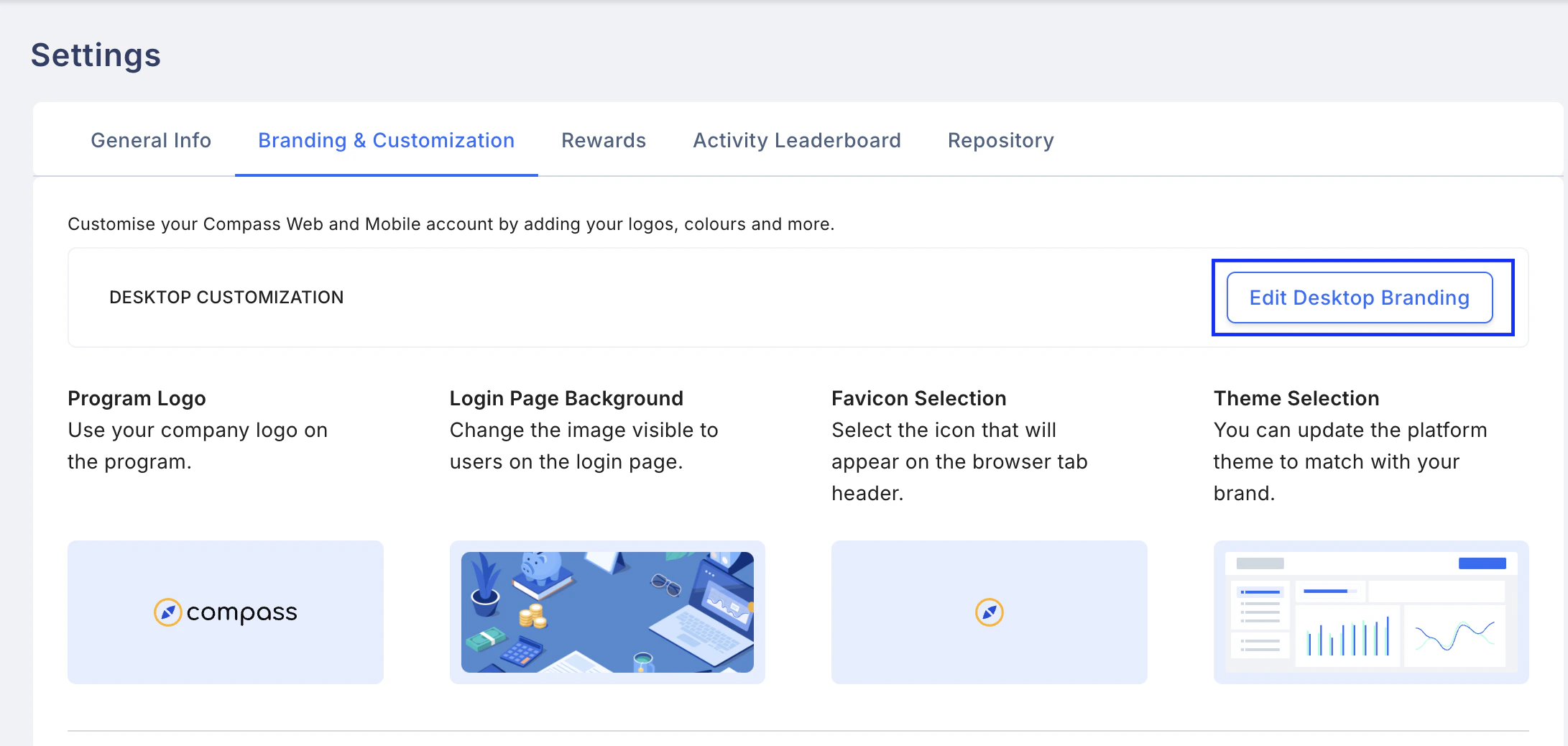 You can also change the entire theme, including the platform's favicon.
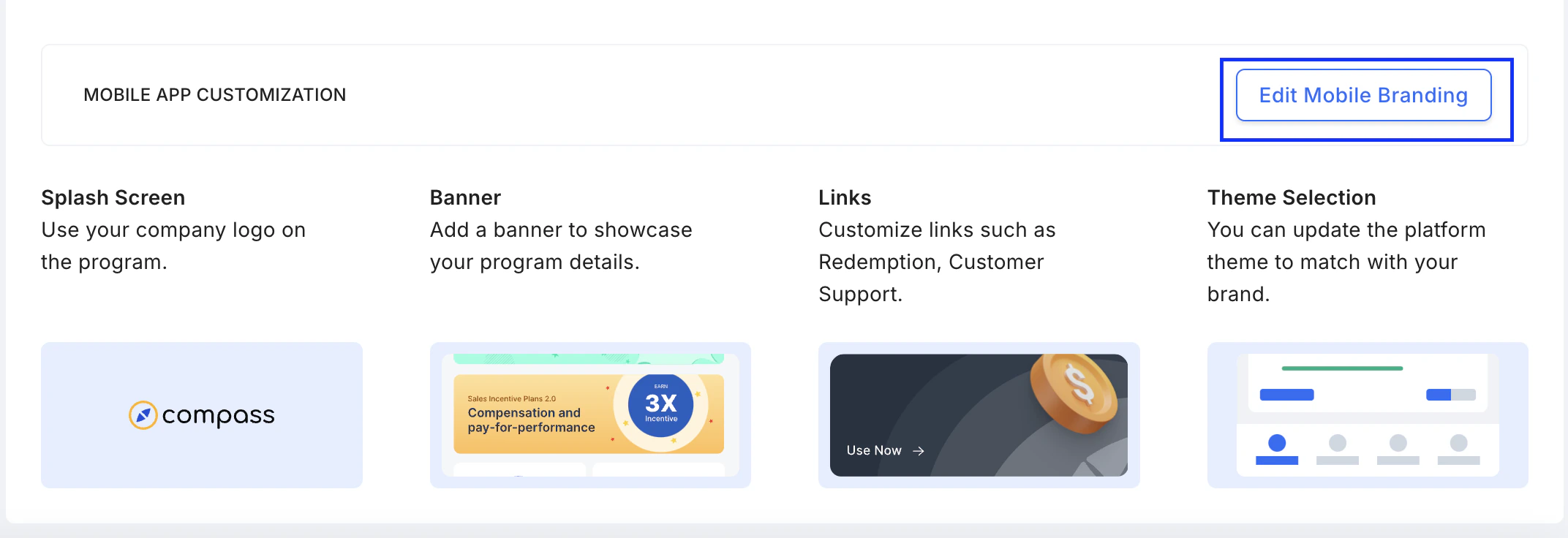
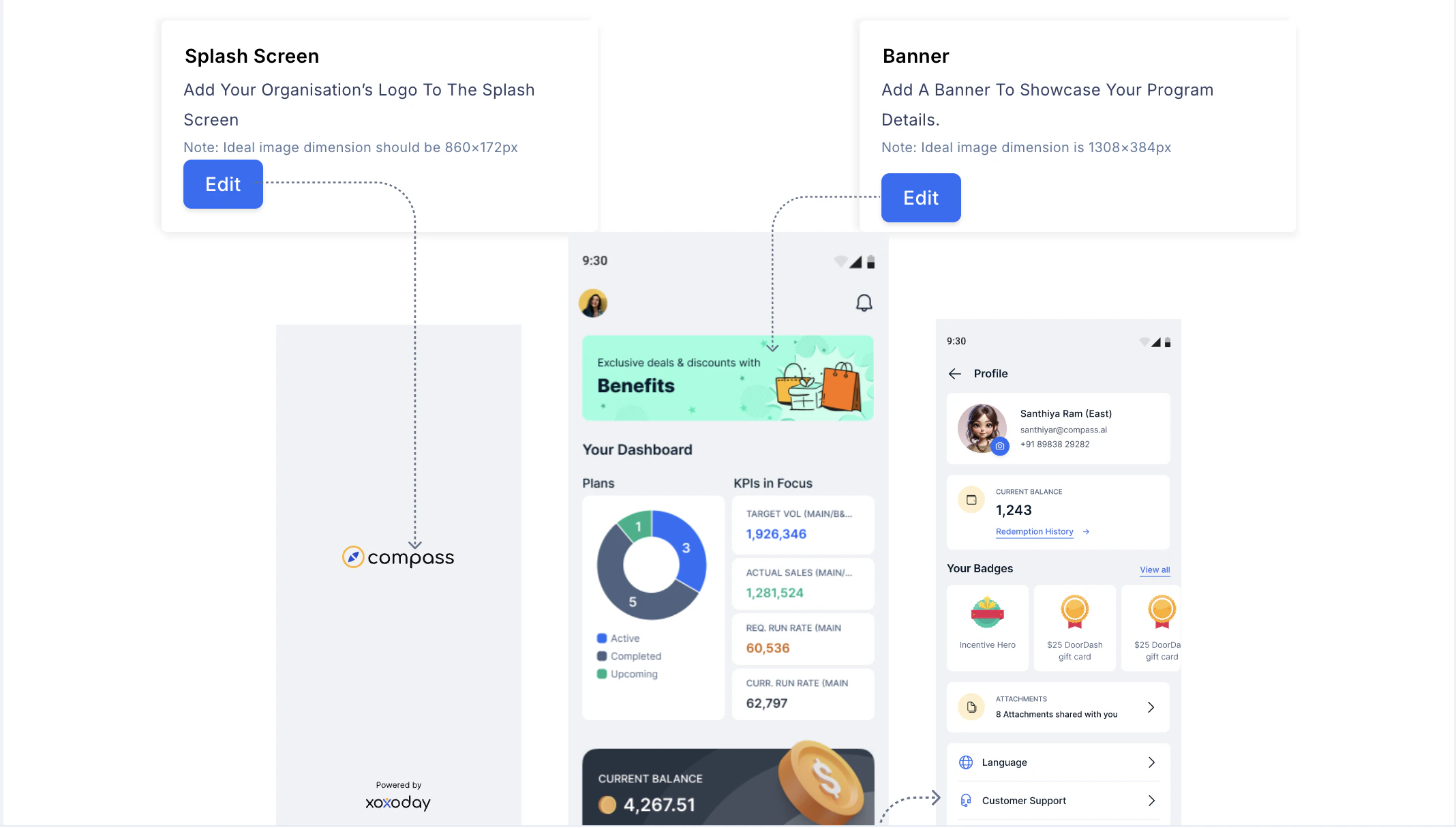
**Mobile App Customization:** Click on **Edit Mobile Branding. T**his allows for updating:
* Splash Screen
* Banner
* Links
* Theme Selection
You can also change the entire theme, including the platform's favicon.
**Mobile App Customization:** Click on **Edit Mobile Branding. T**his allows for updating:
* Splash Screen
* Banner
* Links
* Theme Selection
 ## 3. Rewards
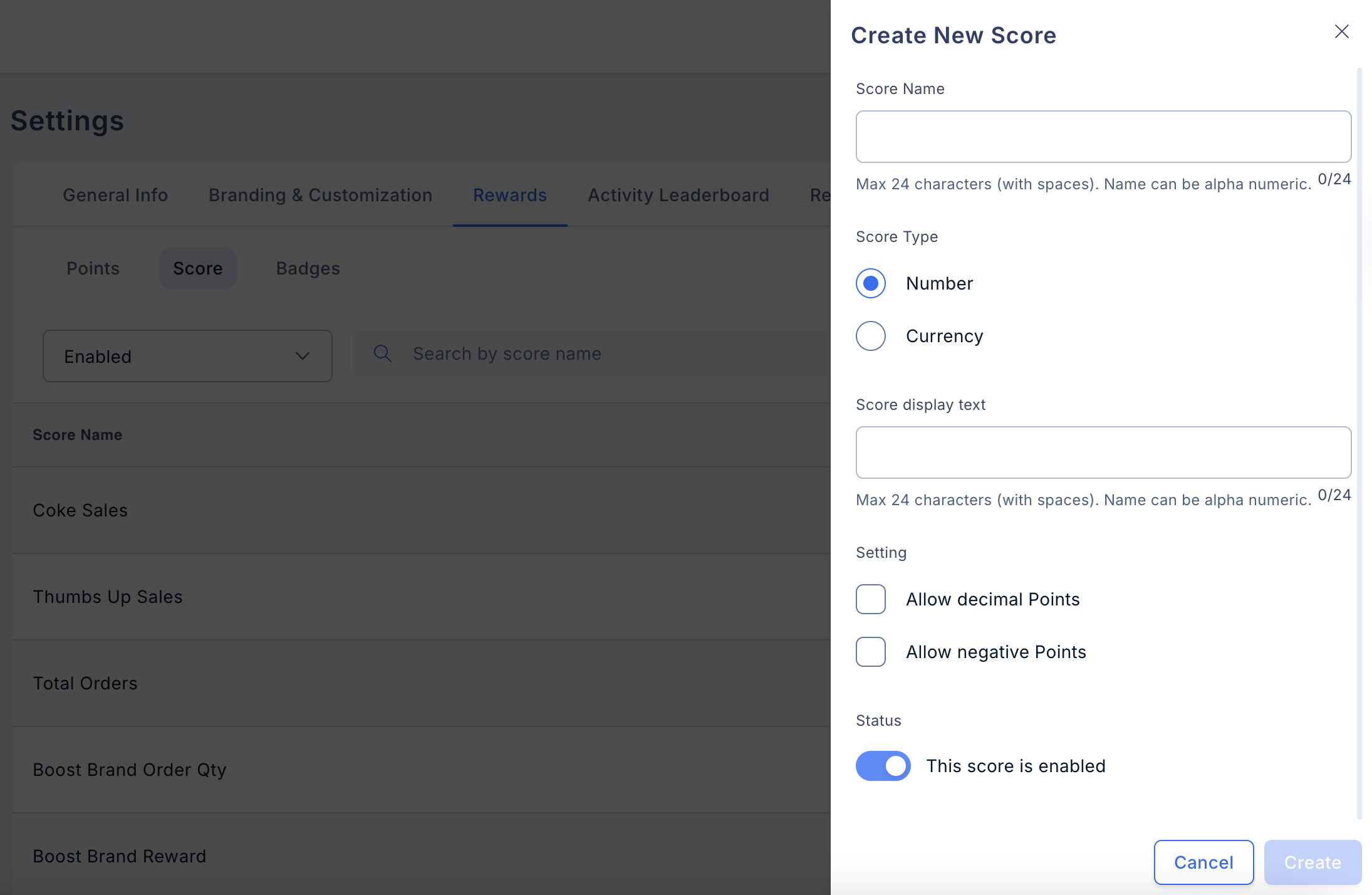
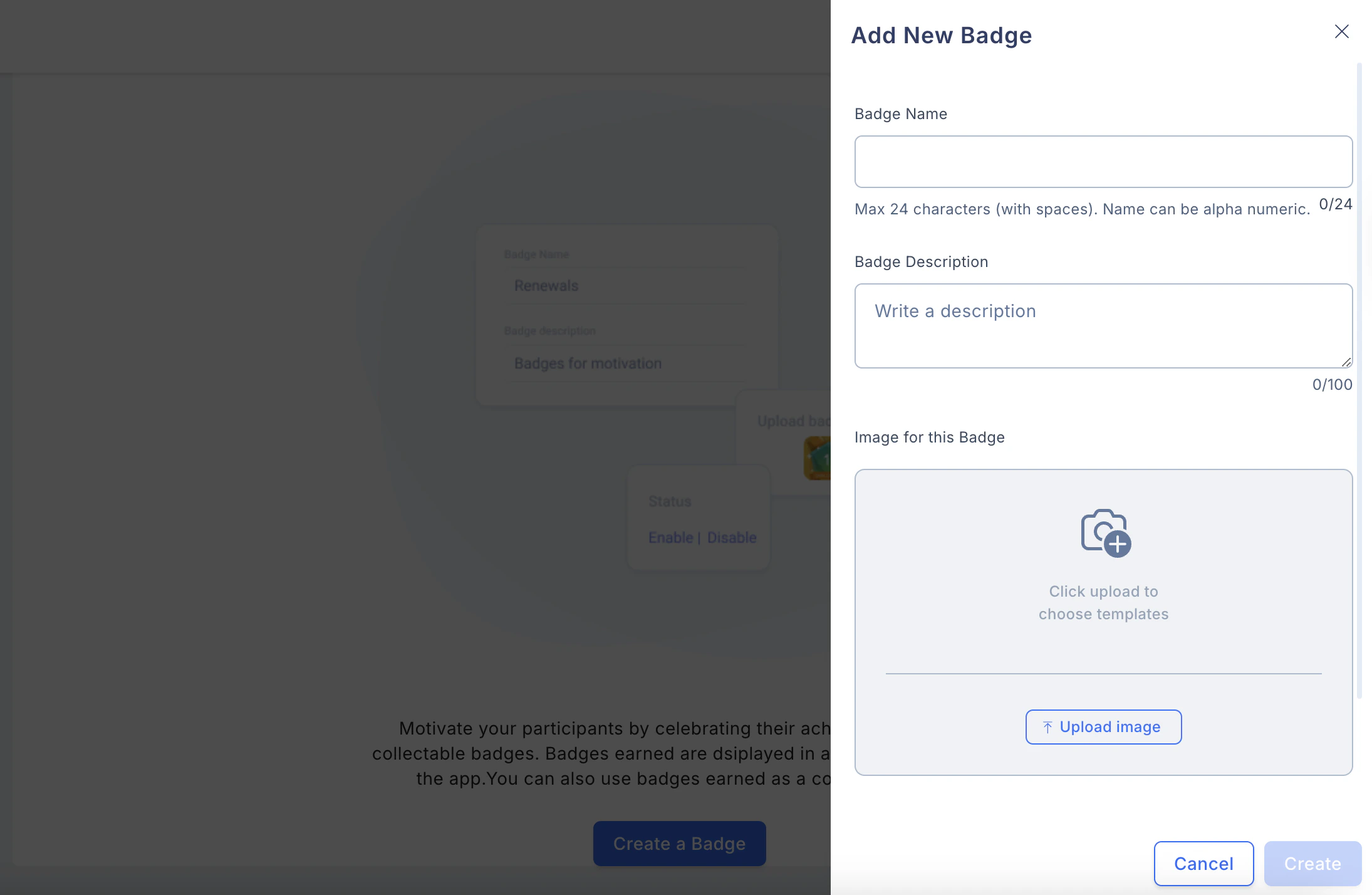
You can set the reward option in three formats: Points, Score, and Badges.
* **Points:** They are the incentive amounts the user receives for completing milestones in an IC plan.
* **Scores:** Scores can be used to display the various KPIs to the user, which will enhance the user's performance if he keeps looking at them.
## 3. Rewards
You can set the reward option in three formats: Points, Score, and Badges.
* **Points:** They are the incentive amounts the user receives for completing milestones in an IC plan.
* **Scores:** Scores can be used to display the various KPIs to the user, which will enhance the user's performance if he keeps looking at them.
 * **Badges:** These badges can be custom-made as GIFs and uploaded for eligible users. When the user logs in to the app, they will be able to see their badge as of that day.
 ## 4. Activity Leaderboard
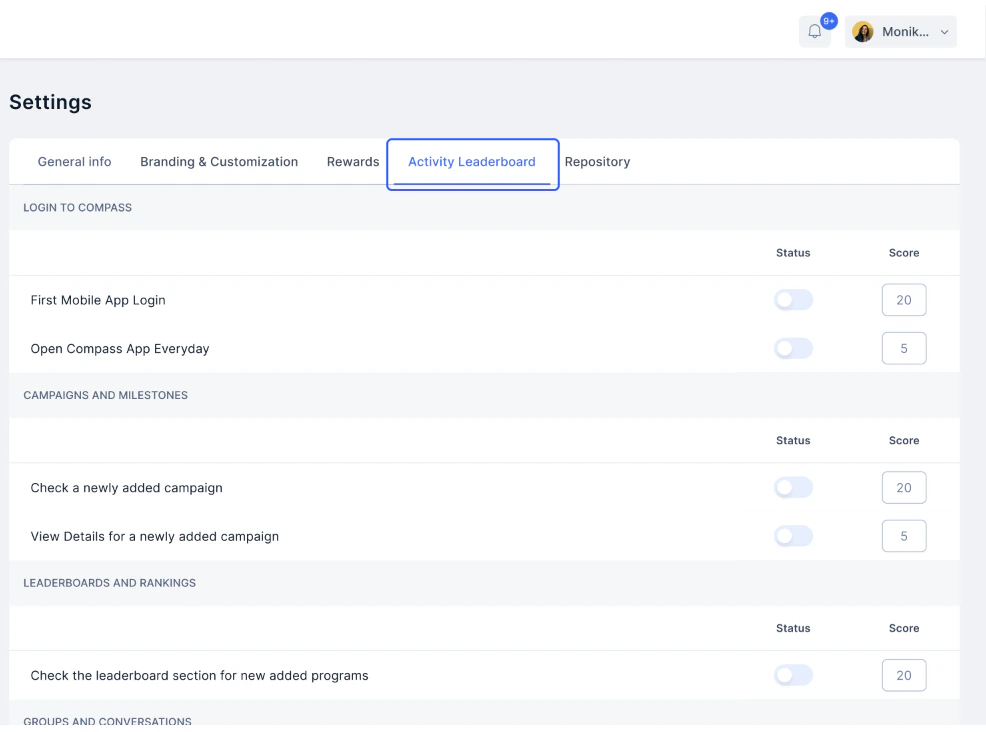
You can set reward criteria for different aspects to reward the users.
## 4. Activity Leaderboard
You can set reward criteria for different aspects to reward the users.
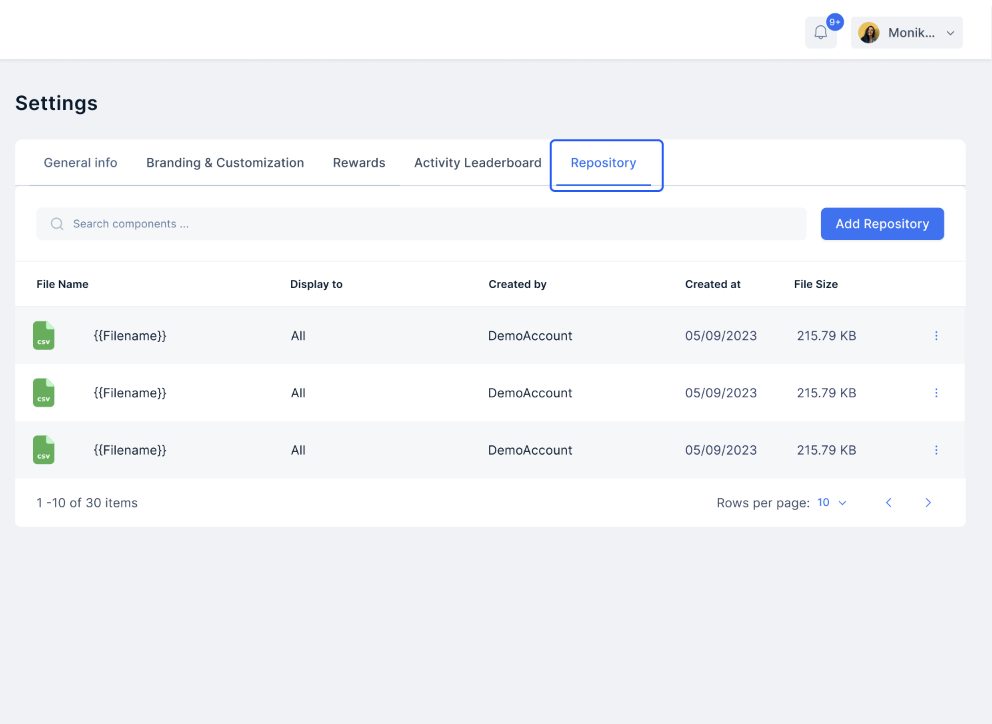
 ## 5. Repository
Add relevant documents that the reps can use.
## 5. Repository
Add relevant documents that the reps can use.
 Need help? Reach out to your support team or [cs@xoxoday.com](mailto:cs@xoxoday.com).