> ## Documentation Index
> Fetch the complete documentation index at: https://help-empuls.xoxoday.com/llms.txt
> Use this file to discover all available pages before exploring further.
# My profile
> View profile information
The **My Profile** section on the Web Application allows a user to view their personal information and edit profile picture.
* To access the **My Profile** section, click on the top right corner of the dashboard.
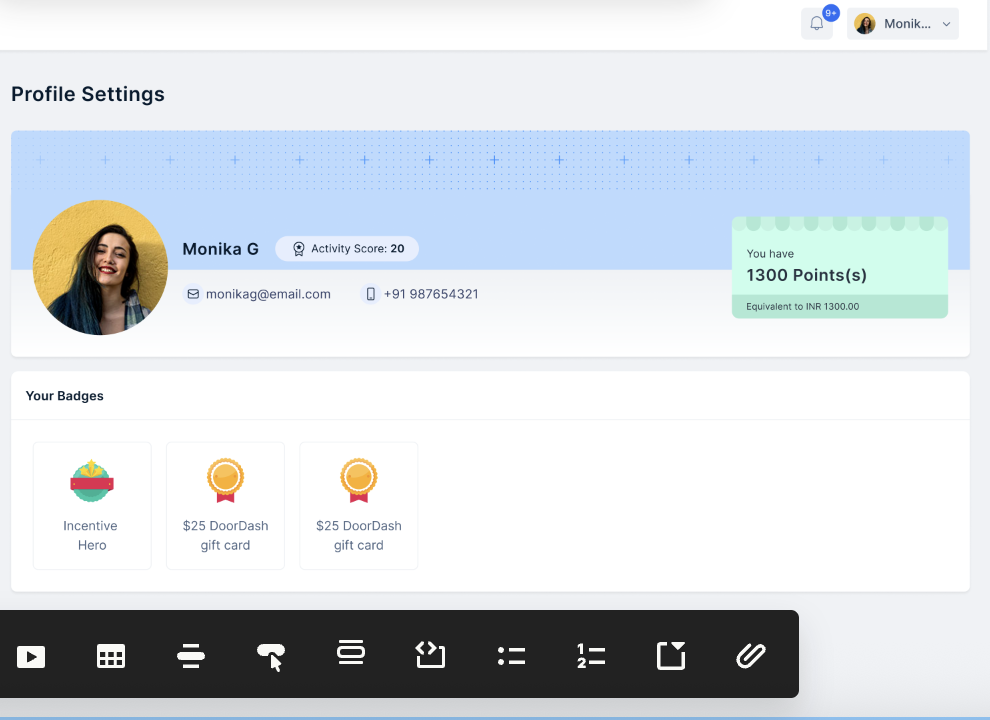 * This gives an overview of points available to redeem and recent achievements.
* You can optimize it to have more details about plans, activity scores and more.
Need help? Reach out to your support team or [cs@xoxoday.com](mailto:cs@xoxoday.com).
* This gives an overview of points available to redeem and recent achievements.
* You can optimize it to have more details about plans, activity scores and more.
Need help? Reach out to your support team or [cs@xoxoday.com](mailto:cs@xoxoday.com).