> ## Documentation Index
> Fetch the complete documentation index at: https://help-empuls.xoxoday.com/llms.txt
> Use this file to discover all available pages before exploring further.
# SFTP integrations
> Integrations of SFTP and Compass
Compass integrates with SFTP seamlessly and without any coding. It's an automated solution that fetches client data from the client's or Compass SFTP server and transfers it to Compass. SFTP is an industry-standard protocol that's cost-effective and easy to implement.
## **How does the integration work?**
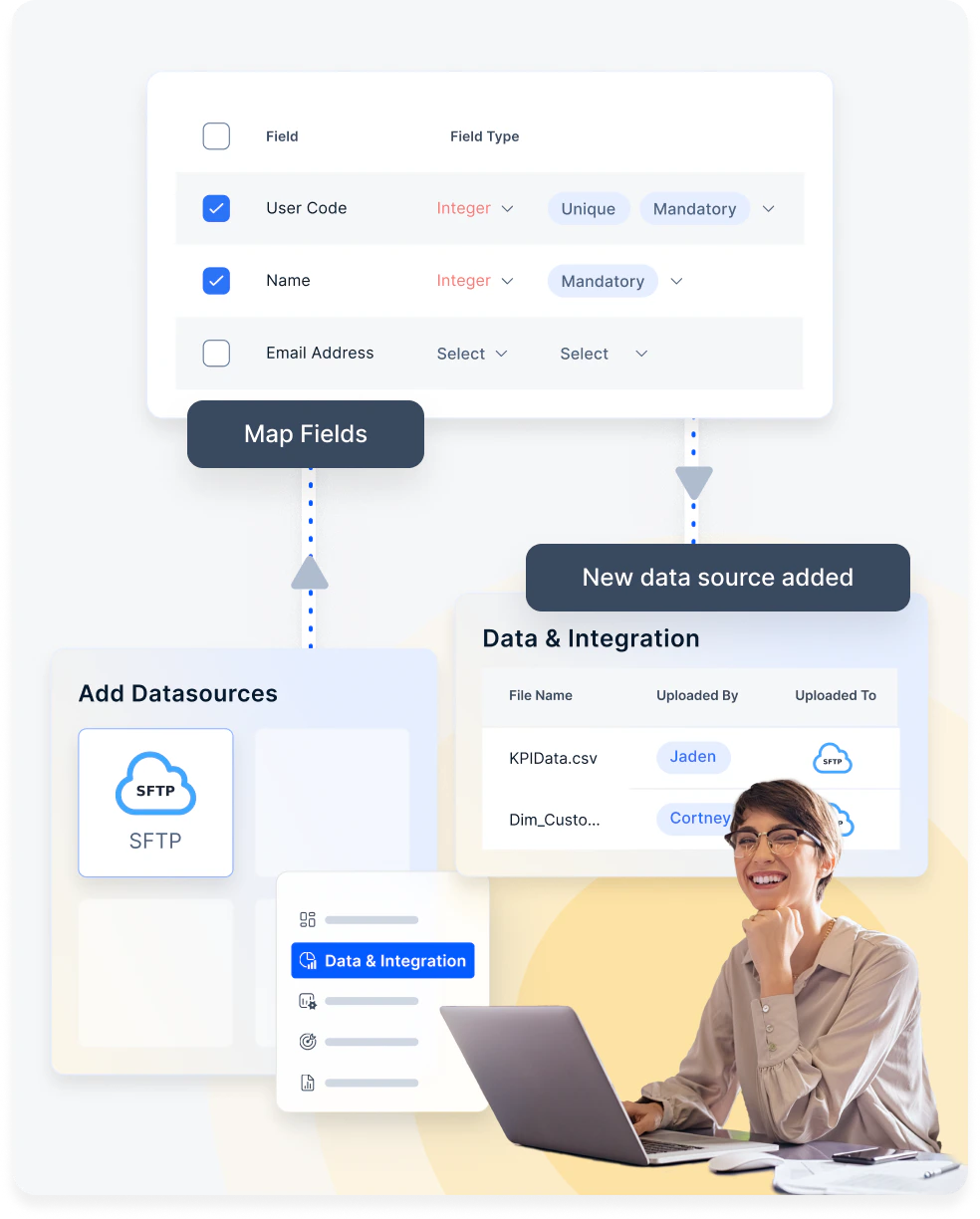 Our expert tech team will work with you to bring in your data from the database of your choice. Data protection is of utmost importance to us so we ensure a smooth transition.
Once the integration is done, you can immediately map the necessary fields. Additionally, you can introduce new fields if any required information is absent from your current database.
Upon configuring your database, you can create multiple sales commission programs. Compass guarantees real-time database updates, ensuring accurate incentives.
## **How to set up this integration?**
Reach out to your account manager for this integration. Or write to us at [cs@xoxoday.com](mailto:cs@xoxoday.com).
Our expert tech team will work with you to bring in your data from the database of your choice. Data protection is of utmost importance to us so we ensure a smooth transition.
Once the integration is done, you can immediately map the necessary fields. Additionally, you can introduce new fields if any required information is absent from your current database.
Upon configuring your database, you can create multiple sales commission programs. Compass guarantees real-time database updates, ensuring accurate incentives.
## **How to set up this integration?**
Reach out to your account manager for this integration. Or write to us at [cs@xoxoday.com](mailto:cs@xoxoday.com).