> ## Documentation Index
> Fetch the complete documentation index at: https://help-empuls.xoxoday.com/llms.txt
> Use this file to discover all available pages before exploring further.
# Financial wellness with Refyne
> Learn all about integrating Refyne with Empuls
## About Refyne
Refyne empowers employees to withdraw earned wages in real time through seamless HR and payroll integration, improving financial resilience and productivity without affecting employer cash flow.
## Why Connect Refyne with Empuls
Integrating Refyne with Empuls adds flexible salary access to your wellbeing initiatives, helping employees manage expenses confidently while boosting engagement and retention.
## Key Benefits
* **For HR**
* **Enhanced engagement:** Financial wellness support improves morale and reduces turnover.
* **Seamless integration:** Works smoothly with existing payroll and HR systems.
* **Zero employer burden:** No impact on company cash flow or salary processing.
* **Stronger employer brand:** Demonstrates genuine care for employee financial wellbeing.
* **For Employees**
* **Instant salary access:** Withdraw earned wages anytime, instantly, and securely.
* **Zero interest, zero risk:** Access money without loans or credit card debt.
* **Financial control:** Manage unexpected expenses without waiting for payday.
* **Transparent usage:** Real-time visibility into earnings and withdrawals via the Refyne app.
## How Employees Can Use Refyne
* **Access Earned Pay Anytime**
Log in to the Refyne app or platform to view and withdraw a portion of earned salary before payday, instantly transferred to your bank account.
* **Manage Financial Wellness**
Use in-app insights and spending trackers to manage budgets and plan expenses more effectively.
* **Reduce Financial Stress**
Avoid high-interest borrowing and late payment penalties by accessing funds when you need them most.
* **Build Long-Term Stability**
Benefit from financial education resources and responsible usage tools designed to build savings and confidence.
## Co-Sponsor & Deliver Refyne Benefits at Scale
Employers can roll out Refyne’s Earned Wage Access solution across teams in minutes through Empuls, empowering employees to manage their finances better while fostering loyalty, engagement, and peace of mind. Follow the below steps:
* Click on **Reports & Admin** to land onAdmin Dashboard.
* Navigate to **Program >> Manage Benefits >> Financial Benefits**
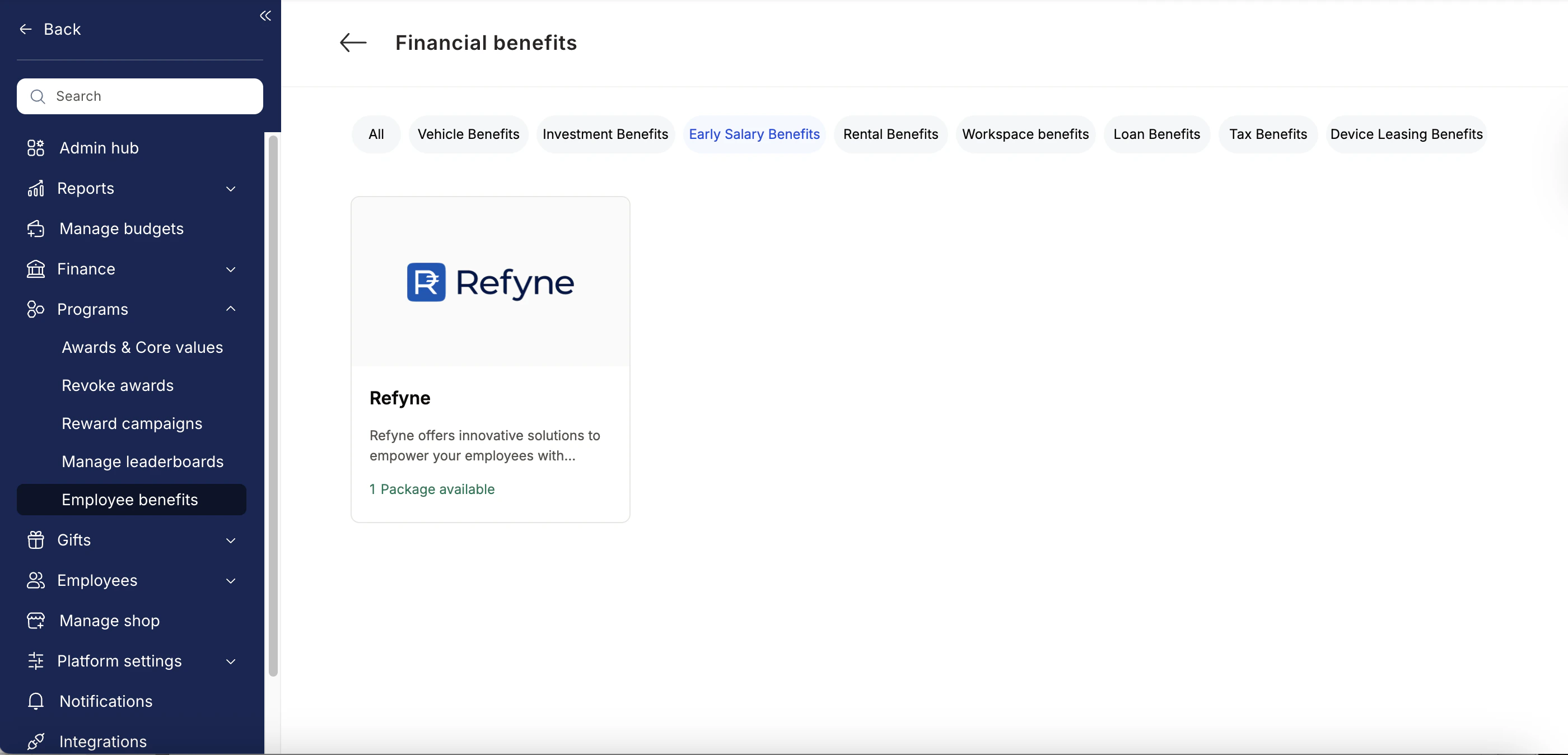
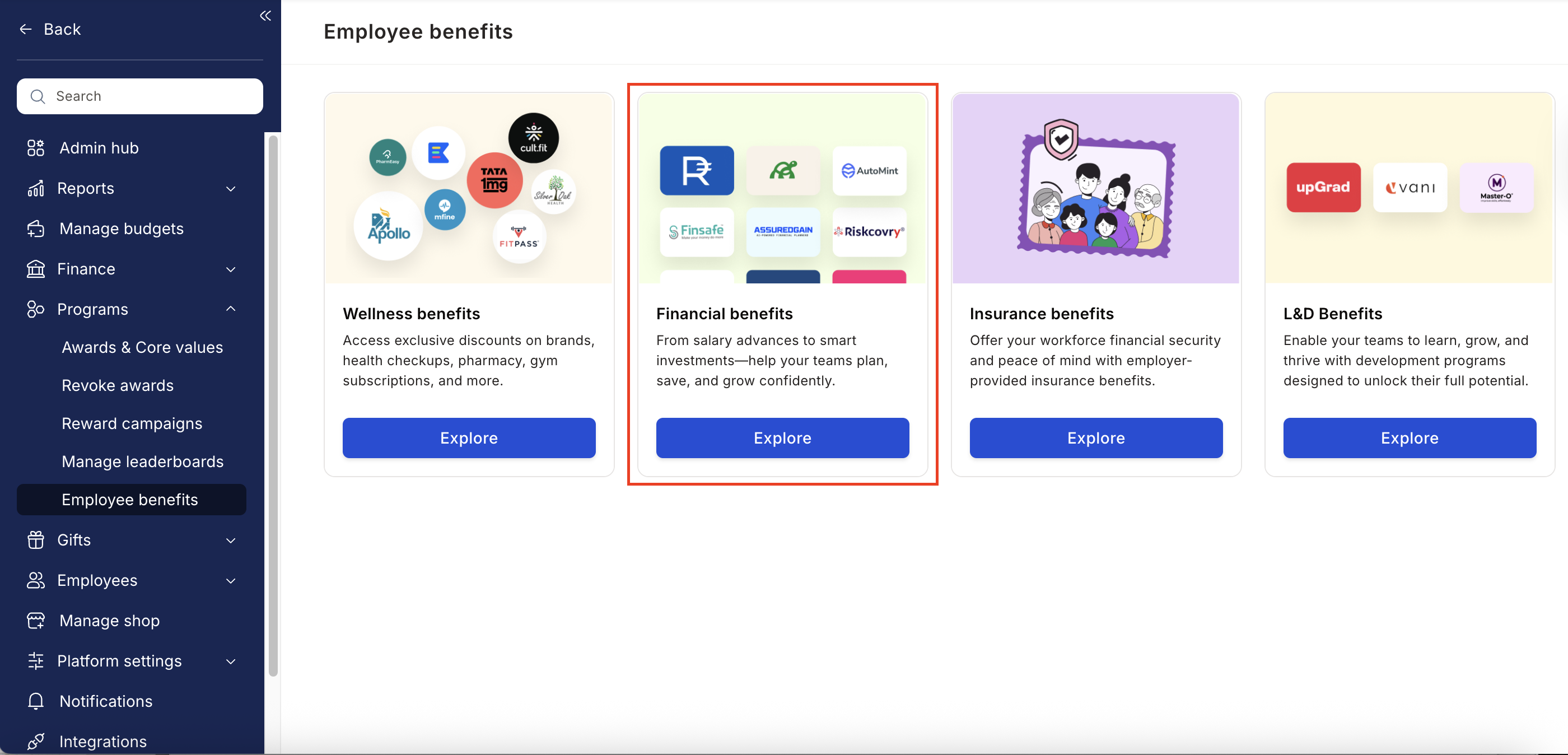 * From the list of Financial Benefits partners, choose Refyne.
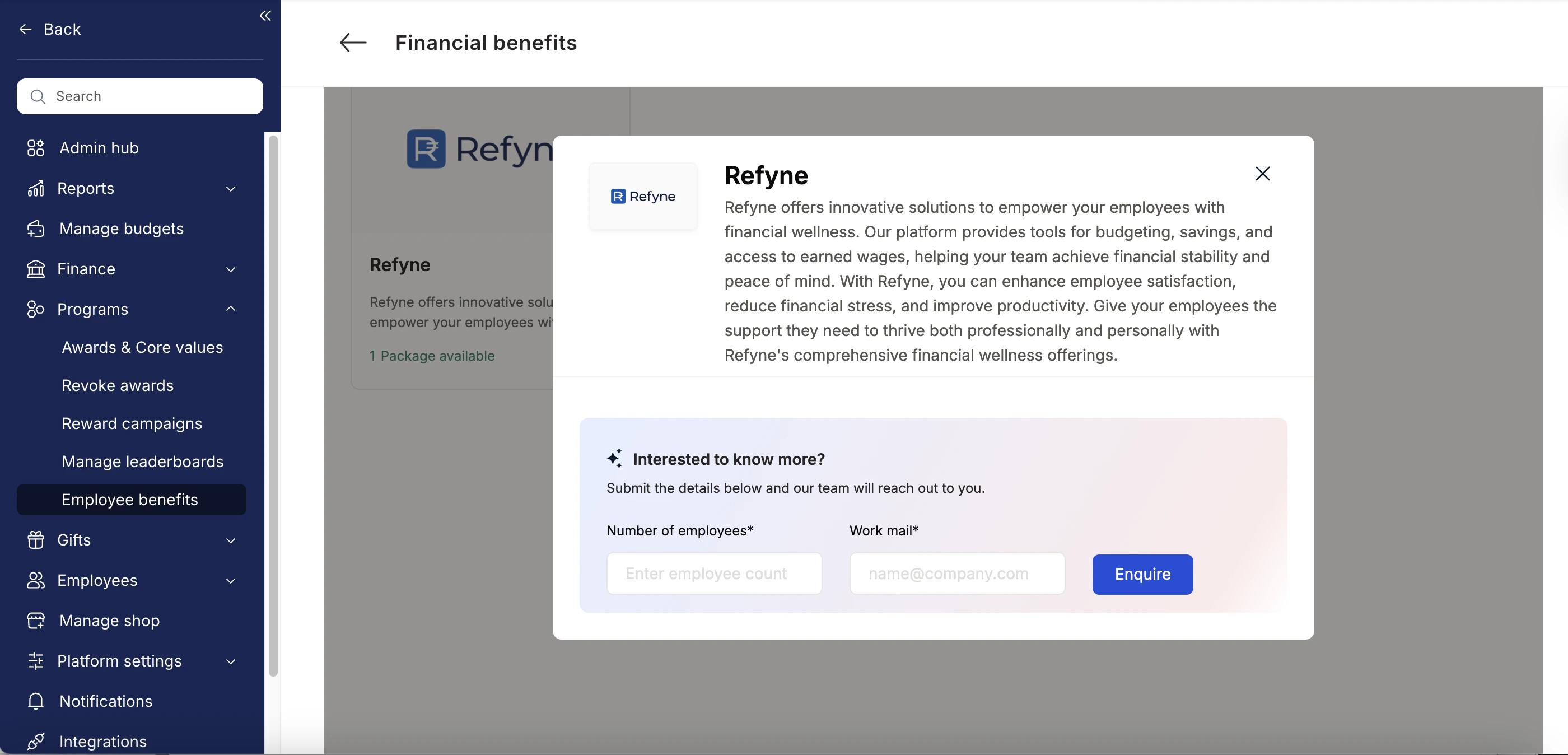
 * Enter:
* Number of employees
* Work email addresses
* Phone numbers
* Click **Enquire**.
* Our team will respond with details and pricing.
* Enter:
* Number of employees
* Work email addresses
* Phone numbers
* Click **Enquire**.
* Our team will respond with details and pricing.
 * Our team will connect with you, confirm pricing and requirements, and activate the benefit for all employees.
## How Employees Can Access Refyne
We have partnered with Refyne to drive the Salary On-demand program.
Navigate to **Benefits > Financial Wellbeing > Early Salary**
* Our team will connect with you, confirm pricing and requirements, and activate the benefit for all employees.
## How Employees Can Access Refyne
We have partnered with Refyne to drive the Salary On-demand program.
Navigate to **Benefits > Financial Wellbeing > Early Salary**
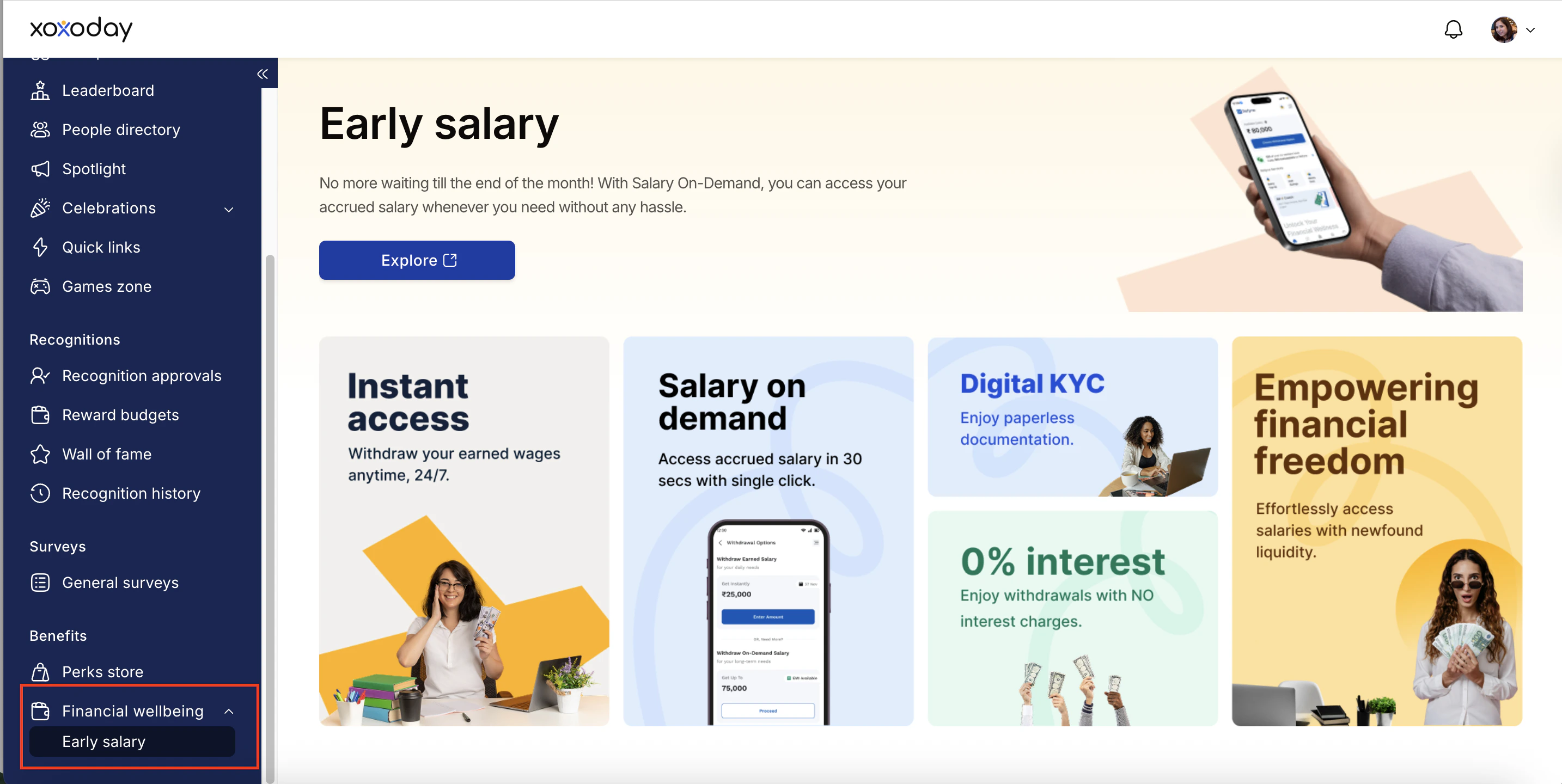 Click on Explore to get started. Add you phone number and complete the paperless KYC by sharing your selfie and bank account details. Then, request the amount you need to be disbursed (a part of your salary earned so far). This process is designed to be quick and stress-free, ensuring your financial needs are met without delay.
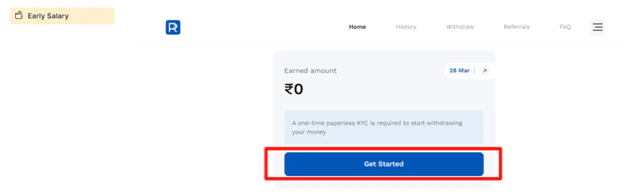 Once the KYC is complete, your salary will be credited to your bank account.
You can request an advance on your current salary and receive the remainder at the end of the pay cycle for that month.
You can access your salary history and other details by clicking on the corresponding tab at the top of the page.
Once the KYC is complete, your salary will be credited to your bank account.
You can request an advance on your current salary and receive the remainder at the end of the pay cycle for that month.
You can access your salary history and other details by clicking on the corresponding tab at the top of the page.
 ## Support
For setup or usage assistance, contact us at **[cs@xoxoday.com](mailto:cs@xoxoday.com)**.
## Support
For setup or usage assistance, contact us at **[cs@xoxoday.com](mailto:cs@xoxoday.com)**.