> ## Documentation Index
> Fetch the complete documentation index at: https://help-empuls.xoxoday.com/llms.txt
> Use this file to discover all available pages before exploring further.
# Loans against mutual funds with Liqvid (50fin)
> Learn more about integrating Liqvid (50Fin) with Empuls
## **About Liqvid (50Fin)**
Liqvid (50Fin) provides quick and flexible loans against mutual funds, enabling customers to unlock liquidity without redeeming their investments. The platform offers a seamless, fully digital process that helps individuals access funds instantly while their wealth continues to grow.
## **Why Connect Liqvid with Empuls**
Adding Liqvid to Empuls supports employee financial wellbeing by providing access to liquidity without redeeming their investments—simple to communicate, easy for employees to use and adds meaningful value to your rewards and benefits portfolio.
## **Key Benefits**
* **For HR**
* **Financial wellbeing perk:** Provide a secure, non-redemption liquidity option.
* **Low admin lift:** Simple partner-led process and communication.
* **Employee-first:** Helps teams handle short-term needs without disturbing portfolios.
* **For Employees**
* **Keep investments intact:** Borrow without selling mutual funds.
* **Fast & flexible:** Quick processing with flexible loan options.
* **Focused on liquidity:** Access funds when needed, then continue investing.
## **How Employees Can Use Liqvid**
**Loan Against Mutual Funds/Shares**
Apply for a loan against mutual funds/shares to unlock liquidity without selling holdings.
## **Co-Sponsor & Deliver Liqvid at Scale**
Employers can roll out Liqvid access across teams to enable responsible, portfolio-friendly borrowing for short-term needs.
Follow the steps below to bring Liqvid to your organization.
* Click on **Reports & Admin** to land onAdmin Dashboard.
* Navigate to **Program >> Manage Benefits >> Financial Benefits**
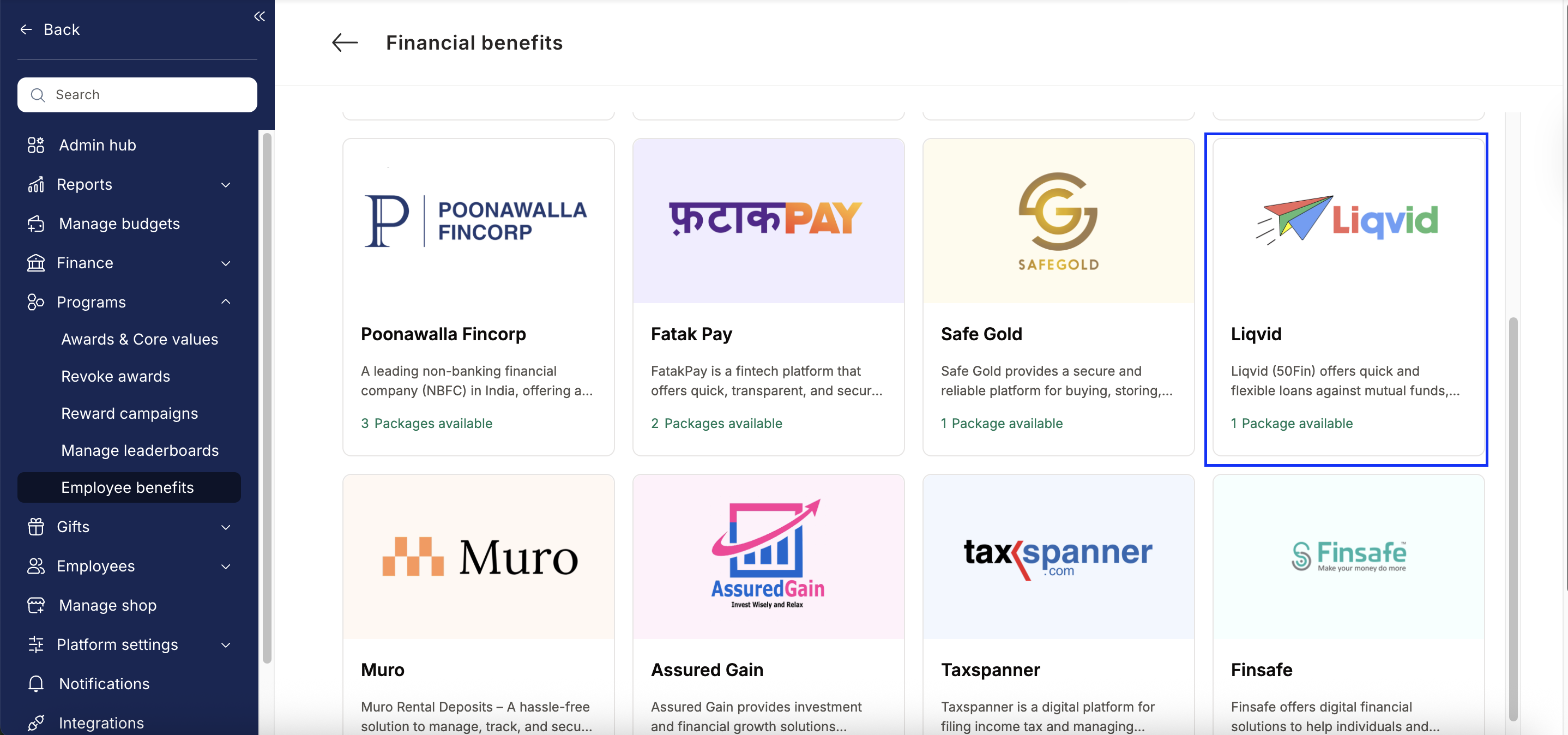
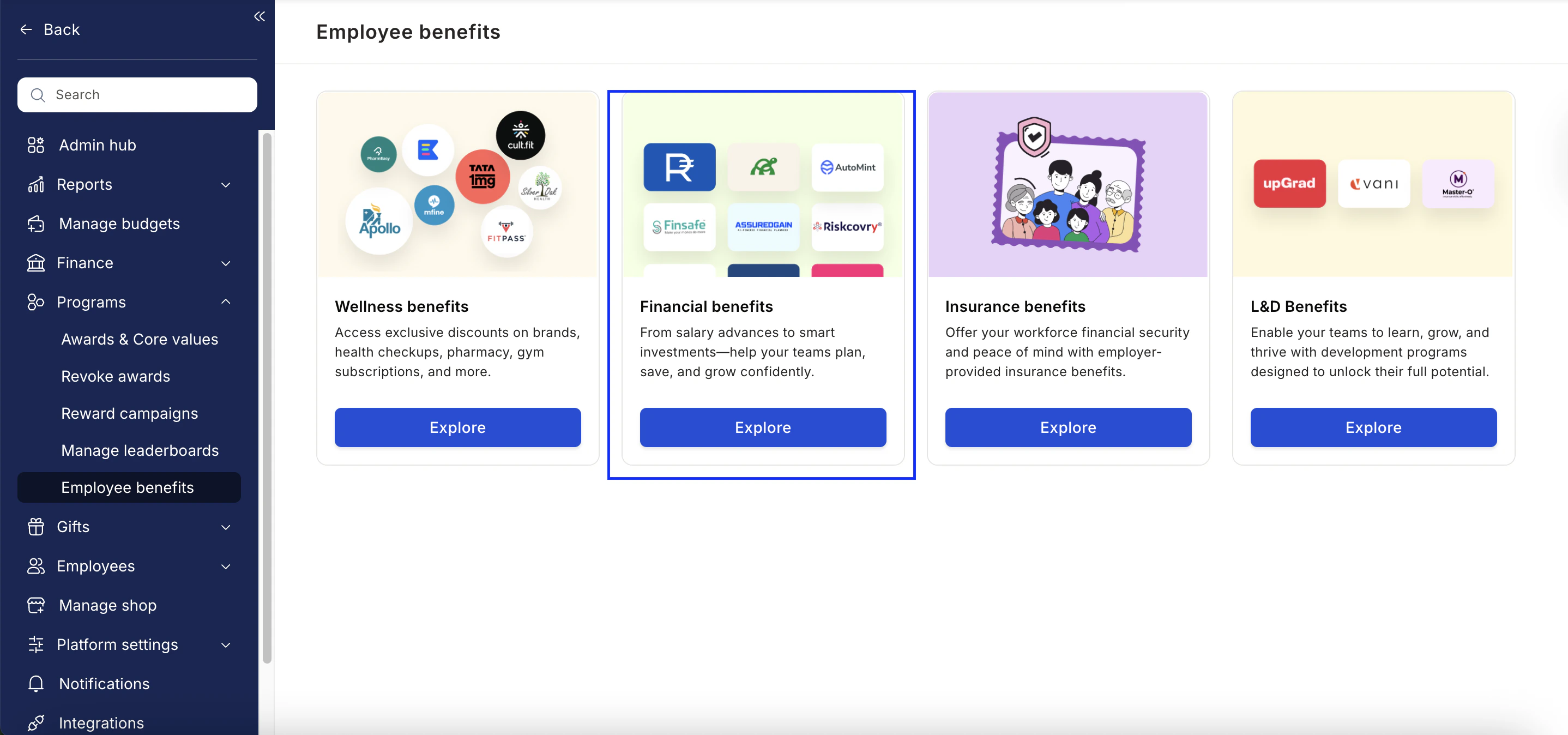 * From the list of Financial partners, choose Liqvid.
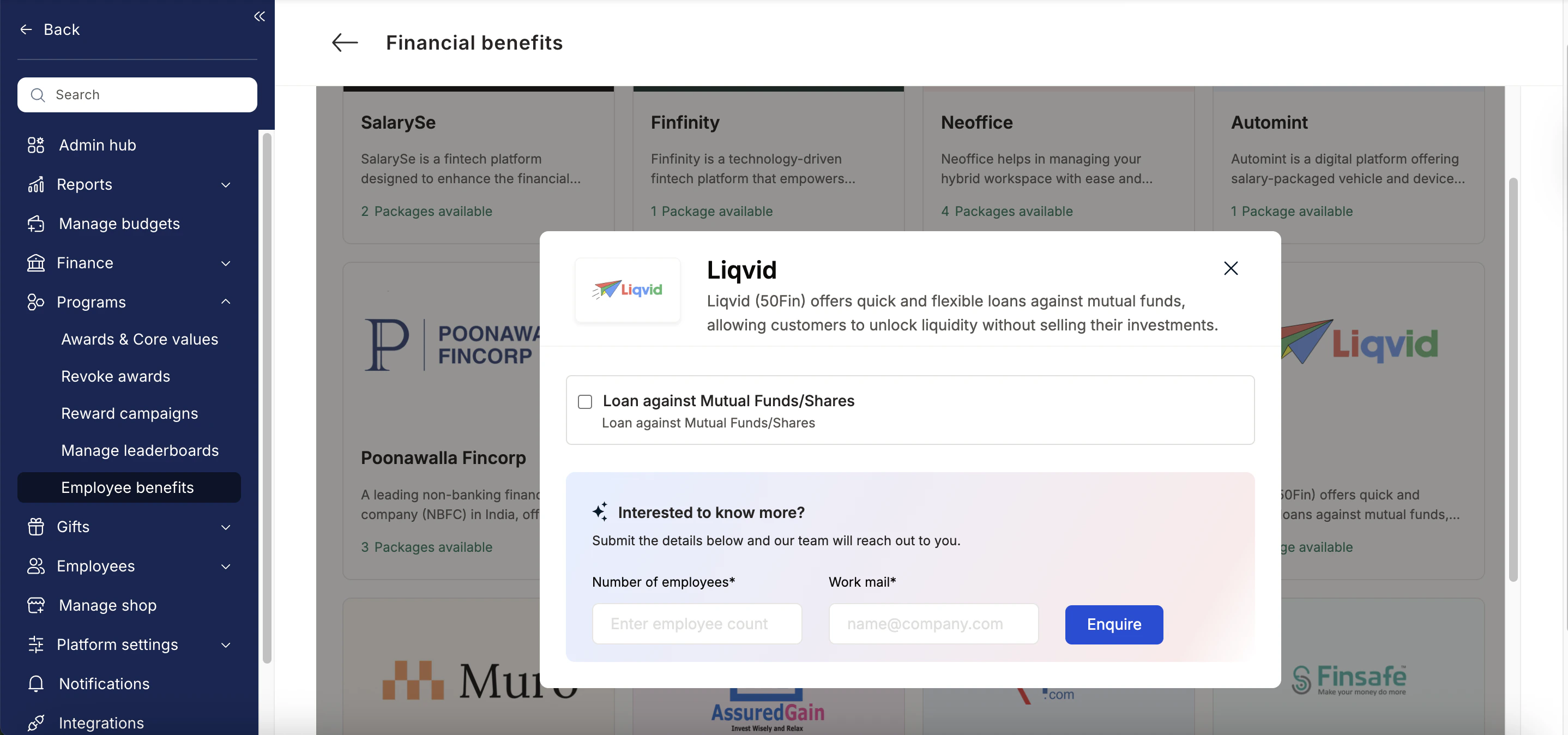
 * Enter:
* Number of employees
* Work email addresses
* Phone numbers
* Click **Enquire**.
* Our team will respond with details and pricing.
* Enter:
* Number of employees
* Work email addresses
* Phone numbers
* Click **Enquire**.
* Our team will respond with details and pricing.
 * Our team will connect with you, confirm pricing and requirements, and activate the benefit for all employees.
## How Employees Can Access Liqvid
Log in to Empuls with your credentials.
Navigate to Benefits >> Financial Benefits
Select\*\* Liqvid \*\*from the available options.
Pick the service you need
Book your benefit by **c**licking on **Pay.**
## Support
For setup or usage assistance, contact us at **[cs@xoxoday.com](mailto:cs@xoxoday.com)**.
* Our team will connect with you, confirm pricing and requirements, and activate the benefit for all employees.
## How Employees Can Access Liqvid
Log in to Empuls with your credentials.
Navigate to Benefits >> Financial Benefits
Select\*\* Liqvid \*\*from the available options.
Pick the service you need
Book your benefit by **c**licking on **Pay.**
## Support
For setup or usage assistance, contact us at **[cs@xoxoday.com](mailto:cs@xoxoday.com)**.