> ## Documentation Index
> Fetch the complete documentation index at: https://help-empuls.xoxoday.com/llms.txt
> Use this file to discover all available pages before exploring further.
# Instant financial access for employees with FatakPay
> Learn how to integrate Empuls with FatakPay
## About FatakPay
FatakPay is a fintech platform that simplifies access to credit and financial products for salaried and self-employed individuals. Backed by RBI-registered NBFCs, FatakPay offers instant personal loans, earned wage access, digital gold and silver investments, insurance, bill payments, and job opportunities—all through a secure, 100% digital process. With loan amounts ranging from ₹5,000 to ₹5,00,000 and disbursal times as quick as 7 minutes, FatakPay is trusted by millions for their financial needs.
## Why Connect FatakPay with Xoxoday Empuls
Integrating FatakPay with Xoxoday Empuls enables HR teams to offer employees a comprehensive financial wellness solution without any additional cost to the organization. Employees can access instant loans, manage their cash flow with earned wage access, and utilize various financial tools, all within a single platform. The offering promotes a culture of financial well-being and supports employees in managing their finances effectively.
## Key Benefits
* **For HR**
* **Zero-Cost Benefit**
No additional expense for your organization; employees bear the cost through salary deductions.
* **Seamless Integration**
Easy deployment and management through the Xoxoday Empuls platform.
* **Employee Engagement**
Promote financial wellness and improve employee satisfaction.
* **For Employees**
* **Access Instant Financial Support**
Employees can get quick access to funds whenever needed through FatakPay’s flexible credit and loan options, helping them manage unplanned expenses or short-term financial gaps effortlessly.
* **Build Long-Term Financial Confidence**
Employees can improve their financial literacy, make informed borrowing decisions, and develop healthier money management habits.
## How Employees Can Use FatakPay
* **Access a Discretionary Credit Limit Loan**
Employees can instantly access a pre-approved credit limit anytime, up to a cap determined by FatakPay. This eliminates the need to submit a new loan application each time, ensuring quick and hassle-free financial support whenever required.
* **Avail Personal Loans Easily**
FatakPay offers 100% paperless personal loans with instant approval, flexible repayment options, and no collateral requirement—making it simple for employees to meet urgent or planned financial needs.
## Co-Sponsor & Deliver FatakPay Benefits at Scale
Employers can easily roll out FatakPay’s financial wellness programs across their organization, ensuring every employee has access to comprehensive financial tools. By integrating with Xoxoday Empuls, companies can streamline the process, track engagement, and foster a culture of financial well-being.
### Follow the steps below to bring FatakPay to your organization:
* Click on **Reports & Admin** to land onAdmin Dashboard.
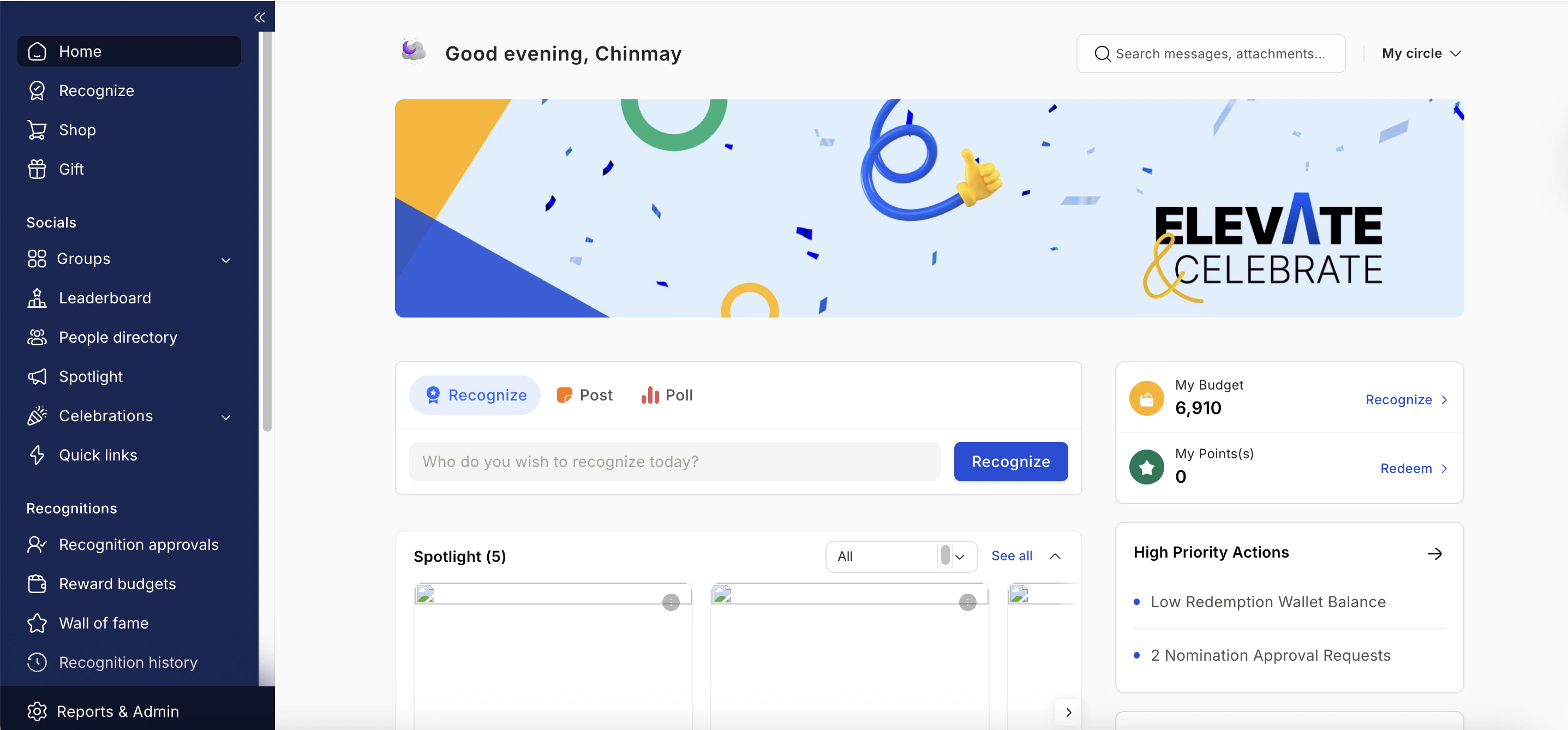 * Navigate to **Program >> Manage Benefits >> Wellness Benefits**
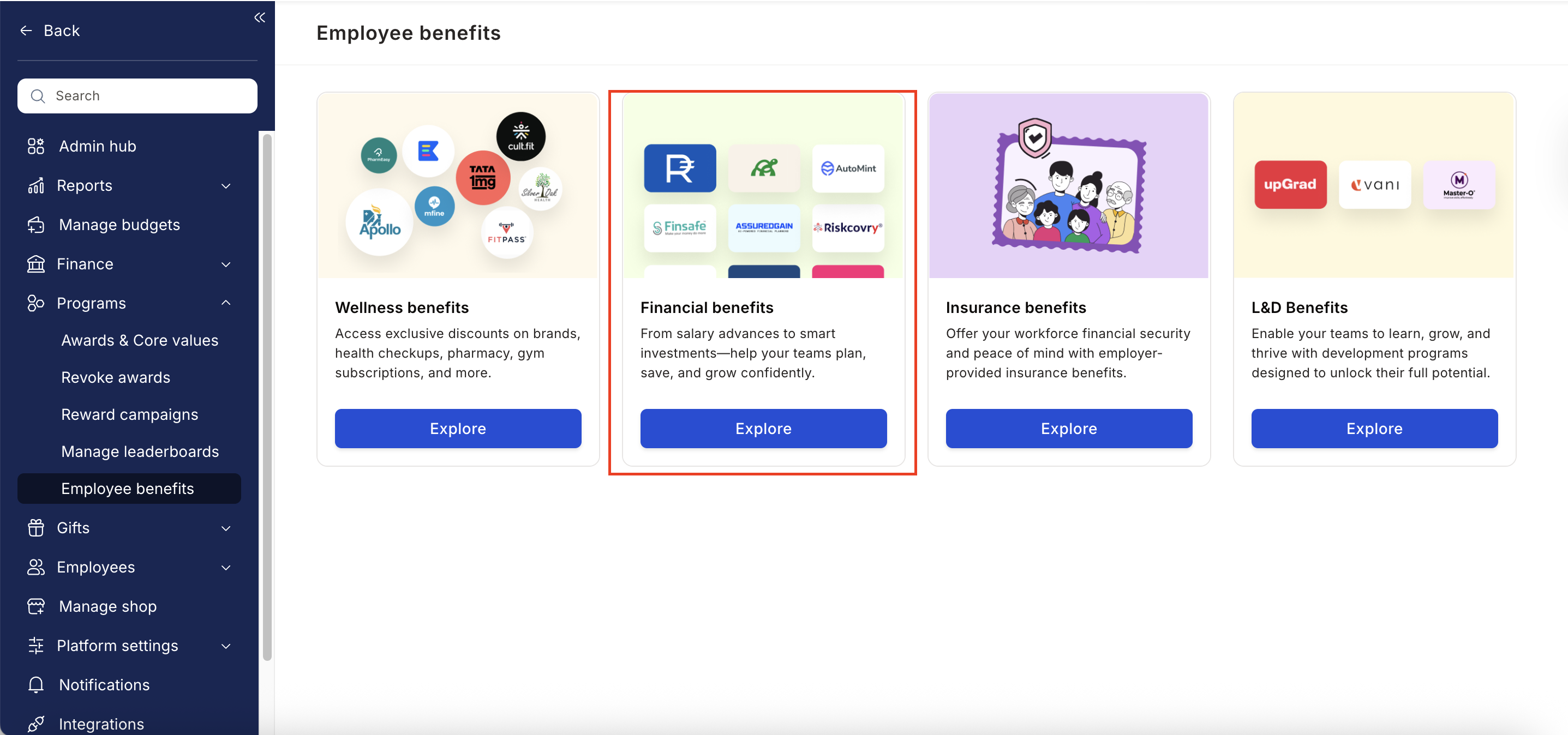 * From the list of wellness partners, choose **Fatakpay.**
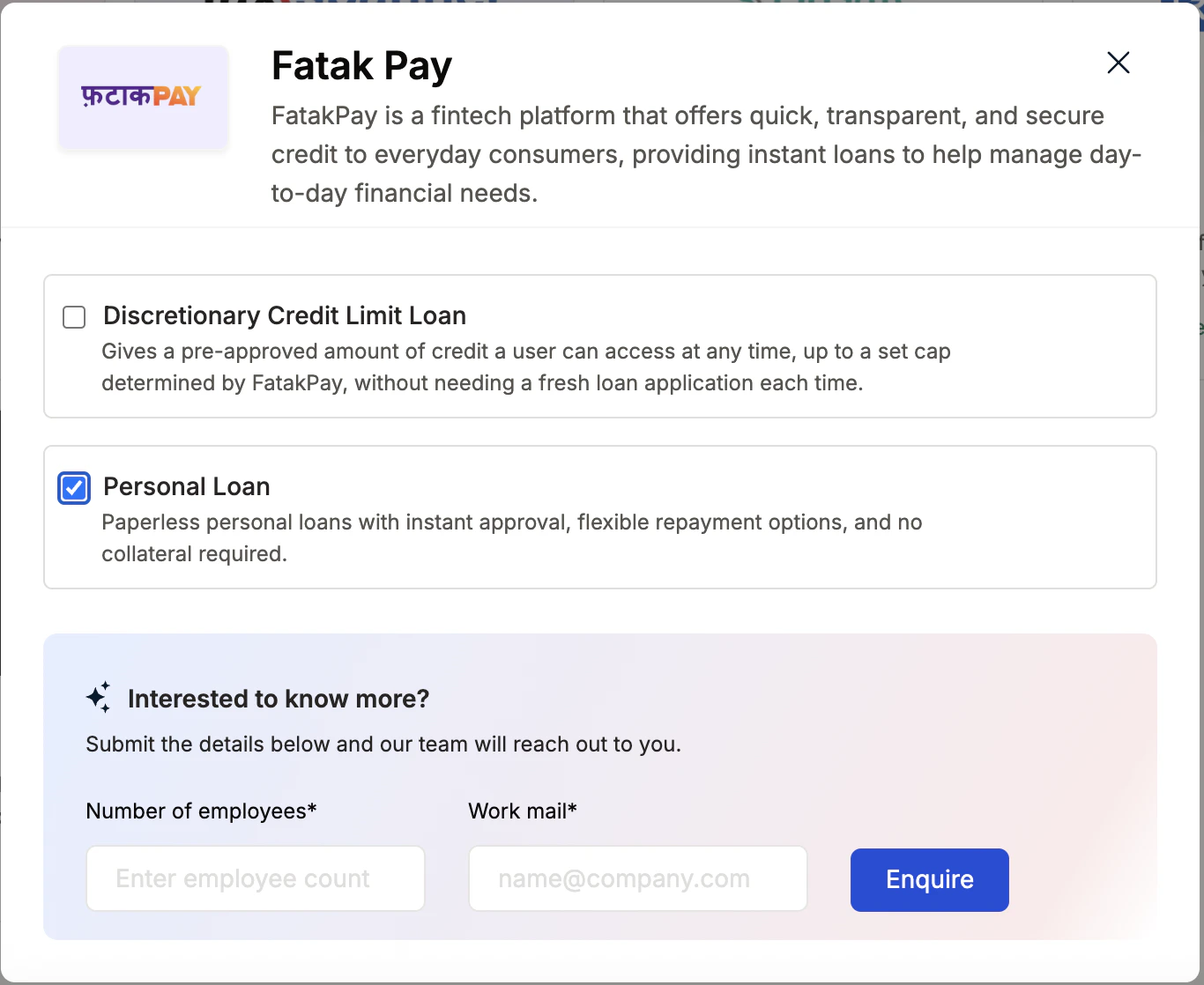
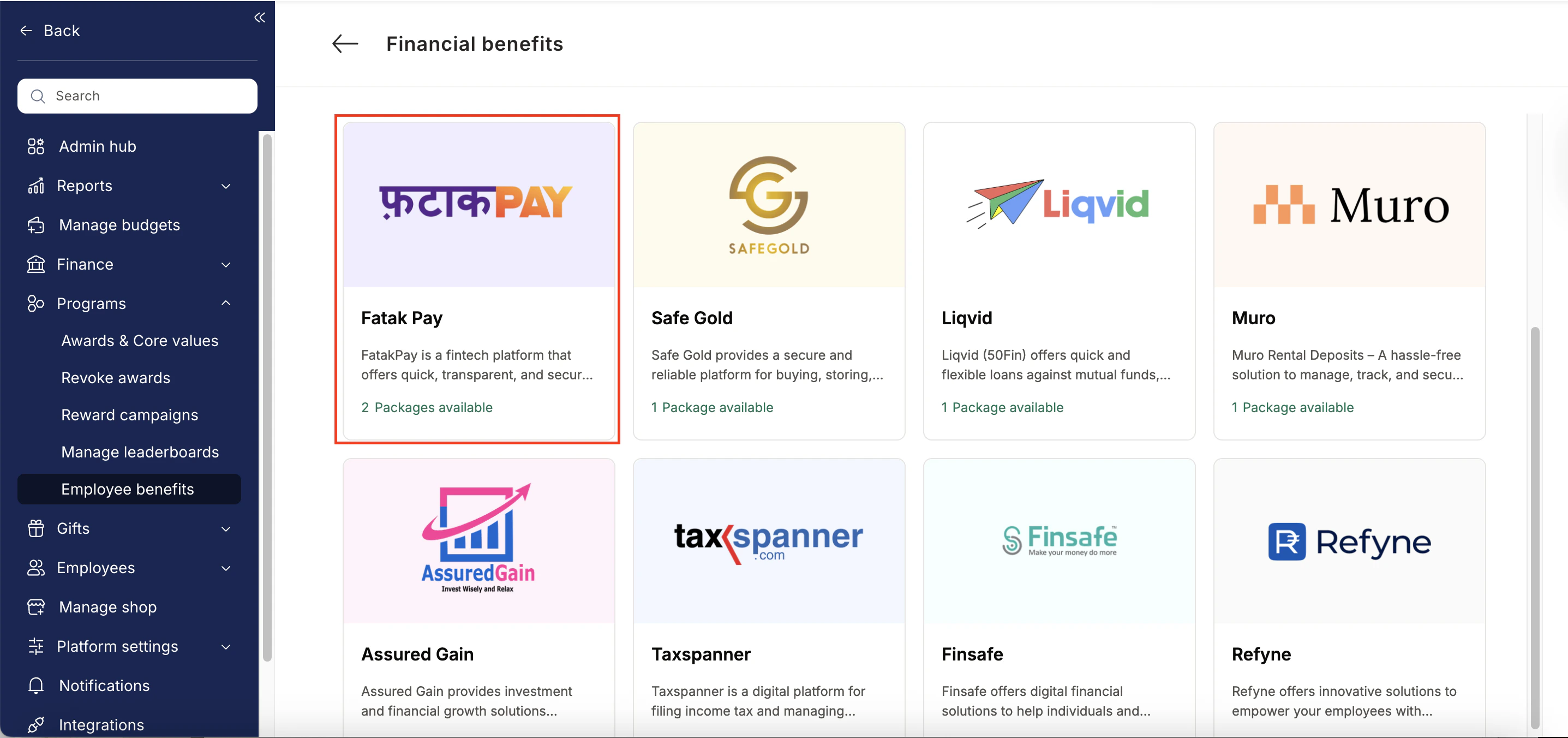 * Enter:
* Number of employees
* Work email addresses
* Phone numbers
* Click **Enquire**.
* Our team will respond with details and pricing.
* Enter:
* Number of employees
* Work email addresses
* Phone numbers
* Click **Enquire**.
* Our team will respond with details and pricing.
 * Our team will connect with you, confirm pricing and requirements, and activate the benefit for all employees.
## How Employees Can Access Fatakpay
Log in to Empuls with your credentials.
Navigate to \*\*Shop \*\*
Select\*\* Fatakpay \*\*from the available options.
Pick the counselling or well-being service you need.
Book your benefit by clicking on **Pay.**
## Support
For setup or usage assistance, contact us at **[cs@xoxoday.com](mailto:cs@xoxoday.com)**.
* Our team will connect with you, confirm pricing and requirements, and activate the benefit for all employees.
## How Employees Can Access Fatakpay
Log in to Empuls with your credentials.
Navigate to \*\*Shop \*\*
Select\*\* Fatakpay \*\*from the available options.
Pick the counselling or well-being service you need.
Book your benefit by clicking on **Pay.**
## Support
For setup or usage assistance, contact us at **[cs@xoxoday.com](mailto:cs@xoxoday.com)**.